Executive Summary
- Mitigates Cross-Site Scripting (XSS) and data injection by defining trusted content sources.
- Provides granular control over resource loading via HTTP response headers at the server or application level.
- Enhances WordPress security architecture by reducing the attack surface created by third-party plugins and themes.
What is Content Security Policy?
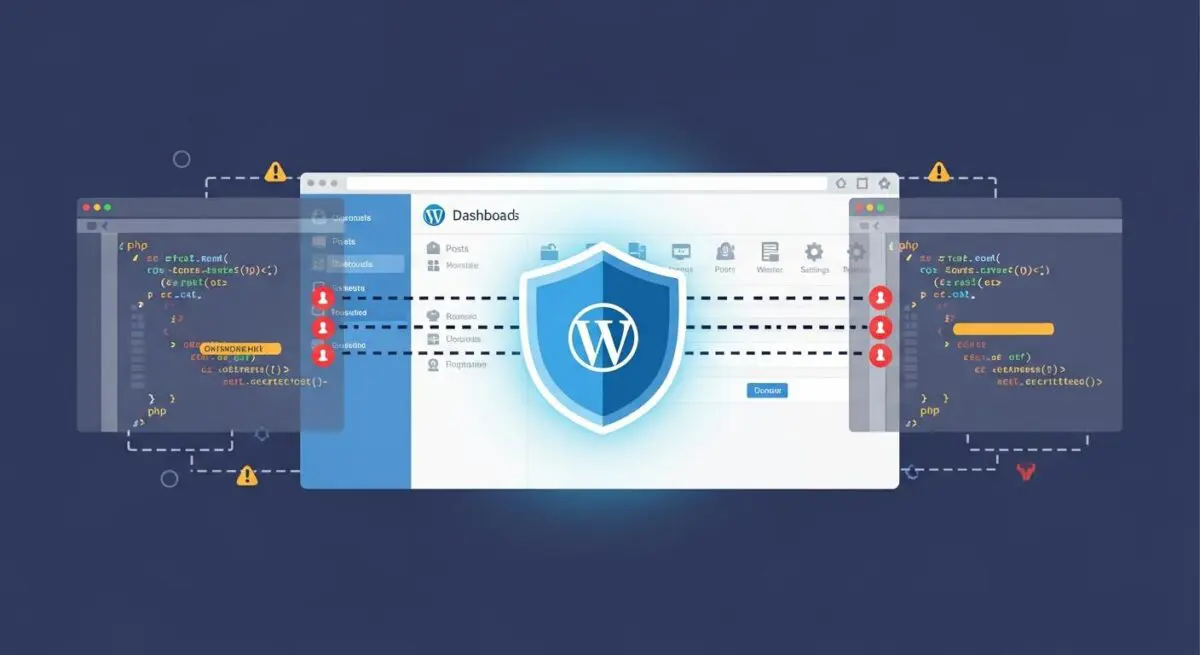
A Content Security Policy (CSP) is an advanced security layer implemented via HTTP response headers that allows site administrators to restrict the resources, such as JavaScript, CSS, and images, that a browser is permitted to load for a specific page. By defining a whitelist of trusted sources, CSP effectively mitigates a wide range of attack vectors, most notably Cross-Site Scripting (XSS), clickjacking, and other code injection attacks. In the context of WordPress, where the architecture often relies on a multitude of third-party plugins and external APIs, a well-defined CSP acts as a critical fail-safe against vulnerabilities introduced by unvetted code. The policy is communicated from the server to the client’s browser through the Content-Security-Policy header. Directives within this header, such as script-src, style-src, and object-src, provide granular instructions on which domains are considered safe. If a browser encounters a resource originating from a source not explicitly permitted by the policy, it will block the execution or loading of that resource, thereby protecting the end-user and the integrity of the WordPress installation.
As CSP has evolved from Level 1 to Level 3, it has introduced more sophisticated features like 'strict-dynamic' and cryptographic hashes, allowing for more flexible yet secure configurations that accommodate modern, dynamic web applications. For enterprise WordPress deployments, CSP is not merely an optional security feature but a fundamental requirement for maintaining compliance and protecting sensitive user data from exfiltration attempts. It provides a declarative mechanism for web developers to control the execution environment, ensuring that only authorized scripts are processed by the user agent.
The Real-World Analogy
Imagine a Content Security Policy as a highly trained security detail at a private executive gala. The event organizer provides the security team with a strict guest list (the CSP whitelist). Only individuals whose names appear on that list are allowed to enter the ballroom. If an uninvited person attempts to enter—even if they are dressed in a tuxedo and look like they belong—the security guard (the web browser) checks the list, finds no match, and denies entry immediately. This prevents unauthorized actors from influencing the event, regardless of how they tried to gain access or what they claim to be.
How Content Security Policy Impacts Server Performance & Speed Engineering?
While primarily a security mechanism, CSP has indirect implications for performance and speed engineering. From a server-side perspective, the delivery of the CSP header itself adds negligible overhead to the Time to First Byte (TTFB). However, the process of auditing and implementing a strict CSP often leads to a significant reduction in third-party script bloat. By forcing developers to explicitly whitelist every external domain, it highlights unnecessary or redundant scripts that may be slowing down the site’s rendering path. This rigorous audit often results in the removal of legacy tracking pixels and unoptimized assets that contribute to high Total Blocking Time (TBT) and poor Interaction to Next Paint (INP) scores.
Furthermore, CSP encourages the elimination of inline scripts and styles, which are often render-blocking. By moving these to external, cached files and whitelisting them, developers can improve the browser’s ability to parallelize downloads and optimize the Critical Rendering Path. In high-performance WordPress environments, leveraging Content-Security-Policy-Report-Only allows for real-time monitoring of policy violations without interrupting the user experience. This data provides invaluable insights into how resources are being loaded across different user agents, enabling performance engineers to identify and resolve bottlenecks caused by third-party services that may be failing or responding slowly, thereby ensuring a more stable and faster experience for the end-user.
Best Practices & Implementation
- Implement the policy at the server level using Nginx or Apache configurations to ensure headers are dispatched before the WordPress PHP engine processes the request, providing maximum security coverage.
- Utilize cryptographic nonces or SHA-256 hashes for any necessary inline scripts to avoid the use of
'unsafe-inline', which significantly weakens the policy’s protection against XSS. - Start with a
Content-Security-Policy-Report-Onlyheader to log violations to a reporting endpoint, allowing for the identification of required assets before enforcing the policy on production. - Regularly audit the
connect-srcandframe-srcdirectives to manage permissions for AJAX requests and embedded content, ensuring compatibility with evolving WordPress REST API integrations. - Adopt a deny-by-default strategy by setting
default-src 'none';and incrementally adding only the necessary trusted sources for each specific resource type.
Common Mistakes to Avoid
One frequent error is the implementation of an overly permissive policy, such as using wildcards like * or including 'unsafe-inline' and 'unsafe-eval' directives without a specific technical necessity. This effectively bypasses the primary security benefits of CSP. Another common mistake is failing to account for the WordPress administrative dashboard (wp-admin), where various core functions and plugin interfaces may require specific sources that differ from the front-end, leading to broken functionality for site editors. Additionally, neglecting to update the CSP when adding new third-party services can lead to silent failures of critical site features.
Conclusion
Content Security Policy is a fundamental pillar of modern WordPress security architecture, providing a critical defense against injection-based attacks while promoting cleaner, more efficient resource management. Proper implementation requires a balance of strict security directives and thorough testing to ensure optimal site performance and functionality.