Executive Summary
- Reduces redundant HTTP requests by storing static assets locally on the client’s device, eliminating network latency for repeat visits.
- Directly optimizes Core Web Vitals, specifically Largest Contentful Paint (LCP), by accelerating the availability of critical rendering resources.
- Leverages HTTP headers such as Cache-Control, Expires, and ETag to manage resource lifecycle, expiration, and validation.
What is Browser Caching?
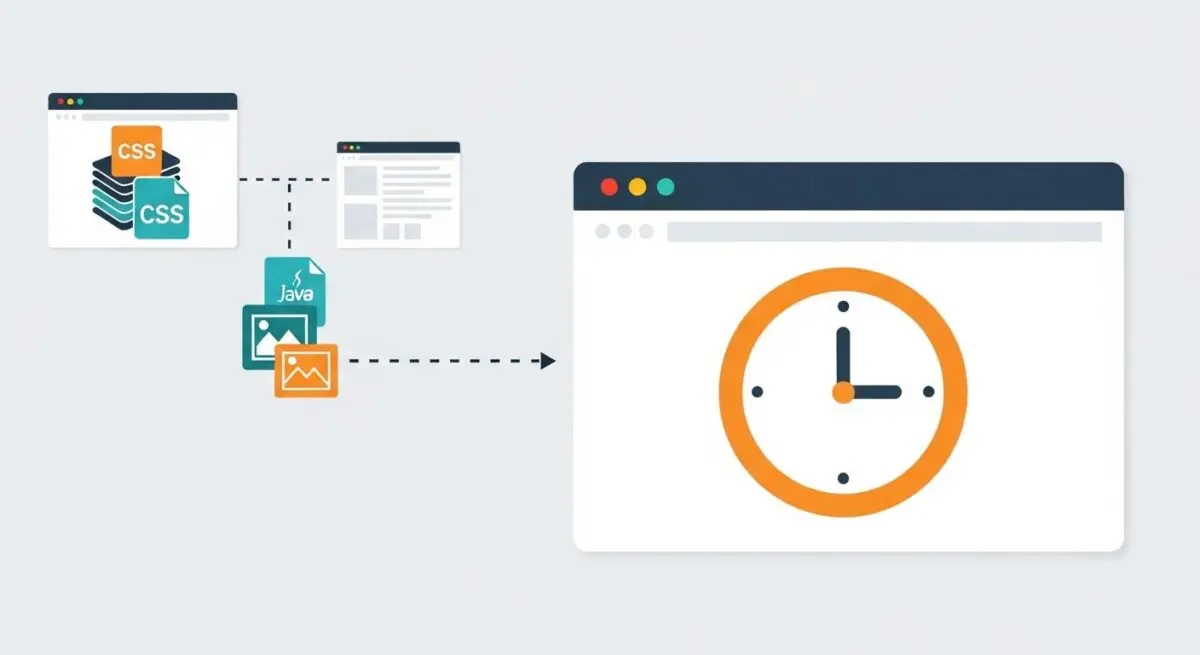
Browser caching is a sophisticated client-side optimization mechanism that enables a user agent to store local copies of web resources—including HTML documents, CSS stylesheets, JavaScript files, and multimedia assets—for a predetermined period. This process is governed by specific HTTP response headers issued by the origin server, which dictate how long a resource remains valid and under what conditions it must be revalidated. By retrieving these files from the local disk or memory cache rather than the remote server, the browser significantly reduces the volume of data transmitted over the network.
At its core, browser caching minimizes the impact of the ’round-trip time’ (RTT) by fulfilling requests locally. When a user revisits a page, the browser checks its internal cache for the required assets. If a valid copy exists, it is loaded instantaneously, bypassing the DNS lookup, TCP handshake, and TLS negotiation phases that would otherwise be required for a fresh fetch. This is essential for maintaining high performance in high-latency environments or on mobile networks where bandwidth and connection stability are variable.
The Real-World Analogy
Imagine a professional chef who frequently uses a specific set of spices for a signature dish. Instead of driving to the wholesale market—the origin server—every single time a recipe calls for salt or pepper, the chef keeps a dedicated supply in a kitchen pantry, which represents the browser cache. This allows the chef to access essential ingredients immediately, ensuring the meal is prepared and served to the customer much faster. The chef only returns to the market when the pantry is empty or when the ingredients are no longer fresh, mirroring the way a browser only requests a new file when the cache has expired.
Why is Browser Caching Critical for Website Performance and Speed Engineering?
Browser caching is a fundamental pillar of speed engineering because it directly influences the critical rendering path and user-perceived performance. By serving assets locally, it drastically improves Largest Contentful Paint (LCP), as hero images and structural CSS are rendered without waiting for network delivery. Furthermore, it reduces Time to First Byte (TTFB) for subsequent page views and lowers the Total Blocking Time (TBT) by ensuring that heavy execution scripts are already available in the client’s environment.
From a server-side perspective, effective caching policies reduce the computational load on the origin server and decrease bandwidth consumption. This scalability is vital for enterprise-level applications where high traffic volumes can lead to server strain. By offloading resource delivery to the client’s hardware, organizations can maintain consistent performance even during peak usage periods, ensuring that the Core Web Vitals remain within the ‘Good’ threshold across diverse user segments.
Best Practices & Implementation
- Implement Cache-Control: max-age headers with a long duration (e.g., 31536000 seconds or one year) for static assets that do not change frequently, such as logos, fonts, and global stylesheets.
- Utilize Cache Busting (fingerprinting) by incorporating unique version hashes into filenames (e.g., main.v2.css), ensuring users receive updated files immediately upon deployment while maintaining long cache durations.
- Configure ETags (Entity Tags) to provide a validation mechanism, allowing the browser to send a conditional request to the server to check if a resource has changed without re-downloading the entire payload.
- Apply the private directive for personalized or user-specific content to ensure that sensitive data is stored only in the local browser cache and not on shared intermediary proxies or CDNs.
- Prioritize the immutable extension for non-changing assets to prevent the browser from even sending a revalidation request during a manual page refresh.
Common Mistakes to Avoid
One frequent error is setting an excessively short Time-to-Live (TTL) for static resources, which negates the benefits of caching by forcing the browser to re-verify assets too often. Another critical mistake is failing to implement a robust cache-invalidation strategy; without unique filenames or proper header management, users may continue to see outdated or broken versions of a website long after an update has been pushed. Finally, caching sensitive or dynamic HTML pages can lead to security vulnerabilities or the display of incorrect user data to different visitors.
Conclusion
Browser caching is an indispensable technique for reducing latency and optimizing the delivery of web resources. By strategically managing how assets are stored on the client side, developers can ensure superior load speeds and a seamless user experience.