Executive Summary
- Provides a strongly typed GraphQL schema for WordPress, enabling precise data fetching and reducing network overhead.
- Optimizes server performance by eliminating data over-fetching and consolidating multiple REST API requests into a single query.
- Serves as the foundational architecture for headless WordPress deployments and modern decoupled frontend frameworks.
What is WPGraphQL?
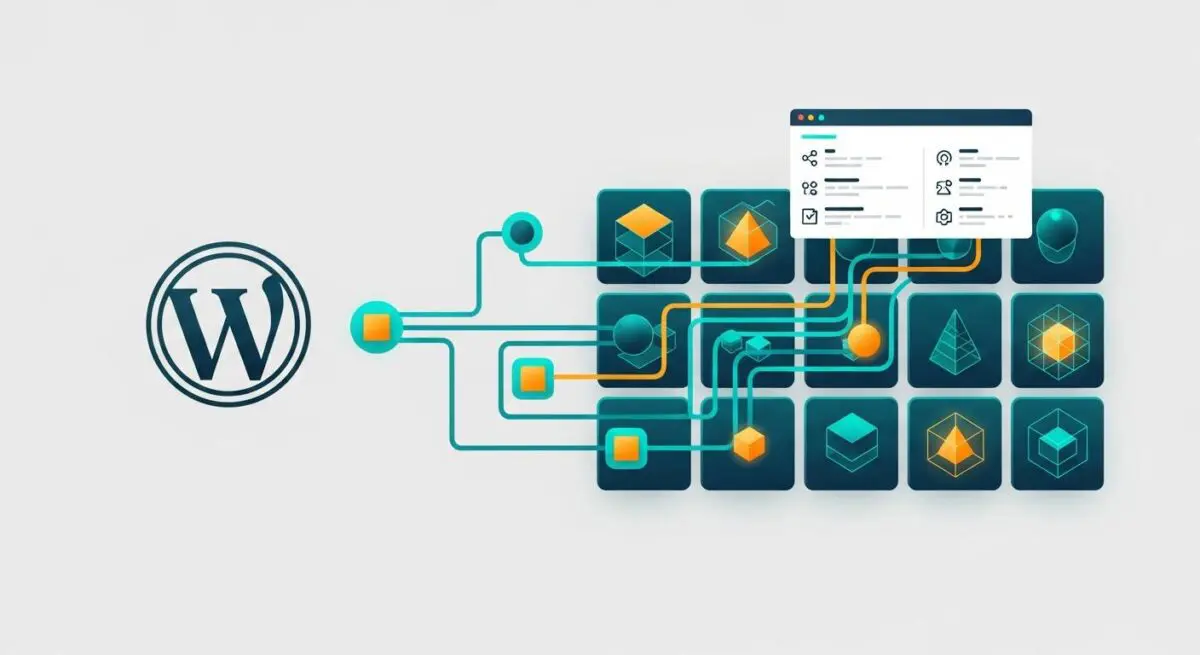
WPGraphQL is a free, open-source WordPress plugin that provides an extendable GraphQL schema and API for any WordPress site. Unlike the native WordPress REST API, which relies on multiple fixed endpoints for different data types such as posts, pages, and users, WPGraphQL offers a single endpoint. This allows developers to interact with WordPress data using the GraphQL query language, enabling them to request specific fields and nested resources in a single, efficient network request.
From an architectural standpoint, WPGraphQL acts as a middleware layer that maps internal WordPress data structures—including custom post types, taxonomies, and metadata—into a strongly typed schema. This schema provides a self-documenting interface that ensures data integrity and allows for sophisticated tooling, such as the GraphiQL IDE, to be used directly within the WordPress administrative dashboard for query testing and schema exploration.
The Real-World Analogy
Imagine you are at a high-end restaurant with a traditional fixed-price menu, which represents the REST API. If you want a specific ingredient, you must order the entire course, even if you do not intend to eat the side dishes. WPGraphQL functions like a sophisticated a la carte ordering system. You provide the waiter with a precise list of exactly what you want—for example, “three ounces of salmon, two stalks of asparagus, and no sauce”—and the kitchen delivers exactly that on a single plate. You avoid the waste of unwanted food (data over-fetching) and the need for the waiter to return to your table multiple times (multiple HTTP requests).
How WPGraphQL Impacts Server Performance & Speed Engineering?
WPGraphQL significantly enhances server performance by optimizing the data transfer layer between the backend and the frontend. By allowing clients to specify exactly what data they need, it eliminates over-fetching (sending more data than required) and under-fetching (requiring additional requests to get related data). This reduction in payload size directly translates to faster download times and lower memory consumption on the client side, which is critical for mobile performance.
On the server side, WPGraphQL can be more efficient than REST when properly configured with Query Batching and Object Caching. Because it uses a single endpoint, it reduces the overhead associated with establishing multiple HTTP connections. Furthermore, when integrated with specialized caching layers like WPGraphQL Smart Caching, the results of complex queries can be stored in an object cache or at the Edge (CDN), drastically reducing Time to First Byte (TTFB) for decoupled applications and improving overall server response times.
Best Practices & Implementation
- Implement Query Depth Limiting: Prevent malicious or poorly written queries from exhausting server resources by setting a maximum depth for nested queries to maintain server stability.
- Utilize WPGraphQL Smart Caching: Integrate with a persistent object cache like Redis to store query results, ensuring the server does not have to re-process the same data for every request.
- Leverage Fragments: Use GraphQL fragments to define reusable sets of fields, which improves code maintainability and ensures consistency across different parts of the application.
- Disable GraphiQL in Production: To maintain a secure posture, ensure the interactive query editor is only accessible in development or staging environments to reduce the attack surface.
Common Mistakes to Avoid
One frequent error is the N+1 Query Problem, where a developer fails to use data loaders, causing the server to execute a new database query for every item in a list. Another common mistake is failing to monitor query complexity; without constraints, a single complex query can consume excessive CPU and RAM, leading to server instability. Finally, many organizations neglect to implement proper authentication and authorization checks, potentially exposing sensitive data through the GraphQL endpoint.
Conclusion
WPGraphQL is an essential tool for enterprise WordPress environments seeking to implement headless or decoupled architectures. It provides the technical foundation for high-performance, scalable, and developer-friendly data orchestration.