Key Points
- The “Referenced AMP URL is not an AMP” error stems from orphaned rel=”amphtml” discovery tags persisting in the DOM after plugin removal.
- Resolution requires a multi-layered approach involving DOM scrubbing, aggressive cache purging across Object, Page, and CDN layers, and server-level 301 redirects.
- Validating the fix demands cURL header checks, Google Search Console Live Tests, and automated log analysis to ensure Googlebot-AMP encounters no dead-end discovery paths.
Table of Contents
The Core Conflict: AMP Decommissioning and Crawl Logic
According to a technical analysis by the HTTP Archive, approximately 28% of domains that decommissioned the AMP framework failed to remove their ‘rel=amphtml’ discovery tags within the first 90 days. This oversight led to an average 12% decrease in crawl efficiency for their mobile-first indexing.
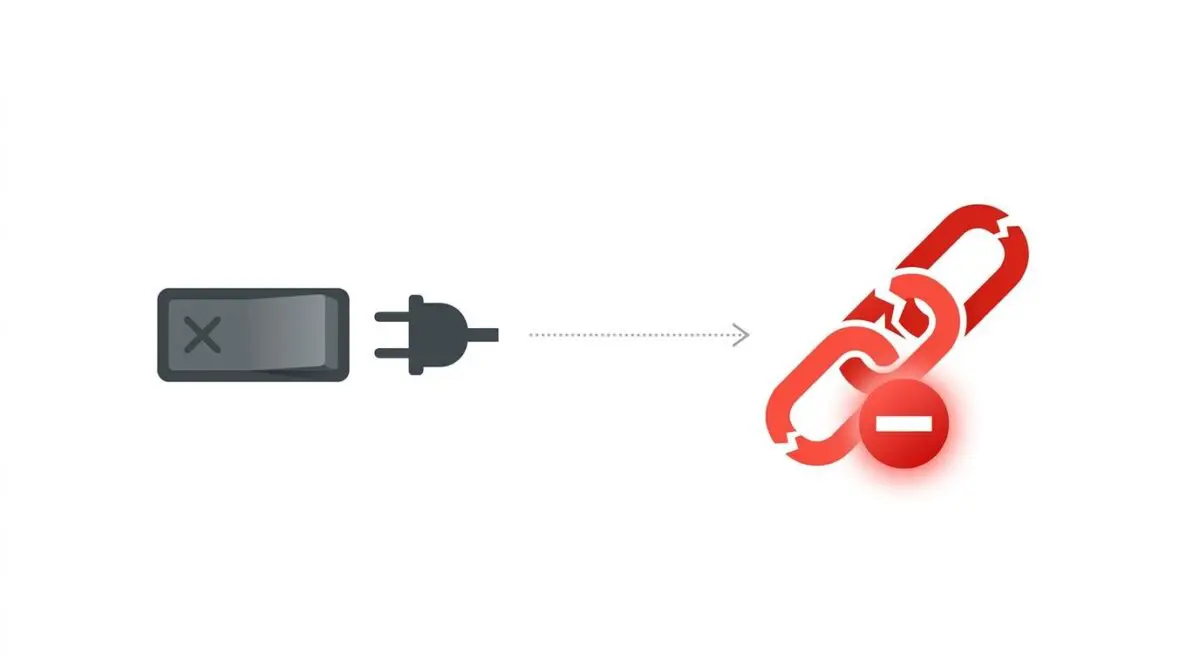
The “Referenced AMP URL is not an AMP” error occurs when a canonical HTML document contains a discovery tag pointing to a destination that fails to meet the AMP specification. This typically manifests during post-AMP migrations where the discovery link remains in the source code.
Meanwhile, the target URL returns standard HTML, a 404 error, or a 301 redirect. From a Search Engine Protocol perspective, this creates a logic conflict that forces Googlebot to initiate a redundant fetch for the AMP version.
The crawler only encounters invalid markup, which effectively terminates the indexing process for the AMP-specific version of that page. This error significantly degrades Crawl Budget by forcing crawlers into dead-end discovery paths.
In the context of Generative Engine Optimization, these structural inconsistencies signal technical fragility to LLM-based crawlers. Search engines prioritizing deterministic content signals for AI-generated overviews view orphaned AMP links as data noise.
This data noise can reduce the document’s authority score, resulting in the loss of high-visibility mobile features like the Top Stories carousel. It also leads to slower indexing of the primary content as the crawl queue is clogged with invalid AMP references.
Diagnostic Checkpoints: Identifying the Desynchronization
When resolving this error, engineers must understand that it represents a desynchronization across the server stack. The database, application layer, and edge caching are no longer aligned on the document’s status.
Diagnostic Checkpoints
Orphaned Rel-AMPHTML Metadata
Legacy discovery tags persist in HTML after plugin deactivation.
Stale Object and Page Caching
Server-side caches continue serving outdated HTML with AMP links.
CDN Edge Fragment Persistence
Edge caches retain legacy HTTP headers pointing to AMP.
Hardcoded Theme Template Tags
Manual header.php modifications require manual removal of link tags.
The root cause is often found in orphaned metadata left behind by SEO plugins or legacy themes. Even after the core AMP plugin is disabled, the logic handling the target URL is removed while the discovery tag remains in the DOM.
Beyond the application layer, stale object and page caching frequently exacerbate the issue. Advanced caching layers like Redis or Memcached store the fully rendered HTML containing the obsolete tag.
If the cache is not explicitly purged after disabling AMP, the server continues to serve the old HTML to bots. Furthermore, Content Delivery Networks cache the discovery header at the edge.
If the link was sent via HTTP Link headers, these headers can persist in the CDN cache long after the origin server updates. Finally, hardcoded theme template tags in custom builds often bypass standard plugin deactivation hooks entirely.
The Engineering Resolution Roadmap
Rectifying this error requires a systematic, multi-layered approach to ensure all legacy references are eliminated. A partial fix will only temporarily mask the underlying crawl inefficiencies.
Engineering Resolution Roadmap
Audit DOM and Scrub Discovery Tags
Search your theme’s header.php and any SEO plugin settings for references to ‘amphtml’. Use a global search in your IDE or the ‘grep’ command in the CLI to find where the link tag is being generated and remove the hook or the hardcoded line.
Flush Multi-Layer Caching
Clear the WordPress Object Cache (Redis/Memcached), the Page Cache (WP Rocket/Autoptimize), and then perform a ‘Purge Everything’ action on your CDN (Cloudflare/Akamai) to ensure the legacy HTML is replaced.
Implement Global AMP-to-Canonical Redirects
Configure server-level 301 redirects to point all legacy AMP traffic back to the canonical URL. This ensures that any bot hitting an old AMP link is immediately sent to the valid HTML version.
Verify and Request GSC Validation
Once the tags are removed and redirects are active, go to the Google Search Console AMP report, click on the specific error, and select ‘Validate Fix’ to trigger a recrawl of the affected URLs.
The first critical phase involves auditing the Document Object Model and scrubbing the discovery tags. Engineers must search the theme’s core files and SEO plugin configurations for any programmatic injections of the AMP link.
Once the application code is sanitized, flushing multi-layer caching is mandatory. You must clear the WordPress Object Cache, the Page Cache, and perform a global purge on your CDN to ensure the updated DOM propagates to the edge.
Implementing global AMP-to-canonical redirects acts as a fail-safe mechanism for external links and lingering crawler memory. Configuring server-level 301 redirects ensures any bot hitting an old AMP endpoint is immediately routed to the valid HTML version.
The final step is verifying the fix and requesting validation through Google Search Console. Triggering a recrawl of the affected URLs forces Googlebot to process the updated, AMP-free DOM structure.
Server and Application-Level Code Implementations
Deploying the correct code at the server or application level is critical for a clean migration. Below are the precise configurations required to strip legacy tags and enforce proper routing.
Fixing via WordPress Functions (functions.php)
This function removes the programmatic injection of the AMP canonical tag and enforces a 301 redirect for any URL containing the AMP query parameter.
add_action('wp_head', function() { remove_action('wp_head', 'amp_frontend_add_canonical'); }, 1); add_action('template_redirect', function() { if (isset($_GET['amp'])) { wp_redirect(get_permalink(), 301); exit; } });Fixing via NGINX Configuration
For servers running NGINX, these location blocks capture both the trailing directory format and the query string format of legacy AMP URLs, redirecting them permanently to the canonical path.
location ~* /amp/ { rewrite ^(.*)/amp/$ $1 permanent; } location ~* \?amp=1 { rewrite ^(.*)$ $1? permanent; }Fixing via Apache Configuration (.htaccess)
If your infrastructure relies on Apache, these rewrite rules will intercept incoming AMP requests and execute a clean 301 redirect while stripping the query string.
RewriteEngine On RewriteCond %{QUERY_STRING} ^amp=1$ [NC] RewriteRule ^(.*)$ /$1? [R=301,L] RewriteRule ^(.*)/amp/?$ /$1 [R=301,L]Validation Protocol and Edge Cases
Implementing the code is only half the battle; rigorous validation ensures the search engines process the changes correctly. Relying solely on browser visuals will not confirm the absence of HTTP headers.
Validation Protocol
- Execute ‘curl -I -H “User-Agent: Googlebot-AMP”‘ to verify absence of rel=”amphtml” headers.
- Perform GSC URL Inspection ‘Live Test’ to ensure HTML source code is clean.
- Audit Network tab in DevTools to confirm 301 redirects for all legacy /amp/ paths.
Engineers must test for rare edge cases that bypass standard caching purges. For example, in a Headless WordPress setup utilizing a React or Next.js frontend, the backend WP-JSON API might still send AMP metadata in the REST response.
If the frontend framework automatically generates meta tags based on this payload, it will inject the discovery link into the headless site’s DOM. This occurs even though the AMP plugin is disabled on the WordPress origin.
Additionally, aggressive reverse proxies like Varnish might hold stale XML sitemaps containing the old AMP URLs. You must manually flush these specific endpoints to prevent search engines from discovering phantom links.
Autonomous Monitoring and Prevention
Preventing the recurrence of structural metadata errors requires shifting from reactive troubleshooting to proactive infrastructure monitoring. Modern enterprise SEO relies on automated CI/CD pipeline checks.
Using tools like Puppeteer or Lighthouse CI allows you to scan for the presence of unauthorized discovery tags before code is deployed to production. Periodically running server-side log analysis is equally critical.
If log analysis reveals Googlebot-AMP activity hitting your site frequently after AMP removal, it indicates discovery tags are still present somewhere in your infrastructure. At Andres SEO Expert, we advocate for advanced automation pipelines using platforms like Make.com to monitor entity integrity.
These automated workflows can parse server logs in real-time and trigger custom API alerts if legacy bot user agents detect anomalies. This level of autonomous oversight is the ultimate way to maintain technical hygiene at an enterprise scale.
Finalizing the Infrastructure
Eliminating the “Referenced AMP URL is not an AMP” error restores proper crawl logic and reclaims wasted crawl budget. By strictly controlling your DOM output and server routing, you ensure search engines process your canonical content without friction.
Navigating the intersection of technical SEO, server architecture, and generative search requires a precise roadmap. If you need to future-proof your enterprise stack, resolve deep-level crawl anomalies, or implement AI-driven SEO automation, connect with Andres at Andres SEO Expert.