Key Takeaways
- GitHub Mobile users can now ask Copilot to investigate and fix failing Actions checks directly from their phone.
- Copilot opens a new pull request on top of the existing one, analyzes the failure, and implements a fix automatically.
- The feature is available now on the latest production build for both iOS and Android.
One Tap to Fix CI Failures from Your Phone
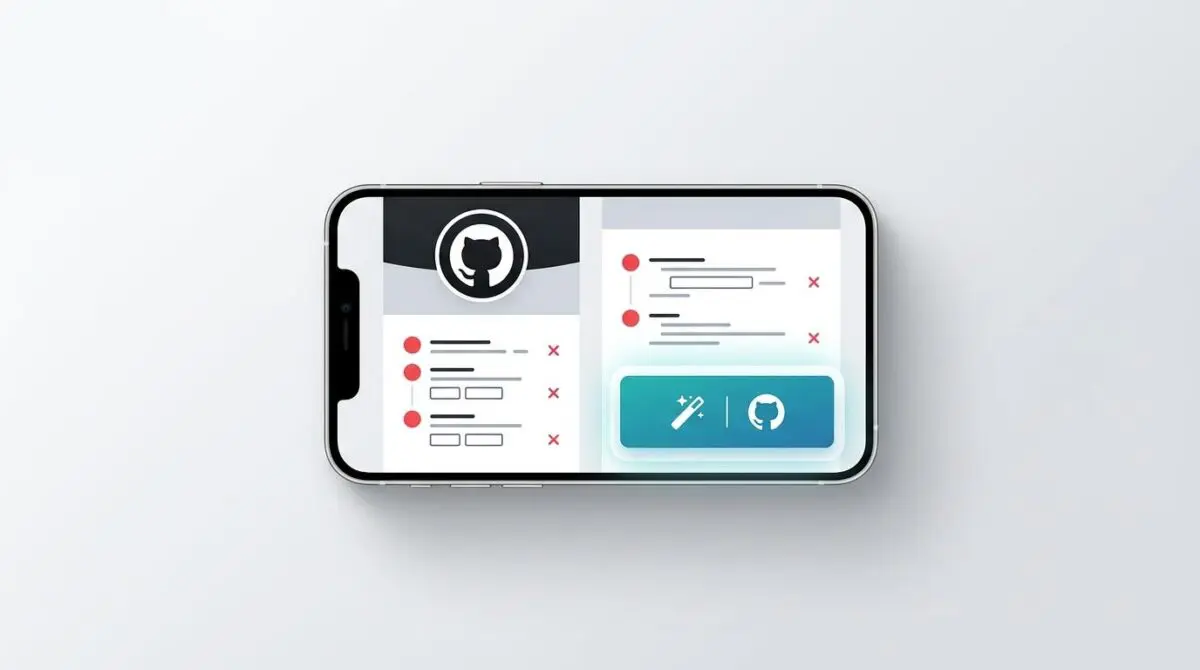
GitHub Mobile has added a powerful new capability: when a GitHub Actions check fails on your pull request, you can now ask Copilot to investigate and fix it directly from the mobile app. The feature, rolling out in the latest production build for iOS and Android, eliminates the need to rush back to a desktop to resolve broken builds.
From the failed check notification, a single tap on ‘Fix with Copilot’ triggers the cloud agent. It analyzes the error, creates a new pull request on top of your existing one, and attempts to implement a working fix. Once ready, Copilot tags you for review so you can inspect the proposed solution, run additional checks, and decide whether to merge.
Table of Contents
How the Fix Workflow Operates
The process is designed for minimal friction. After a check fails, users see the option to invoke Copilot from the check details screen. Copilot’s cloud agent receives the context of the failure, including logs and the current PR state, then devises a patch.
Importantly, Copilot does not modify the original pull request directly. Instead, it opens a new PR stacked on top of the existing one, containing only the fix commit. This preserves the original work and gives the developer full control over whether to accept the change.
Once the new PR is created, Copilot automatically tags the original author for review. The developer can review the diff, run additional checks in the new PR, and merge it into the base branch. This keeps the workflow entirely within the mobile experience.
Strategic Implications for Mobile DevOps
This update represents a significant step toward AI-driven mobile productivity for developers. By reducing the time between failure notification and resolution, Copilot effectively shrinks the feedback loop that often stalls pull request progress. For teams that rely on continuous integration, this can mean faster merge times and less context switching.
While GitHub has not disclosed specific success rates or benchmarks for the fix agent, the feature, detailed in the official changelog, signals a broader trend: AI is becoming an active participant in the development lifecycle, not just a code completion tool. Competitors in the AI-assisted development space are likely to respond with similar mobile-first capabilities, pushing the entire ecosystem toward more autonomous workflows.
As AI agents take on more operational tasks, developers will increasingly expect these tools to be available wherever they work—including from a phone. This feature positions GitHub Mobile as a platform that keeps productivity moving even when the developer is away from a keyboard.
Conclusion and Next Steps
GitHub Mobile’s Copilot integration for fixing failing Actions checks is a practical, immediately useful application of AI in the developer workflow. It turns a mobile device into a viable tool for maintaining CI/CD momentum, reducing the anxiety of broken builds while on the go.
By bringing intelligent automation to pull request management, GitHub is setting a new standard for what mobile development can achieve. This is more than a convenience—it is a glimpse into a future where AI handles the interruptions so developers can focus on the creative work.
At Andres SEO Expert, we specialize in engineering high-performance digital ecosystems. Whether you are building AI-powered pipelines or optimizing your deployment workflow, our technical expertise can help you stay ahead. Explore our programmatic SEO and AI automation services to see how we can accelerate your development processes. For a deeper discussion, connect with Andres and discover what Andres SEO Expert can do for your team.
Frequently Asked Questions
How does the ‘Fix with Copilot’ feature work in GitHub Mobile?
When a GitHub Actions check fails on your pull request, you can tap ‘Fix with Copilot’ from the check details screen. Copilot’s cloud agent analyzes the error, logs, and current PR state, then creates a new pull request stacked on top of the original one containing a fix commit. It tags the original author for review, allowing them to review the diff, run additional checks, and decide whether to merge—all from the mobile app.
Does Copilot modify the original pull request directly?
No, Copilot does not modify the original pull request. Instead, it opens a new PR stacked on top of the existing one, containing only the fix commit. This preserves the original work and gives the developer full control over whether to accept the change.
What are the strategic implications of this feature for mobile DevOps?
This feature reduces the time between failure notification and resolution, shrinking the feedback loop that often stalls pull request progress. For teams relying on continuous integration, it can mean faster merge times and less context switching. It signals a trend toward AI as an active participant in the development lifecycle, not just a code completion tool.
Can developers run additional checks on the fix PR created by Copilot?
Yes, once the new PR is created, the original author can review the diff and run additional checks in the new PR before deciding to merge it into the base branch, keeping the workflow entirely within the mobile experience.
How does Copilot receive the context needed to fix the failure?
Copilot’s cloud agent receives the context of the failure, including logs and the current pull request state, from the check details screen after a failed check. It then uses this information to devise a patch and create the fix PR.
Why is this feature considered a step toward AI-driven mobile productivity?
By enabling mobile resolution of CI failures without needing a desktop, Copilot turns a mobile device into a viable tool for maintaining CI/CD momentum. It reduces anxiety from broken builds while on the go and allows AI to handle interruptions so developers can focus on creative work, setting a new standard for mobile development.