Key Takeaways
- Cluster Mode is generally available in every Elastic Beanstalk Region, running multiple applications on shared Amazon EKS infrastructure at no additional Beanstalk charge.
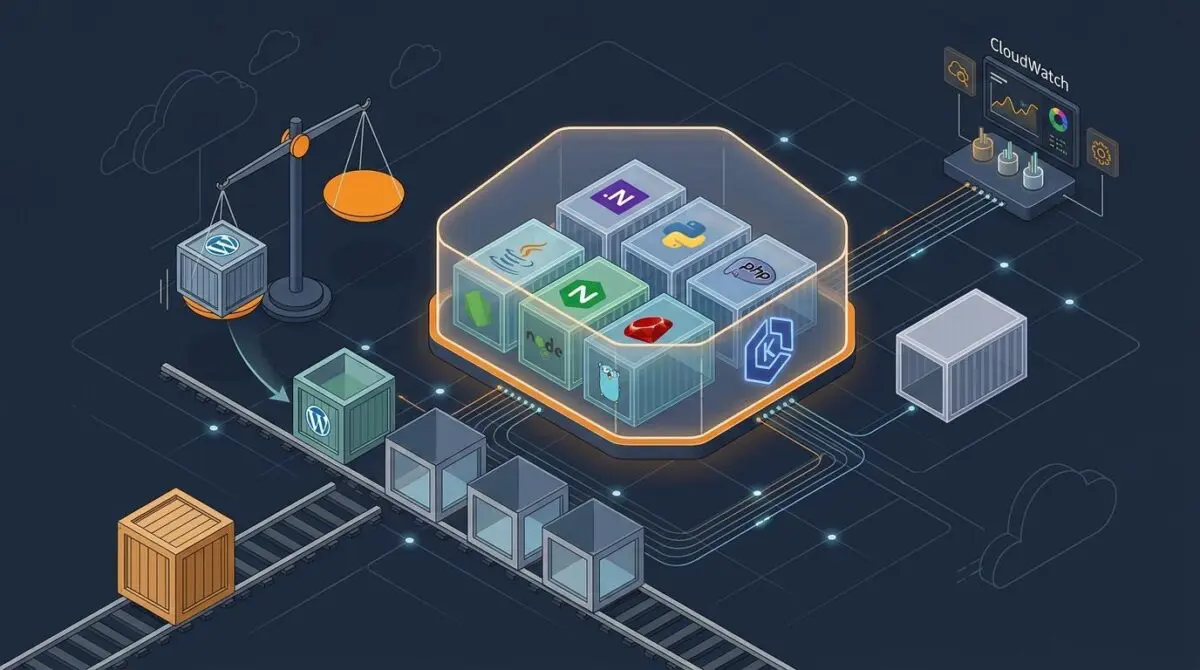
- Cloud Native Buildpacks auto-containerize Java, .NET, Python, Node.js, PHP, Ruby, and Go, with the first deployment creating the EKS cluster in roughly ten minutes.
- Standard Mode stays fully supported for side-by-side migration, but EKS overhead means single apps under about five hundred dollars a month rarely break even.
Table of Contents
Cluster Mode Brings Shared EKS Operations to Elastic Beanstalk
Reporting from AWS News Blog confirms that Elastic Beanstalk now offers a fully managed Cluster Mode built to run multiple applications on shared Amazon EKS infrastructure.
The new deployment tier is generally available as of September 2026 across every AWS Region where Elastic Beanstalk already operates, and it shifts the service from isolated environment management toward portfolio-level operations.
The feature is positioned as the next chapter for a service that has managed deployment, scaling, patching, monitoring, and upgrades for full-stack applications since 2011.
Inside Cluster Mode Architecture and Managed Deployment Flow
According to the AWS News Blog, Cluster Mode accepts source code, Dockerfiles, or container images, and it automatically containerizes supported runtimes through Cloud Native Buildpacks when no Dockerfile exists.
Java, .NET, Python, Node.js, PHP, Ruby, and Go workloads remain the compatibility core, so existing applications can move onto EKS without a Kubernetes rewrite.
The first deployment in a given subnet set triggers EKS cluster creation, a process that takes roughly ten minutes.
Once the cluster exists, later deployments reuse that infrastructure and complete faster.
Teams can create a Cluster environment from the Elastic Beanstalk console by selecting the Cluster deployment type, or they can automate the process with the AWS CLI, EB CLI, or SDKs.
Microservice deployments can register prebuilt Amazon ECR images as application versions and define service-level settings for autoscaling, CPU, memory, health checks, and public load balancer exposure.
- Deployment modes: all-at-once, rolling, immutable, and traffic-splitting releases with automatic rollback when a rollout fails.
- Autoscaling and secrets: event-driven scaling and native integration with AWS Secrets Manager.
- Observability: OpenTelemetry-native telemetry that feeds Amazon CloudWatch and other compatible backends.
- Troubleshooting: AI-powered environment analysis that collects service-side logs and generates remediation guidance.
- Compliance: HIPAA eligibility, PCI DSS compliance, and SOC 1/2/3 alignment without additional configuration.
Performance Economics of Shared EKS for Application Portfolios
Cluster Mode changes the optimization unit from a single environment to an entire application portfolio.
Multiple services share one EKS foundation, so per-application overhead can fall as more workloads consolidate onto the same operational baseline.
AWS does not add a separate charge for Elastic Beanstalk Cluster Mode.
Teams pay only for underlying resources, including the control plane charge for EKS, the EKS Auto Mode compute layer at roughly a 12 percent premium on EC2 costs, Amazon ECR, and CloudWatch.
The pricing structure creates a clear break-even threshold for performance-focused teams: a single application spending below five hundred dollars per month may not recover the shared-infrastructure overhead through bin-packing.
Above that point, consolidated operations, telemetry, patching, and autoscaling become a portfolio-level efficiency gain rather than an environment-by-environment cost.
Standard Mode and the Migration Path for Performance Teams
The EC2-based Standard Mode remains fully supported and can run side by side with Cluster Mode inside the same Elastic Beanstalk application.
This allows teams to migrate one environment at a time while validation checks confirm compatibility before any mode change.
Standard Mode stays the better fit for single-environment use cases, Windows and .NET Framework workloads on IIS, applications that cannot be containerized, and lower-spend deployments where EKS overhead is difficult to justify.
For larger portfolios, one shared operational model replaces the performance drift that often comes from managing each service independently.
A Portfolio Performance Shift, Not Just a New Deployment Mode
Cluster Mode reframes Elastic Beanstalk as a portfolio-level performance platform rather than a single-application convenience.
For teams applying the same shared-infrastructure logic to web performance, WordPress Speed Engineering is how Andres SEO Expert delivers production-grade speed — contact Andres SEO Expert.
Frequently Asked Questions
What is Elastic Beanstalk Cluster Mode?
Elastic Beanstalk Cluster Mode is a fully managed deployment tier that runs multiple applications on shared Amazon EKS infrastructure. It became generally available in September 2026 in all AWS Regions where Elastic Beanstalk operates, shifting the service from isolated environment management toward portfolio-level operations.
How is Cluster Mode different from Standard Mode?
Standard Mode runs each environment on EC2 and remains fully supported. Cluster Mode runs workloads on shared EKS infrastructure, changes the optimization unit from a single environment to an entire application portfolio, and introduces underlying EKS control plane and EKS Auto Mode compute costs. Both modes can run side by side in the same Elastic Beanstalk application.
What runtimes and deployment sources does Cluster Mode support?
Cluster Mode supports Java, .NET, Python, Node.js, PHP, Ruby, and Go. It accepts source code, Dockerfiles, or container images, and uses Cloud Native Buildpacks to containerize supported runtimes when no Dockerfile exists. Prebuilt Amazon ECR images can also be registered as application versions for microservice deployments.
How much does Elastic Beanstalk Cluster Mode cost?
AWS does not add a separate charge for Elastic Beanstalk Cluster Mode. Teams pay only for underlying resources, including the EKS control plane charge, EKS Auto Mode compute at roughly a 12 percent premium on EC2 costs, Amazon ECR, and CloudWatch. A single application spending below five hundred dollars per month may not recover the shared-infrastructure overhead through bin-packing.
When should teams use Cluster Mode instead of Standard Mode?
Use Cluster Mode for larger application portfolios where multiple services can share one EKS foundation and benefit from consolidated operations, telemetry, patching, and autoscaling. Keep Standard Mode for single-environment use cases, Windows and .NET Framework workloads on IIS, applications that cannot be containerized, and lower-spend deployments where EKS overhead is difficult to justify.
How does migration from Standard Mode to Cluster Mode work?
Standard Mode and Cluster Mode can run side by side inside the same Elastic Beanstalk application. Teams can migrate one environment at a time while validation checks confirm compatibility before any mode change, replacing performance drift from independently managed services with one shared operational model.
What deployment and observability features are included in Cluster Mode?
Cluster Mode includes all-at-once, rolling, immutable, and traffic-splitting deployments with automatic rollback when a rollout fails, event-driven autoscaling, native AWS Secrets Manager integration, OpenTelemetry-native telemetry that feeds Amazon CloudWatch and compatible backends, AI-powered environment analysis with remediation guidance, and HIPAA, PCI DSS, and SOC 1/2/3 compliance alignment.