
Key Takeaways
- GitHub argues the chat textarea has become a costly constraint for autonomous development workflows, not a neutral entry point.
- Canvases are compact full-stack environments that execute code locally, call third-party APIs, and pass state back to the agent.
- Oversight is shifting from conversation scrollback to recorded approval events, with human gates on writes that change code or create tickets.
Table of Contents
The Textarea Has Peaked: GitHub Makes the Case Against Chat-First AI
Three years into the generative AI buildout, the dominant interface remains a simple textarea. A September 24 post from GitHub’s engineering team contends that the chat box, while effective as a universal entry point, has become a costly constraint for autonomous development workflows.
The argument leans on an observation from academic Steven Pinker:
It’s kind of a shame that the first large-scale implementation of AI was kind of a gimmick—a first-person chatbot. But there is tremendous promise for AI if it is task oriented.
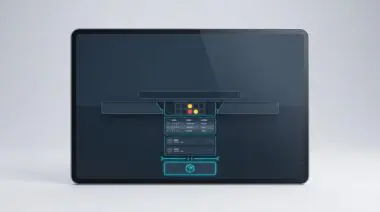
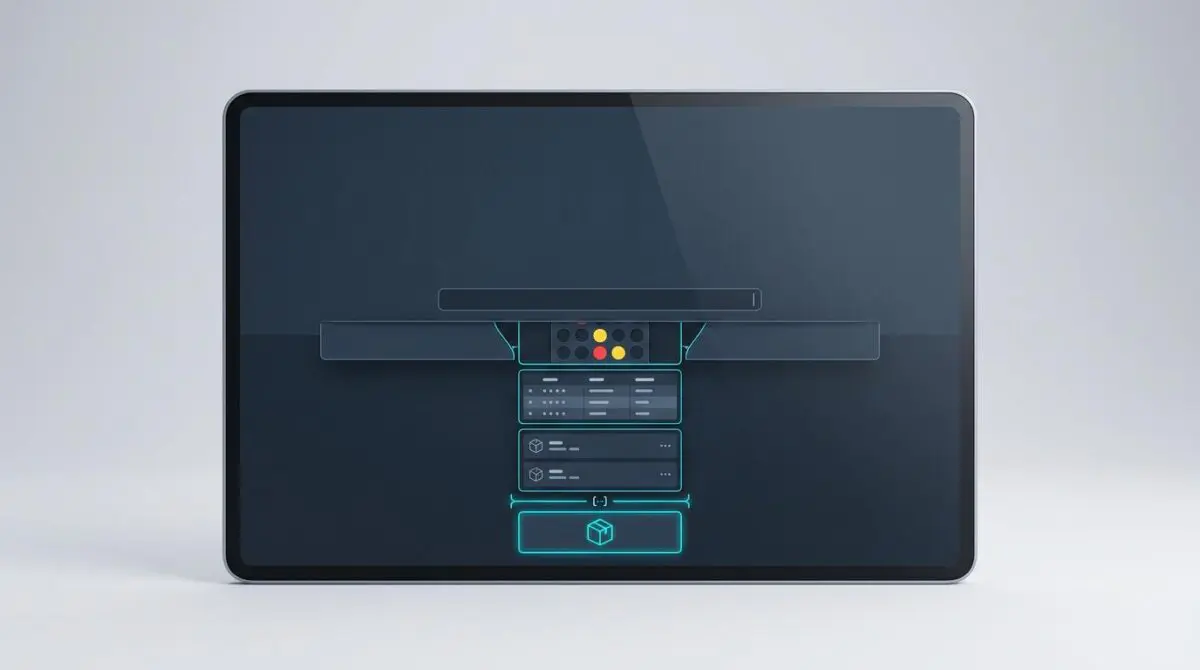
For the Copilot team, the fix is not another prompt refinement layer. It is a canvas: a compact full-stack environment inside the Copilot app that runs without the usual browser frame and lets the agent pass state to the server and back.
Canvases Are Full-Stack Executables, Not Glorified Chat Widgets
A canvas in the Copilot app is not a framed web page. It is a small full-stack environment that can call third-party APIs and execute code locally, with the agent able to push data in and read state back.
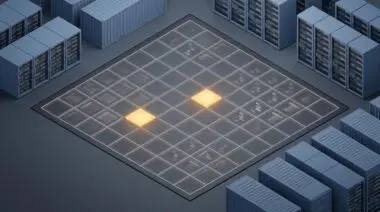
The implications show up quickly. A Connect 4 canvas can host an interactive game where the user plays directly against the Copilot agent, testing bidirectional state transfer in a visible loop.
From Games to Workflows: The Canvas Spectrum
- Local package management: A Winget UI can browse the registry and manage installed packages without burning tokens on an agent.
- Database work: A SQLite canvas brings back direct query writing with intellisense, leaving the agent out of routine data access.
- Content publishing: A Jekyll writing interface revives desktop-style editing instead of plain Markdown in a textarea.
- Workflow automation: A research-to-finalize pipeline lets the agent move through prototype and plan stages, then notify a human for review.
The Winget example is intentionally agent-free. Browsing a package registry and managing installed software through a local UI avoids wasting tokens on operations that a conventional tool can handle.
The workflow canvas is the most consequential. It reframes research, prototype, plan, implement, iterate, and finalize so the agent can proceed through early stages without the user at the keyboard, then surface for review.
The Agent Feedback Loop Moves From Scrollback to Shared Workspaces
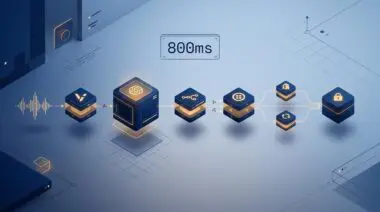
Honeycomb’s product documentation frames this in vendor-specific terms: canvas is a shared workspace for AI agent development, not a chat thread. The five-stage loop it describes — instrument the agent, understand what it did, find problems worth fixing, ship the fix, and prove the fix worked — reframes the surface as an observability boundary.
That matters because agentic workflows generate decisions that are harder to audit than chat replies. The Agent Timeline requires conversation ID, agent name, and operation name using OpenTelemetry GenAI semantic conventions, and write actions such as pull requests and Linear tickets still wait for human approval.
There is a productive tension here. The Copilot workflow example removes the user from the middle of research and prototyping; the shared-workspace model keeps a human gate on write actions that change code or create tickets.
The difference is less about philosophy than blast radius: local canvases can move fast, while shared canvases need approval boundaries.
Governance Moves From Conversation to Approval Events
The shared-workspace model reached general availability in November 2025. Its GitHub and Linear connectors remain in beta, with general availability expected this fall.
Regulators and analysts are reinforcing the same shift. Gartner’s June 2025 estimate that more than 40 percent of agentic AI projects could be canceled by the end of 2027 underscores the risk of invisible agent activity, while EU AI Act Article 14 human-oversight requirements and NIST’s AI Risk Management Framework push toward recorded, reviewable human overrides.
Approval interfaces also need to move beyond yes/no buttons. A plain-language action preview, the evidence and policy that triggered the action, calibrated uncertainty, and reversibility are becoming the baseline for human oversight.
Outside the Chat Box: What Actually Changes Today
Copilot’s canvas push marks the point where agentic AI stops being a conversation and starts being a production surface. The teams that win will treat the interface as a review and control layer, not a chat window.
For teams building agentic content and automation pipelines that need to scale, programmatic SEO and AI automation is how Andres SEO Expert approaches this shift — start the conversation here.
Frequently Asked Questions
What is a canvas in GitHub Copilot?
A canvas is a compact full-stack environment inside the Copilot app. It runs without the usual browser frame, can call third-party APIs and execute code locally, and lets the agent push data in and read state back.
How does a canvas differ from a chat-first AI interface?
A chat-first interface uses a simple textarea as the main surface. A canvas is a full-stack executable workspace that supports bidirectional state transfer, local code execution, and third-party API calls, making it better suited to autonomous development workflows than scrollback conversation.
What are common Copilot canvas use cases?
Common use cases include local package management with a Winget UI, database work with a SQLite canvas, content publishing through a Jekyll writing interface, and workflow automation that moves from research to finalize before notifying a human for review.
What is the agent feedback loop in a shared workspace?
The agent feedback loop is a five-stage process: instrument the agent, understand what it did, find problems worth fixing, ship the fix, and prove the fix worked. In a shared workspace, this loop acts as an observability boundary rather than a chat thread.
Why does agentic AI need human approval and governance?
Agentic workflows generate decisions that are harder to audit than chat replies. Write actions such as pull requests and Linear tickets still need human approval, and regulations like EU AI Act Article 14 and NIST AI RMF push for recorded, reviewable human overrides.
What are OpenTelemetry GenAI semantic conventions used for in agent timelines?
OpenTelemetry GenAI semantic conventions are used in the Agent Timeline to record conversation ID, agent name, and operation name. This makes agent activity more traceable and auditable than ordinary chat history.
Why is the textarea or chat box considered a constraint for autonomous development?
The chat box is effective as a universal entry point, but it becomes a costly constraint for autonomous workflows. It limits state transfer, local execution, and reviewable agent operations, which is why GitHub argues for canvases and shared workspaces instead.