Executive Summary
- Time on Page measures the specific duration a user spends viewing a single URL before navigating elsewhere, serving as a proxy for content relevance.
- Technical measurement has evolved from legacy Universal Analytics ‘heartbeat’ pings to GA4’s engagement_time_msec, which tracks active foreground browser activity.
- Optimizing this metric involves aligning content depth with search intent to reduce bounce rates and improve overall domain authority through user satisfaction signals.
What is Time on Page?
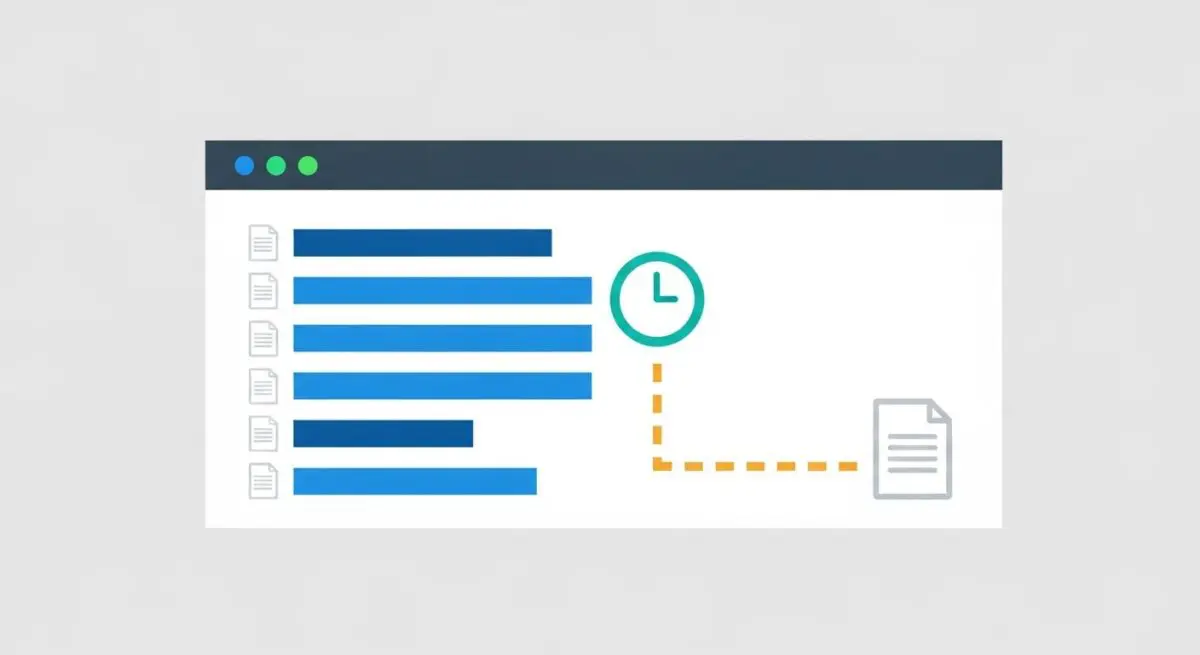
Time on Page is a web analytics metric that calculates the elapsed time between a user arriving on a specific URL and their transition to the next page within the same session. In legacy analytics frameworks, this was calculated by subtracting the initiation time of one pageview from the initiation time of the subsequent pageview. However, this method historically failed to account for ‘exit pages,’ as there was no subsequent timestamp to conclude the calculation, often resulting in a recorded time of zero for the final page of a session.
In the era of Google Analytics 4 (GA4), the methodology has shifted toward User Engagement. This technical implementation utilizes the engagement_time_msec parameter, which measures the time the browser tab is in the foreground and the user is actively interacting with the page. This provides a more granular and accurate representation of how long a user is truly consuming content, rather than simply leaving a tab open in the background.
The Real-World Analogy
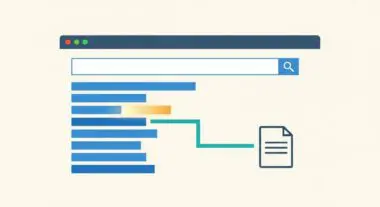
Imagine walking into a physical library to research a specific topic. If you pull a book off the shelf, open it, and spend twenty minutes taking notes, the librarian can infer that the book was highly relevant to your needs. Conversely, if you open the book, glance at the first page, and immediately put it back, it is clear the content did not match your expectations. Time on Page is the digital equivalent of those twenty minutes; it tells search engines and webmasters whether the ‘book’ (your webpage) provided the value the ‘reader’ (the searcher) was looking for.
Why is Time on Page Important for SEO?
While Google has stated that dwell time and Time on Page are not direct algorithmic ranking factors in the traditional sense, they function as critical User Experience (UX) signals. High Time on Page typically correlates with high-quality content that satisfies search intent. When users spend significant time on a page, it signals to search engines that the result is a ‘long click,’ which reduces the likelihood of ‘pogo-sticking’—the act of a user immediately returning to the search results to click another link.
Furthermore, Time on Page is a vital diagnostic tool for technical SEOs. A low average Time on Page for a long-form informational guide may indicate technical issues, such as slow Largest Contentful Paint (LCP), poor mobile responsiveness, or a fundamental mismatch between the targeted keyword and the actual content provided. Conversely, for transactional pages, a very high Time on Page might indicate a confusing UI that is hindering the conversion funnel.
Best Practices & Implementation
- Enhance Content Readability: Utilize semantic HTML headers (H2, H3), short paragraphs, and bulleted lists to facilitate scanning, which encourages users to stay longer and consume more information.
- Integrate Multimedia Elements: Embedding relevant videos, interactive charts, or tools (like calculators) increases active engagement time and provides multi-modal value to the user.
- Optimize Page Load Performance: Ensure the Time to Interactive (TTI) is minimized; users will not contribute to Time on Page metrics if they abandon the site due to a sluggish initial load.
- Implement Strategic Internal Linking: Use ‘Related Articles’ or ‘Deep Dive’ links to guide users to subsequent relevant content, ensuring the session continues and the overall engagement remains high.
Common Mistakes to Avoid
One frequent error is misinterpreting Time on Page without context; for example, a high Time on Page on a ‘Contact Us’ page may actually indicate a frustrated user who cannot find the phone number. Another mistake is relying on legacy Universal Analytics data which ignores exit page duration, leading to undervalued content performance reports. Finally, webmasters often attempt to artificially inflate this metric using ‘forced’ interactions or slow-loading elements, which ultimately damages the user experience and increases bounce rates.
Conclusion
Time on Page is a foundational metric for assessing content-intent alignment and user engagement. By focusing on technical performance and content depth, SEO professionals can improve this signal to drive better organic visibility.