Executive Summary
- Eliminates additional HTTP round-trips by embedding style rules directly within the HTML document.
- Optimizes the Critical Rendering Path (CRP) to accelerate First Contentful Paint (FCP) and Largest Contentful Paint (LCP).
- Enables immediate browser rendering of above-the-fold content without waiting for external resource fetches.
What is Inline CSS?
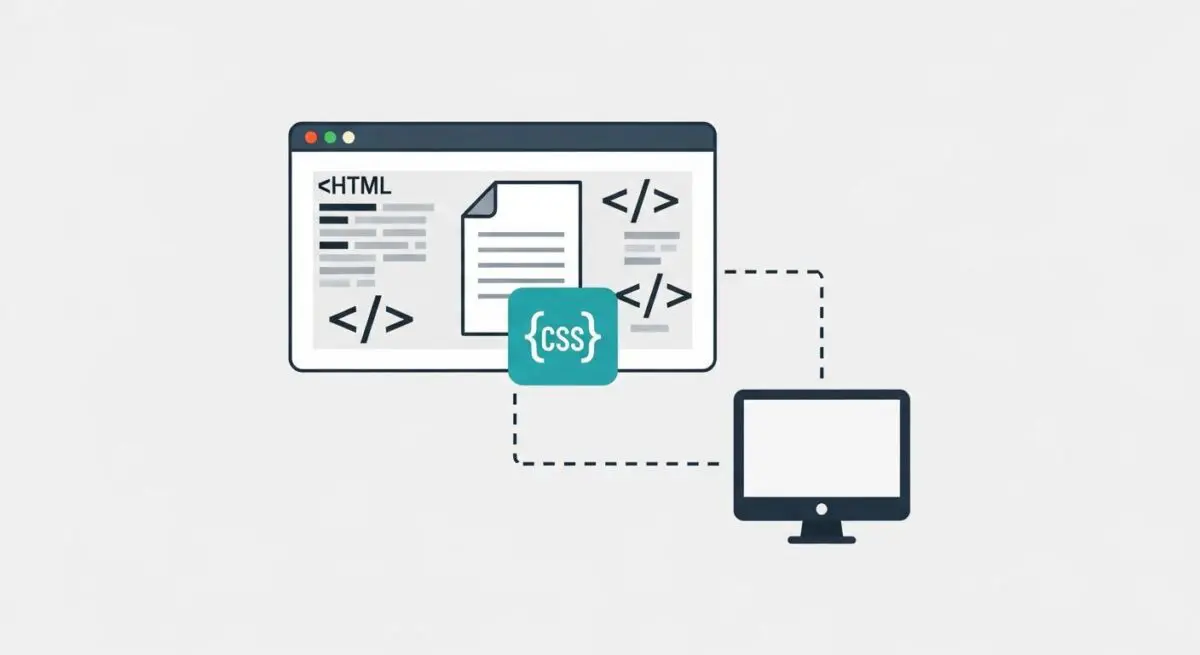
Inline CSS refers to the practice of embedding Cascading Style Sheet rules directly within an HTML document rather than linking to an external .css file. This can be achieved through two primary methods: using the style attribute on individual HTML elements or placing CSS blocks within <style> tags inside the document’s <head>. From a performance architecture perspective, inlining is most frequently associated with “Critical CSS,” where only the styles necessary to render the above-the-fold content are included in the initial HTML delivery.
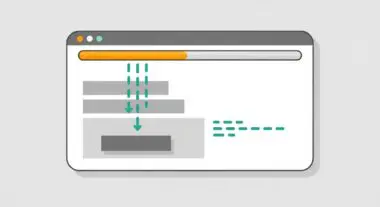
Technically, inline CSS bypasses the need for the browser to perform additional network requests (HTTP GET) to fetch external stylesheets before it can begin the rendering process. While external stylesheets are beneficial for caching and maintainability, they are inherently render-blocking. By providing styling information alongside the DOM structure, the browser can construct the CSS Object Model (CSSOM) and the Render Tree more rapidly, leading to faster visual completion of the page.
The Real-World Analogy
Imagine you are ordering a piece of flat-pack furniture. In a standard setup (External CSS), the box arrives, but the assembly instructions are missing. You must call the manufacturer and wait for them to mail you the manual before you can even begin to see how the pieces fit together. In an Inline CSS scenario, the assembly instructions are printed directly on the surface of the box or included as the very first page inside. You can begin building the moment the box arrives, without any delays or secondary deliveries, ensuring the most important parts of the furniture are visible and functional immediately.
Why is Inline CSS Critical for Website Performance and Speed Engineering?
In the context of Speed Engineering, Inline CSS is a primary lever for optimizing the Critical Rendering Path (CRP). Browsers cannot render a page until they have downloaded and parsed all linked stylesheets, a process that introduces latency due to DNS lookups, TCP handshakes, and TLS negotiation. For mobile users on high-latency networks, these round-trips can delay the First Contentful Paint (FCP) by several seconds.
By inlining critical styles, we ensure that the browser has everything it needs to display the initial viewport within the first few TCP packets. This directly improves Largest Contentful Paint (LCP), a core Google ranking factor, by reducing the time the main thread spends waiting for external assets. Furthermore, it prevents “Flash of Unstyled Content” (FOUC), providing a more stable and professional user experience from the first millisecond of interaction.
Best Practices & Implementation
- Prioritize Above-the-Fold Styles: Only inline the CSS required for the initial viewport. Use automated tools to identify and extract these specific rules while deferring the rest to an external file.
- Respect the 14KB Threshold: Aim to keep the total size of the initial HTML (including inline CSS) under 14KB. This ensures the entire critical payload fits within the first TCP congestion window, avoiding additional round-trips.
- Automate with Build Tools: Use modern build-step utilities like Critical, Penthouse, or PurgeCSS to dynamically generate and inject inline styles during the CI/CD process to maintain code scalability.
- Leverage External Files for Non-Critical CSS: Once the critical styles are inlined, load the remaining stylesheet asynchronously using rel=”preload” or similar techniques to ensure they do not block the initial render.
Common Mistakes to Avoid
One frequent error is inlining the entire site-wide stylesheet into every page. This significantly increases the HTML document size and prevents the browser from caching the CSS, forcing the user to re-download the same styles on every subsequent page load. Another mistake is manual implementation; without automation, inline styles quickly become technical debt, leading to inconsistencies between the inline “critical” code and the main external stylesheet. Finally, failing to account for the 14KB TCP slow-start limit can negate the performance benefits of inlining by triggering unnecessary network packets.
Conclusion
Inline CSS is a high-precision optimization technique that, when applied to critical rendering paths, eliminates render-blocking delays and drastically improves Core Web Vitals. It represents a strategic trade-off between document size and network efficiency to achieve the fastest possible time-to-interactivity.