Executive Summary
- ETags enable conditional HTTP requests, reducing bandwidth by preventing the re-download of unchanged resources.
- They facilitate efficient browser and CDN caching through unique version identifiers assigned to specific resource states.
- Proper ETag configuration minimizes Time to First Byte (TTFB) and improves Core Web Vitals by optimizing cache validation cycles.
What is ETag?
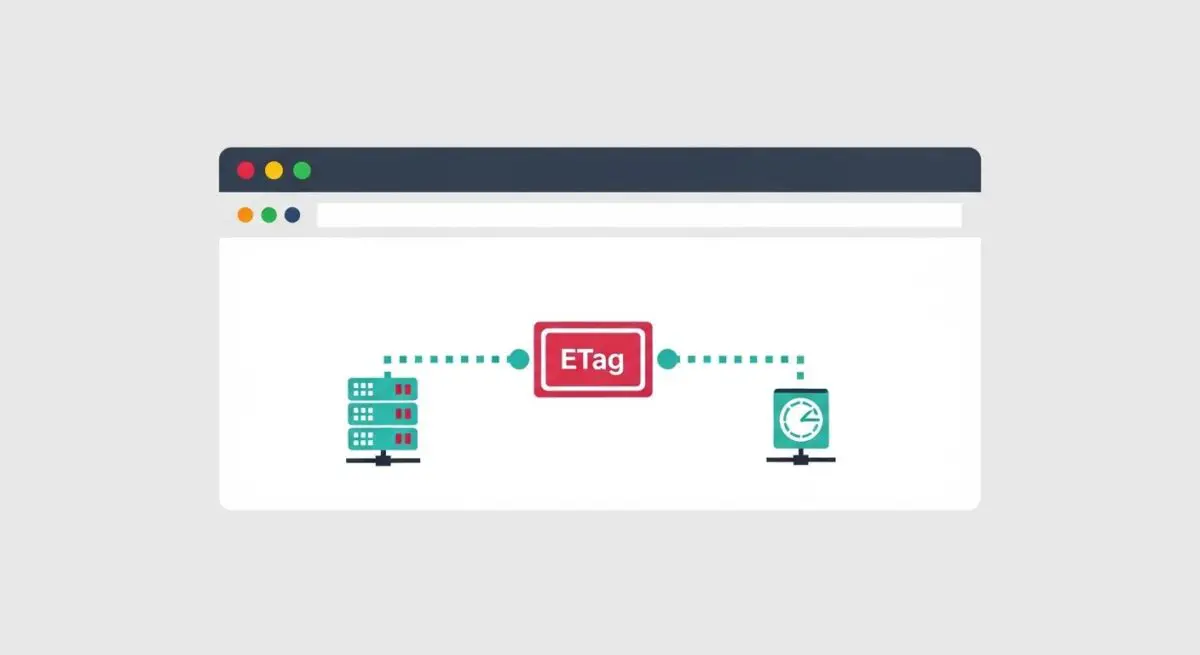
An ETag, or Entity Tag, is an HTTP response header that serves as a unique identifier for a specific version of a resource found at a URL. It allows browsers and intermediate caches to determine if the version of a resource they hold is identical to the version currently residing on the origin server. When a resource changes, a new and unique ETag is generated, ensuring that clients always receive the most up-to-date content without unnecessary data transfer.
Technically, ETags are part of the HTTP conditional request mechanism. When a browser requests a resource it has previously cached, it sends the stored ETag value in the If-None-Match header. If the server’s current ETag matches the client’s value, the server returns a 304 Not Modified status code without a message body, significantly reducing latency and bandwidth consumption. ETags can be “strong,” implying byte-for-byte equality, or “weak,” indicating that the resources are semantically equivalent even if not identical.
The Real-World Analogy
Imagine you are a frequent visitor to a local library. Instead of checking out a massive 1,000-page reference manual every single week to see if any updates have been made, the librarian gives you a small “Version ID” card. Each time you visit, you simply show the librarian your card. If the manual hasn’t been updated, the librarian says, “Your version is still current,” and you walk away instantly without having to carry the heavy book home again. You only carry the physical book when the librarian tells you the “Version ID” has changed. ETags are that “Version ID” for web files.
Why is ETag Critical for Website Performance and Speed Engineering?
ETags are fundamental to optimizing the cache validation process, which directly influences the efficiency of the Critical Rendering Path. By preventing the re-transmission of data that the client already possesses, ETags preserve bandwidth and reduce the load on the origin server. This is particularly vital for mobile users on high-latency networks where every kilobyte transferred adds to the total load time.
From a Core Web Vitals perspective, efficient ETag implementation helps maintain a low Time to First Byte (TTFB) and can indirectly improve Largest Contentful Paint (LCP). When a browser receives a 304 response, it can immediately render the cached asset, bypassing the download phase. Furthermore, in complex architectures involving Content Delivery Networks (CDNs), ETags ensure that edge nodes can validate content freshness with the origin server rapidly, maintaining high cache hit ratios across the global network.
Best Practices & Implementation
- Synchronize ETags Across Clusters: In distributed hosting environments, ensure that all servers generate identical ETags for the same file. Default configurations often use the file’s inode, which differs across servers, causing unnecessary cache misses.
- Leverage Weak Validation for Dynamic Content: Use weak ETags (prefixed with W/) for resources that are dynamically generated or where minor byte differences do not affect the user experience, allowing for more flexible caching.
- Prioritize Cache-Control: Use ETags as a secondary validation layer. The Cache-Control header should be the primary method for defining expiration, while ETags handle the validation of expired or stale content.
- Avoid ETags for Fingerprinted Assets: If your build process appends a unique hash to filenames (e.g., style.a1b2c3.css), ETags are redundant. In these cases, use long-lived Cache-Control headers and disable ETag generation to save header overhead.
Common Mistakes to Avoid
One frequent error is the “ETag Collision” in load-balanced environments, where different physical servers assign different tags to the same file, forcing the browser to re-download the asset every time the request hits a different node. Another mistake is failing to disable ETags when using Gzip or Brotli compression incorrectly; some server configurations may change the ETag when compression is applied, leading to validation failures if the client and server do not agree on the compressed state.
Conclusion
ETags are a critical component of modern web architecture, providing a precise mechanism for resource validation that saves bandwidth and improves response times. Proper configuration ensures that caching layers function at peak efficiency, directly benefiting both server overhead and end-user experience.