Executive Summary
- Reconfigures the native WordPress wp_mail() function to utilize authenticated SMTP or API-based delivery, bypassing the unreliable PHP mail() function.
- Enhances domain reputation and deliverability by integrating with enterprise-grade MTAs and ensuring compliance with SPF, DKIM, and DMARC protocols.
- Offloads email processing from the local web server to specialized third-party infrastructure, reducing server load and preventing IP blacklisting.
What is WP Mail SMTP?
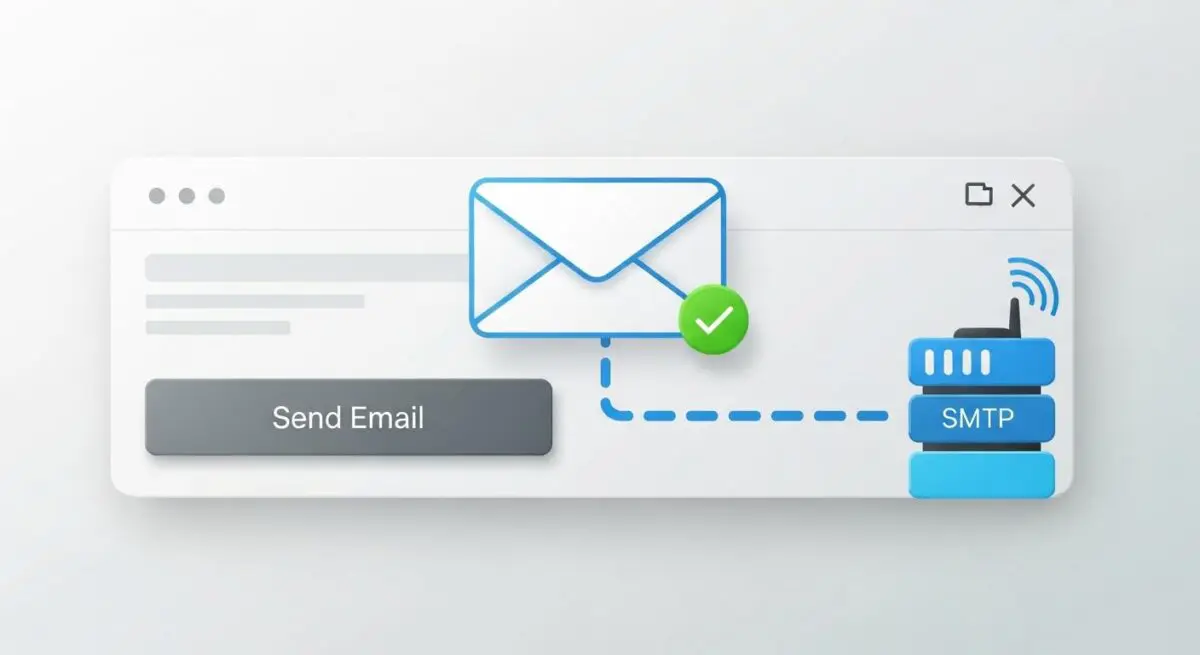
WP Mail SMTP is a critical architectural component for WordPress environments designed to resolve the inherent reliability issues of the default wp_mail() function. By default, WordPress utilizes the PHP mail() function, which relies on the local web server’s configuration to route emails. This method frequently fails because most managed hosting environments are not optimized for mail delivery, leading to emails being flagged as spam or rejected by receiving Mail Transfer Agents (MTAs) due to a lack of proper authentication headers.
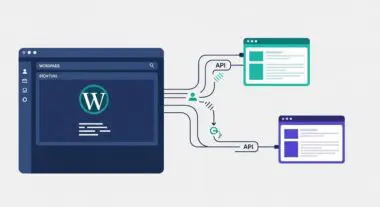
Technically, WP Mail SMTP functions as a pluggable override. It intercepts the wp_mail() call and re-routes the payload through a secure SMTP (Simple Mail Transfer Protocol) provider or a dedicated Web API. This allows developers to leverage specialized transactional email services such as Amazon SES, SendGrid, or Mailgun. By shifting from local delivery to authenticated remote delivery, the plugin ensures that every outbound communication—from password resets to e-commerce receipts—is cryptographically signed and delivered via a trusted IP address.
The Real-World Analogy
Consider the default PHP mailer as a generic, unmarked envelope dropped into a public street corner mailbox with no return address. Because the postal service cannot verify the sender, these envelopes are often discarded as junk. WP Mail SMTP acts as a certified courier service like FedEx or DHL. Instead of using the street corner box, you hand your document to a verified agent who checks your credentials, places the document in a tracked, branded envelope, and provides a digital receipt of delivery. This ensures the recipient knows exactly who sent the package and trusts its contents.
How WP Mail SMTP Impacts Server Performance & Speed Engineering?
From a server-side engineering perspective, relying on the local server to process and queue emails can introduce significant latency. When a PHP script initiates a mail command, the server must handle the SMTP handshake and delivery process synchronously or via a local postfix queue, which consumes CPU cycles and memory. In high-traffic enterprise environments, this can lead to bottlenecks, especially if the local mail server is under heavy load or experiencing timeouts.
WP Mail SMTP improves performance by offloading this overhead to external infrastructure. When using API-based integrations (such as the SendGrid or Gmail API), the plugin utilizes non-blocking HTTP requests, which are generally faster and more resilient than traditional SMTP handshakes over port 25 or 587. Furthermore, by ensuring high deliverability, it prevents the web server’s IP address from being blacklisted by global RBLs (Real-time Blackhole Lists), which is vital for maintaining the integrity of the hosting environment’s network reputation.
Best Practices & Implementation
- Prioritize API Integrations: Whenever possible, use API-based connections rather than standard SMTP. APIs are typically faster, more secure, and less likely to be throttled by firewall configurations.
- Implement Full DNS Authentication: Configure SPF (Sender Policy Framework), DKIM (DomainKeys Identified Mail), and DMARC (Domain-based Message Authentication, Reporting, and Conformance) records at the DNS level to validate the third-party sender.
- Utilize a Dedicated Subdomain: Send transactional emails from a subdomain (e.g., mail.example.com) to isolate the reputation of your transactional traffic from your primary marketing or corporate email traffic.
- Enable Granular Logging: Use the plugin’s logging features to monitor for delivery failures, but ensure log rotation is configured to prevent database bloat over time.
Common Mistakes to Avoid
One frequent error is attempting to use port 25 for SMTP connections; many managed WordPress hosts block this port by default to prevent outbound spam, necessitating the use of port 587 (TLS) or 465 (SSL). Another mistake is failing to update DNS records after switching providers, which results in immediate Softfail or Fail results during DMARC checks. Finally, many organizations neglect to monitor their From email address, using a non-existent no-reply address that can negatively impact sender scores if recipients attempt to bounce mail back.
Conclusion
WP Mail SMTP is an essential tool for modern WordPress architecture, transforming unreliable local mail processes into a robust, enterprise-grade communication system. By offloading delivery to specialized providers, it ensures high deliverability and maintains server-side performance integrity.