Executive Summary
- DKIM (DomainKeys Identified Mail) utilizes asymmetric cryptography to provide a digital signature that verifies the sender’s domain and ensures email content integrity.
- Implementation requires a public key published in the DNS records and a private key securely stored on the mail server to sign outgoing WordPress transactional emails.
- Proper DKIM configuration is critical for maintaining sender reputation and preventing WordPress-generated emails from being flagged as spam or phishing attempts.
What is DKIM?
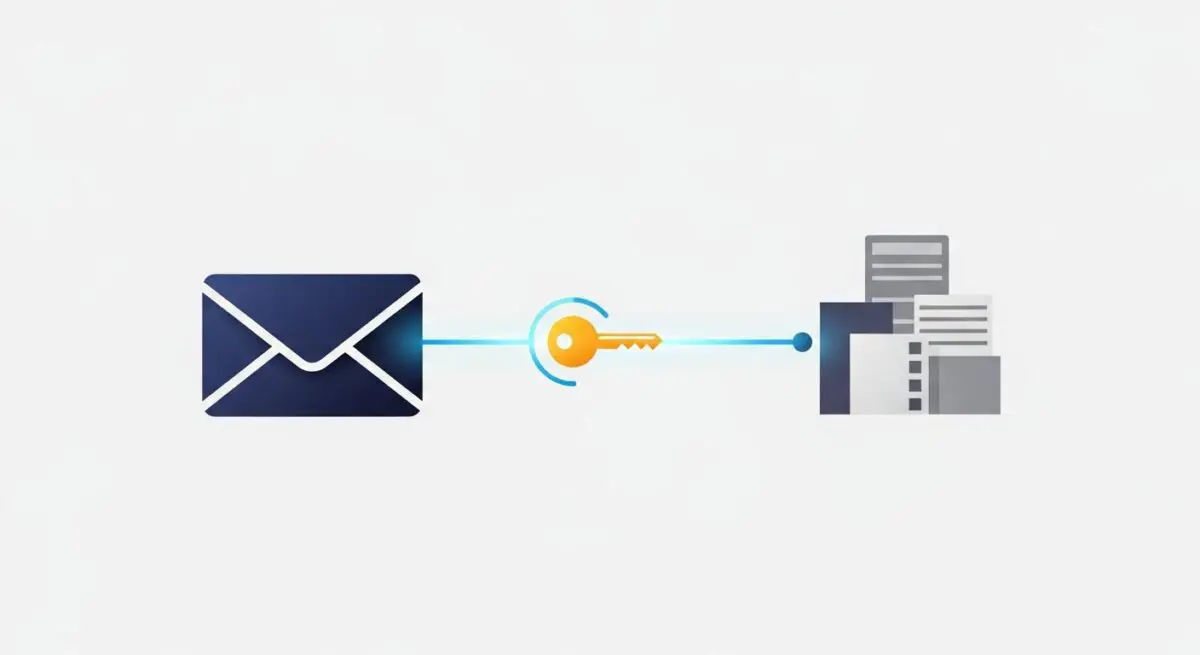
DKIM, or DomainKeys Identified Mail, is a sophisticated email authentication protocol that allows a sender to take responsibility for a message in transit. It functions by attaching a digital signature, linked to a domain name, to each outgoing email. This signature is generated using a private key and is verified by the receiving mail transfer agent (MTA) using a public key published in the sender’s Domain Name System (DNS) records. In the context of WordPress, DKIM is essential for validating transactional emails—such as password resets, order confirmations, and form submissions—ensuring they are recognized as legitimate by global mailbox providers like Google, Microsoft, and Yahoo.
Technically, DKIM operates at the protocol level, inserting a DKIM-Signature header into the email metadata. This header contains a hash of the message body and selected headers, encrypted with the sender’s private key. If the message is altered during transit, the hash will not match upon decryption by the recipient, causing the DKIM check to fail. For enterprise WordPress environments, where high-volume transactional mail is common, DKIM serves as a foundational layer of the email security triad, alongside SPF (Sender Policy Framework) and DMARC (Domain-based Message Authentication, Reporting, and Conformance).
The Real-World Analogy
Imagine sending a high-value legal contract through a courier service. To ensure the document isn’t tampered with, you place it in an envelope and apply a unique wax seal using your personal signet ring. You then provide the recipient with a photograph of your signet ring’s pattern so they can verify the seal’s authenticity. If the envelope arrives with a broken seal or a pattern that doesn’t match your ring, the recipient knows the contents have been compromised or the sender is an impostor. DKIM is that digital wax seal for your WordPress site’s emails, providing cryptographic proof that the message originated from your server and remained untouched.
How DKIM Impacts Server Performance & Speed Engineering?
While DKIM itself does not directly influence the front-end rendering speed of a WordPress site, it significantly impacts the efficiency of the server’s mail-handling architecture and the overall reliability of the digital ecosystem. Without DKIM, mail servers often subject incoming messages to more rigorous, resource-intensive filtering processes. This can lead to “greylisting,” where the receiving server temporarily rejects the email, forcing the WordPress server to queue and retry the delivery. This retry logic consumes CPU cycles and memory on the hosting environment, potentially impacting other server-side processes during peak traffic.
Furthermore, from a deliverability engineering perspective, DKIM is vital for maintaining a high sender reputation. A poor reputation leads to higher latency in email delivery and increased bounce rates. For WordPress sites utilizing the native wp_mail() function via a local postfix or exim configuration, the lack of DKIM can cause significant delivery delays. Transitioning to a dedicated SMTP provider or an API-based delivery method (like SendGrid or Amazon SES) offloads the cryptographic signing overhead from the WordPress application server to specialized infrastructure, thereby optimizing the local server’s resource allocation for PHP processing and database queries.
Best Practices & Implementation
- Use 2048-bit Keys: While 1024-bit keys were once standard, modern security requirements dictate the use of 2048-bit DKIM keys to prevent brute-force cryptographic attacks.
- Implement Key Rotation: Regularly rotate your DKIM private and public keys (e.g., every 6 to 12 months) to minimize the impact of a potential key compromise.
- Utilize Selectors: Use unique DKIM selectors (e.g., s1._domainkey.example.com) to allow multiple mail-sending services to sign emails on behalf of your domain without conflict.
- Integrate with DMARC: Ensure your DKIM implementation aligns with your DMARC policy to instruct receiving servers on how to handle emails that fail authentication.
- Offload via SMTP: Use a dedicated WordPress SMTP plugin to connect to a professional ESP (Email Service Provider) that handles DKIM signing at the infrastructure level rather than relying on the web server.
Common Mistakes to Avoid
One of the most frequent errors is the incorrect entry of the DKIM public key into the DNS TXT record, often due to character limits or copy-paste errors that truncate the cryptographic string. Another common mistake is failing to update DKIM records when migrating a WordPress site to a new hosting provider or changing email services, which results in immediate authentication failures. Finally, many administrators overlook the importance of “alignment,” where the domain in the From header must match the domain used in the DKIM signature to satisfy strict DMARC requirements.
Conclusion
DKIM is a non-negotiable component of modern WordPress server architecture that ensures email integrity and sender authenticity. By implementing robust cryptographic signing, agencies can guarantee that critical transactional data reaches its destination while protecting the domain’s global reputation.