Executive Summary
- A staging environment is a precise replica of the production server used for testing code, database migrations, and plugin updates in isolation.
- It prevents production downtime and performance degradation by offloading resource-intensive Quality Assurance (QA) processes to a non-public instance.
- Proper staging implementation requires strict parity between PHP versions, server modules, and database configurations to ensure deployment reliability.
What is a Staging Environment?
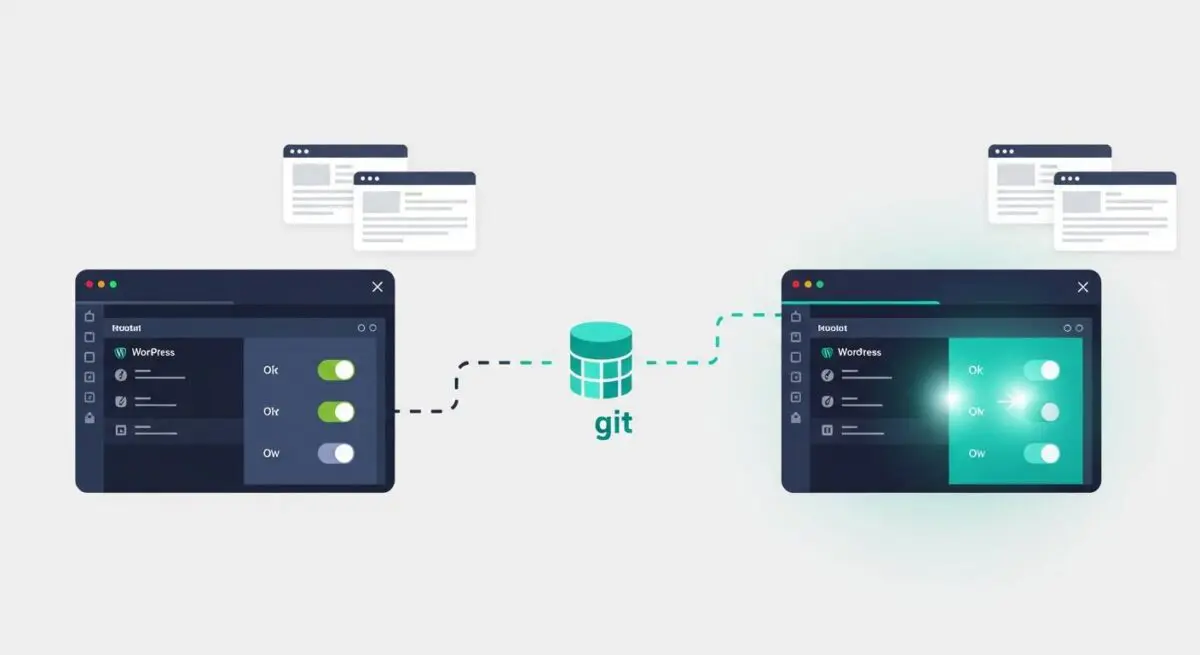
A staging environment is a non-production, private instance of a WordPress website that serves as a mirror of the live production environment. It is architected to replicate the exact server configuration, including the PHP version, MySQL/MariaDB database engine, web server software (Nginx or Apache), and caching layers like Redis or Memcached. In the context of enterprise WordPress management, the staging environment acts as a critical middleware layer between local development and the final deployment to the live server.
Technically, a staging environment involves a complete clone of the WordPress file system—specifically the wp-content directory—and a sanitized version of the production database. This allows developers and system administrators to execute destructive operations, such as core updates, database schema changes, or complex refactoring, without risking the integrity of the live site. It is the primary venue for User Acceptance Testing (UAT) and regression testing, ensuring that new code does not conflict with existing plugin hooks or server-side constraints.
The Real-World Analogy
Think of a staging environment as a flight simulator for a commercial pilot. Before flying a new aircraft model with hundreds of passengers (the live users), the pilot tests every maneuver, emergency protocol, and system update in a simulated cockpit that behaves exactly like the real plane. If the simulator crashes due to a system error, no one is harmed; the pilot and engineers simply identify the bug, fix the code, and reset the simulation. Only after the flight is proven safe in the simulator is the pilot cleared to operate the actual aircraft on a live runway.
How a Staging Environment Impacts Server Performance & Speed Engineering?
Implementing a staging environment is fundamental to maintaining high-performance WordPress architecture. When developers test new features or run heavy database queries directly on a production server, they consume vital system resources—CPU cycles, RAM, and I/O operations—that should be reserved for serving live traffic. This often leads to increased Time to First Byte (TTFB) and potential 5xx server errors for end-users.
By utilizing a staging environment, performance engineers can conduct profiling using tools like Xdebug or New Relic to measure the execution time of PHP scripts and the efficiency of SQL queries in a controlled setting. This ensures that only optimized, non-blocking code is pushed to production. Furthermore, staging allows for the testing of advanced caching strategies and Content Delivery Network (CDN) integrations before they are deployed, preventing cache-poisoning issues that could otherwise degrade the site’s Core Web Vitals and overall user experience.
Best Practices & Implementation
- Environment Parity: Ensure the staging server uses the identical PHP version, extensions, and memory limits as the production server to avoid “it works on my machine” deployment failures.
- Search Engine Indexing Prevention: Implement noindex meta tags and server-level basic authentication (HTTP Auth) to prevent search engine crawlers from indexing the staging site and creating duplicate content issues.
- Selective Data Synchronization: Use deployment scripts that allow for the pushing of files without overwriting production-specific database tables, such as wp_options or transaction-heavy tables like WooCommerce orders.
- Automated Testing Integration: Incorporate automated unit testing and visual regression tools within the staging environment to catch UI breaks or functional regressions before the final merge.
Common Mistakes to Avoid
One of the most frequent errors is failing to keep the staging environment’s configuration synchronized with production updates, leading to false positives during testing. Another critical mistake is leaving the staging site publicly accessible without a firewall or password protection, which exposes sensitive development data and potential security vulnerabilities to malicious actors. Finally, many organizations neglect to disable automated email triggers or API webhooks on staging, which can result in duplicate notifications being sent to real customers during the testing phase.
Conclusion
A staging environment is an indispensable component of a professional WordPress deployment pipeline, ensuring that performance, security, and stability are maintained through rigorous, isolated testing. By adhering to environment parity and strict deployment protocols, agencies can mitigate risk and optimize server-side efficiency.