Executive Summary
- WPML utilizes a relational database schema to map content across locales, primarily leveraging the wp_icl_translations table for entity linking.
- The String Translation module can significantly increase SQL query overhead, necessitating aggressive object caching and database maintenance.
- Architectural scalability requires careful configuration of language URL formats and the optimization of the WP_Query filtering logic.
What is WPML?
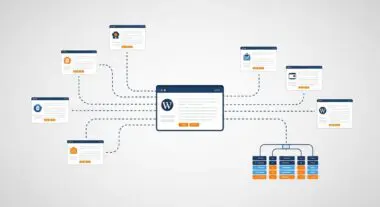
WPML (WordPress Multilingual Plugin) is a sophisticated translation management system (TMS) designed to extend the WordPress core functionality into a multi-locale environment. Unlike simpler plugins that rely on external API-based visual translation layers, WPML operates natively within the WordPress database. It creates a relational mapping between original content and its translated counterparts, supporting posts, pages, custom post types, taxonomies, and even theme/plugin strings. This architecture ensures that translated content remains searchable, indexable, and fully integrated with the WordPress ecosystem.
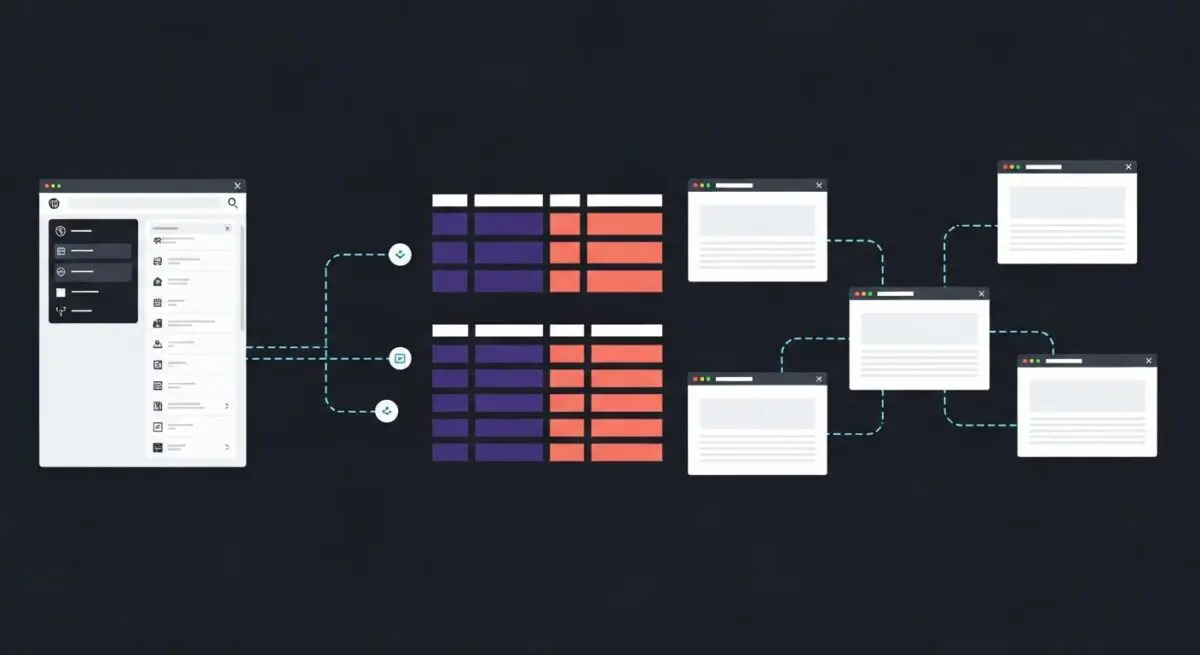
From a technical standpoint, WPML functions by intercepting standard WordPress queries and filtering results based on the active language context. It introduces a suite of custom database tables, such as wp_icl_translations and wp_icl_strings, to manage the metadata associated with multilingual relationships. This allows developers to maintain a single WordPress installation while serving distinct content versions to users based on their geographical location or browser language preferences, making it a standard choice for enterprise-level internationalization (i18n).
The Real-World Analogy
Imagine a massive international library where every book is available in multiple languages. Instead of just stacking translated books randomly on shelves, the library uses a high-tech central cataloging system. Every original book has a unique master ID, and every translated version is assigned a linked sub-ID. When a patron walks in and requests a book in French, the librarian doesn’t search the whole building; they look at the master catalog, find the specific French link for that book, and pull it from the exact shelf location. WPML acts as this master catalog, ensuring that when a user requests a “page,” the server knows exactly which linguistic version to retrieve without confusing it with other translations.
How WPML Impacts Server Performance & Speed Engineering?
WPML’s impact on server performance is primarily centered on database complexity and PHP execution time. Because WPML must determine the language context for every request, it adds a layer of logic to the WP_Query class. This often results in more complex SQL JOIN operations as the system checks the translation tables to verify which content version to display. If not properly optimized, this can lead to an increase in Time to First Byte (TTFB), particularly on sites with tens of thousands of translated strings.
Furthermore, the String Translation module, which handles the localization of static text within themes and plugins, can grow the wp_icl_strings table to a massive size. Without efficient indexing and object caching (such as Redis or Memcached), the server may struggle to process these lookups under high traffic. However, when paired with a high-performance hosting environment and proper edge caching, WPML allows for seamless global content delivery by caching the final HTML output of localized pages, thereby bypassing the database overhead for repeat visitors.
Best Practices & Implementation
- Implement Persistent Object Caching: Use Redis or Memcached to store translation lookups in memory, significantly reducing the number of repetitive SQL queries to the WPML tables.
- Optimize String Translation: Disable the “Track where strings appear on the site” feature in production environments, as this writes to the database on every page load, causing significant disk I/O overhead.
- Use Directory-Based URL Structures: Opt for the “Different languages in directories” setting (e.g., /en/, /es/) rather than language parameters (?lang=es) to improve SEO crawlability and facilitate easier CDN caching rules.
- Database Maintenance: Regularly run the WPML troubleshooting tools to clean up the translation cache and remove orphaned strings from the database to maintain optimal query performance.
Common Mistakes to Avoid
One frequent error is the over-reliance on the “Adjust IDs for multilingual functionality” setting. While useful for some legacy themes, this feature forces WPML to intercept every ID-based function call, which can degrade performance on complex sites. Another common mistake is failing to configure the wp_options table correctly after a large import, leading to bloated autoloaded data that slows down every server request regardless of the language being served.
Conclusion
WPML is a powerful engine for WordPress internationalization that requires a robust server architecture and disciplined database management. By prioritizing object caching and minimizing string-tracking overhead, developers can leverage its enterprise-grade features without compromising site performance.