Executive Summary
- Centralized core management allows for unified updates of themes, plugins, and WordPress core across thousands of virtual site instances.
- Architectural efficiency is achieved through a shared database schema where global tables manage users and site metadata while site-specific tables handle content.
- Enterprise scalability requires advanced server-side configurations, including wildcard DNS, specialized Nginx/Apache rewrite rules, and persistent object caching.
What is WordPress Multisite?
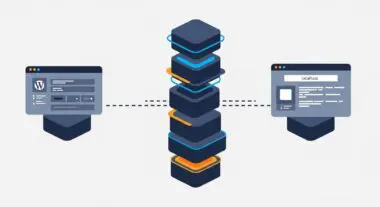
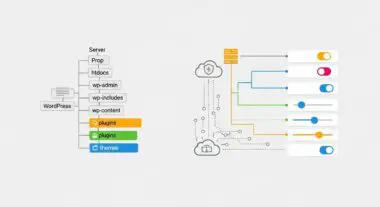
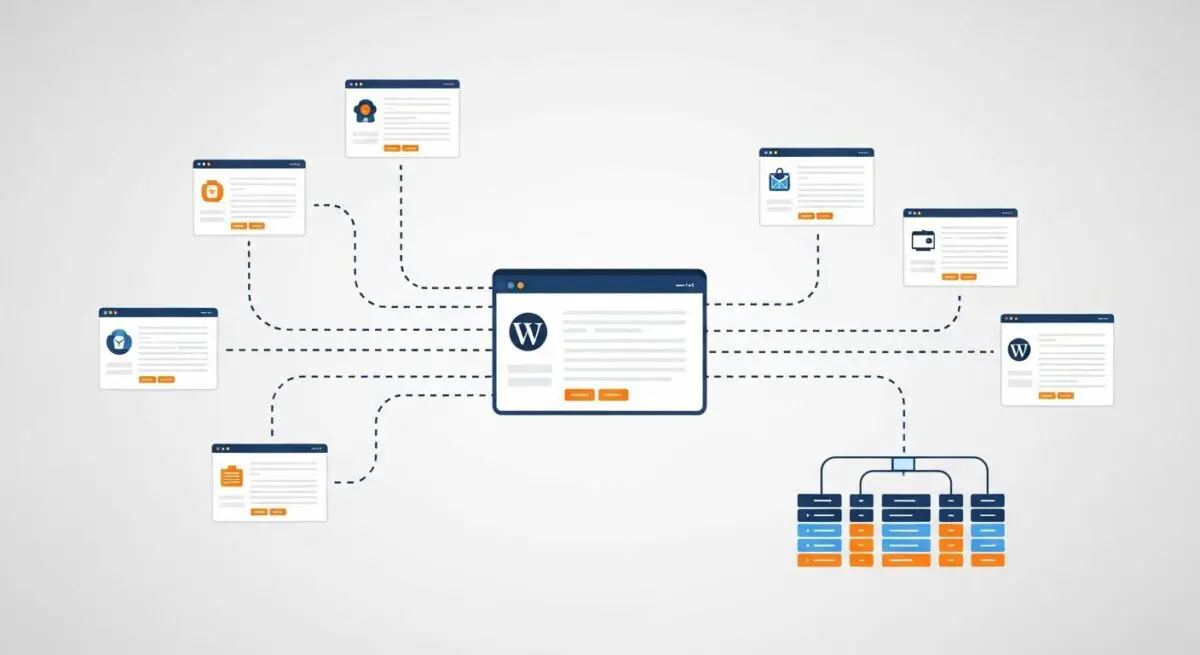
WordPress Multisite is a sophisticated feature of the WordPress CMS that enables the creation and management of a network of multiple websites from a single WordPress installation. Architecturally, it transforms a standard WordPress environment into a multi-tenant system. In this configuration, all sites in the network share the same WordPress core files, as well as the same directory for plugins and themes. However, each site maintains its own media upload directories and distinct sets of database tables for content, such as posts, terms, and options. This is governed by the WP_ALLOW_MULTISITE constant defined in the wp-config.php file, which triggers the availability of the Network Setup menu.
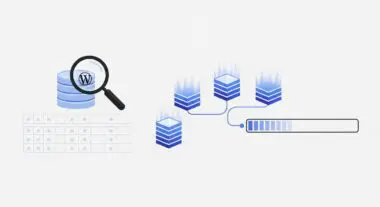
From a database perspective, a Multisite installation differs significantly from a single-site setup. While a standard installation typically contains 12 tables, a Multisite network introduces several global tables: wp_blogs, wp_site, wp_sitemeta, wp_registration_log, wp_signups, and wp_sitecategories. Furthermore, the wp_users and wp_usermeta tables become global across the entire network, meaning a user created on one site exists across the network, though their specific permissions are assigned on a per-site basis. Each additional site added to the network generates its own prefixed tables (e.g., wp_2_posts, wp_2_options), allowing for logical separation of data within a unified database environment.
The Real-World Analogy
To understand WordPress Multisite, imagine a large, modern apartment complex managed by a single property management firm. The building’s foundation, plumbing, electrical wiring, and structural walls represent the WordPress core, server resources, and database engine. Each individual apartment represents a site within the Multisite network. While every tenant has their own private space (content, media, and specific settings), they all rely on the same central infrastructure. If the management firm decides to upgrade the building’s security system (a plugin update) or repaint the exterior (a theme update), the change is applied once at the structural level, benefiting every unit simultaneously. This is far more efficient than managing fifty separate houses scattered across a city, each requiring its own individual maintenance and infrastructure checks.
How WordPress Multisite Impacts Server Performance & Speed Engineering?
The impact of WordPress Multisite on server performance is multifaceted, primarily affecting database efficiency and PHP memory consumption. Because multiple sites share a single database, the total number of tables can grow exponentially. For instance, a network with 500 sites will have over 5,000 tables. This puts a significant strain on the database engine’s metadata cache and can lead to slower query execution if the server is not properly tuned. High-performance environments often utilize HyperDB or LudicrousDB to shard the database across multiple servers, mitigating the bottleneck of a single massive database file.
Furthermore, Multisite introduces the switch_to_blog() function, which is frequently used by developers to fetch data from one site while the user is browsing another. While powerful, excessive use of this function triggers significant overhead as WordPress must reset global variables and re-initialize site-specific options for every switch. From a caching perspective, Multisite requires a highly optimized persistent object cache (such as Redis or Memcached). Without a global object cache, the server must perform redundant database lookups for site-specific options on every page load, drastically increasing Time to First Byte (TTFB). Additionally, server-level configurations must account for wildcard DNS and SSL certificates (SNI) to ensure that dynamically created subdomains or mapped domains are served with minimal latency.
Best Practices & Implementation
- Implement Persistent Object Caching: Use Redis or Memcached with a site-aware object cache drop-in to reduce database load and improve the performance of global functions like get_blog_details().
- Utilize Domain Mapping: Since WordPress 4.5, domain mapping is native. Ensure that your server’s VHost configuration and SSL certificates are set up to handle multiple top-level domains pointing to the same IP address.
- Optimize Database Maintenance: Regularly run optimization routines on the wp_options tables of all network sites, as these tables are the most frequent source of performance degradation in large networks.
- Limit Network-Wide Plugins: Only activate plugins network-wide if they are essential for every site. Loading unnecessary code across the entire network increases PHP memory usage and potential security vulnerabilities.
- Configure Wildcard SSL: For subdomain-based networks, utilize a Wildcard SSL certificate to ensure all new sites are automatically covered by HTTPS without manual intervention.
Common Mistakes to Avoid
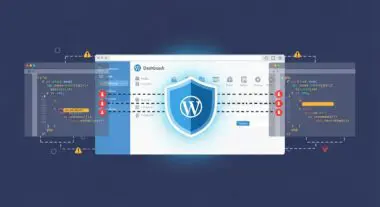
One of the most frequent errors is using WordPress Multisite to manage unrelated client sites. Because the database and user tables are shared, a security breach on one site can potentially expose the entire network. Furthermore, if one site experiences a massive traffic spike that exhausts PHP-FPM workers, every other site on the network will suffer downtime. Another common mistake is ignoring the compatibility of plugins; not all plugins are designed for multi-tenant environments, and some may store data in a way that causes conflicts or performance leaks when activated across a network. Finally, failing to implement a robust backup strategy that accounts for the shared database structure can lead to catastrophic data loss, as restoring a single site from a massive multisite database is significantly more complex than a standard restoration.
Conclusion
WordPress Multisite is a powerful architectural tool for enterprise-level management, offering unparalleled efficiency for related site networks. However, its implementation demands a deep understanding of database sharding, server-side caching, and rigorous security protocols to maintain optimal performance and stability.