Executive Summary
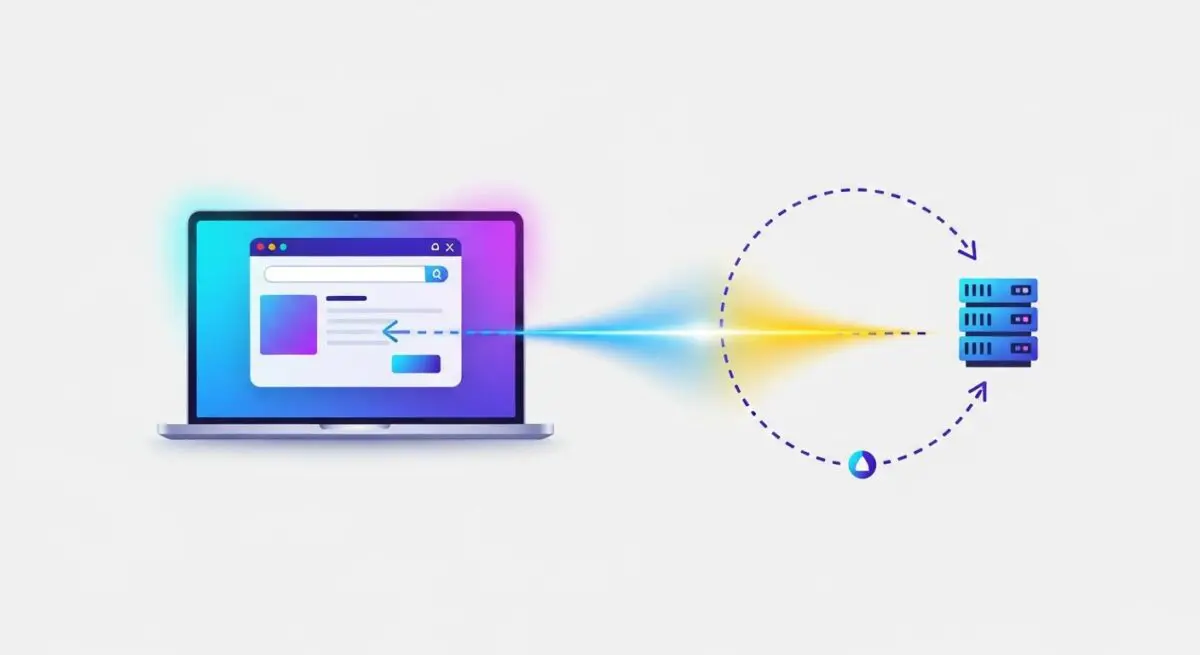
- Round Trip Time (RTT) is a critical network latency metric measuring the duration in milliseconds for a signal to travel from a client to a server and back.
- In WordPress architecture, RTT directly dictates the efficiency of TCP handshakes, TLS negotiations, and the delivery of the Time to First Byte (TTFB).
- Optimizing RTT requires a multi-layered approach involving Edge Computing, TLS 1.3 implementation, and strategic server placement relative to the target audience.
What is Round Trip Time?
Round Trip Time (RTT) is a fundamental networking metric that quantifies the total time elapsed from the moment a browser sends a request to a server until the moment a response or acknowledgment is received back at the origin. Unlike simple latency, which often refers to one-way travel, RTT encompasses the entire circuit. In the context of WordPress hosting environments, RTT is measured in milliseconds (ms) and is influenced by physical distance, the number of network hops (routers/switches), and the processing overhead at both the client and server nodes.
For high-performance WordPress installations, RTT is the primary bottleneck for establishing secure connections. Every time a user visits a site, the browser must perform a DNS lookup, establish a TCP connection via a three-way handshake, and negotiate a secure TLS session. Each of these steps requires multiple round trips. If the RTT is high—for instance, 200ms—a simple three-step handshake can delay the initial page rendering by 600ms or more before a single byte of HTML is even processed by the WordPress core. This makes RTT a foundational element of server-side optimization and infrastructure design.
The Real-World Analogy
Imagine you are a CEO in New York who needs to sign a critical contract held by a partner in Tokyo. You send a high-speed courier with the document. The time it takes for the courier to fly to Tokyo, have the partner sign it, and fly back to your desk in New York is the Round Trip Time. Even if the courier flies at the speed of sound, the physical distance creates a mandatory delay. If you forgot to include a pen and the courier has to fly back to get one, you have added another “round trip,” doubling the delay. In web hosting, the “courier” is a data packet, the “distance” is the fiber optic cable across the ocean, and the “pen” represents the necessary security handshakes required to open a WordPress site.
How Round Trip Time Impacts Server Performance & Speed Engineering?
RTT is the invisible hand that governs the perceived speed of a WordPress site, particularly impacting the Time to First Byte (TTFB) and the Largest Contentful Paint (LCP). When a WordPress site is hosted on a single origin server without a Content Delivery Network (CDN), every asset—from the initial PHP-generated HTML to CSS, JavaScript, and images—is subject to the RTT between the user and that specific data center. If a user in London accesses a server in Los Angeles, the RTT is physically limited by the speed of light in fiber, usually hovering around 150-200ms.
In modern speed engineering, we focus on reducing the number of round trips required to render a page. WordPress sites often suffer from “request bloat,” where dozens of external scripts and local assets trigger individual requests. Under HTTP/1.1, these requests could be blocked by the browser’s limit on concurrent connections, making RTT a compounding penalty. While HTTP/2 and HTTP/3 (QUIC) allow for multiplexing, the initial connection establishment still relies heavily on RTT. Furthermore, RTT affects the TCP “Slow Start” algorithm; if RTT is high, the server takes longer to increase the amount of data it sends in each packet, leading to sluggish performance even on high-bandwidth connections.
Best Practices & Implementation
- Deploy an Anycast Content Delivery Network (CDN): By using services like Cloudflare or Bunny.net, you cache your WordPress site’s static assets at the “Edge.” This moves the termination point closer to the user, effectively reducing the RTT from hundreds of milliseconds to under 20ms.
- Implement TLS 1.3 and 0-RTT: Upgrading your server to support TLS 1.3 reduces the security handshake from two round trips to one. Enabling 0-RTT (Zero Round Trip Time Resumption) allows returning visitors to send data immediately, eliminating the handshake delay entirely for subsequent sessions.
- Optimize DNS Resolution: Use a high-performance, distributed DNS provider. Since DNS lookups are the very first round trip in any web request, a slow DNS provider can add 100ms of RTT before the server is even contacted.
- Minimize External API Calls: WordPress plugins that call home for updates or fetch data from third-party servers during the page load process add the RTT of those third-party servers to your own page load time. Use asynchronous loading or server-side caching for these calls.
- Strategic Origin Placement: Choose a managed WordPress host with data centers located in the geographic center of your primary customer base to minimize the base propagation delay.
Common Mistakes to Avoid
One frequent error is confusing bandwidth with RTT. A brand may upgrade to a 10Gbps server uplink, thinking it will solve latency issues, but bandwidth only affects how much data can be sent at once, not how fast a single packet travels. Another common mistake is failing to configure “Early Hints” (HTTP code 103), which allows the browser to begin preloading assets while the server is still processing the WordPress PHP logic, effectively masking the RTT of those assets. Finally, many developers overlook the impact of heavy database queries; while the query itself is a server-side process, the delay in sending the result back to the client is often misdiagnosed as a network RTT issue when it is actually a processing bottleneck.
Conclusion
Round Trip Time is a non-negotiable physical constraint of WordPress performance that must be managed through edge caching and protocol optimization. By minimizing the distance between the data and the user, architects can ensure a low-latency environment essential for modern SEO and user experience.