Executive Summary
- Orchestrates the browser’s internal scheduling logic to ensure critical assets like LCP images and CSS are downloaded before non-essential scripts.
- Utilizes the Fetch Priority API and resource hints to override default browser heuristics for improved Largest Contentful Paint (LCP) scores.
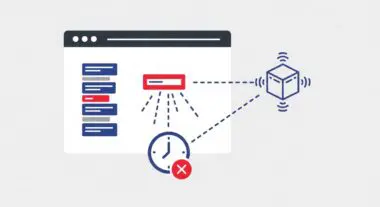
- Reduces contention on the main thread and network bandwidth by deferring non-critical third-party resources and off-screen assets.
What is Resource Prioritization?
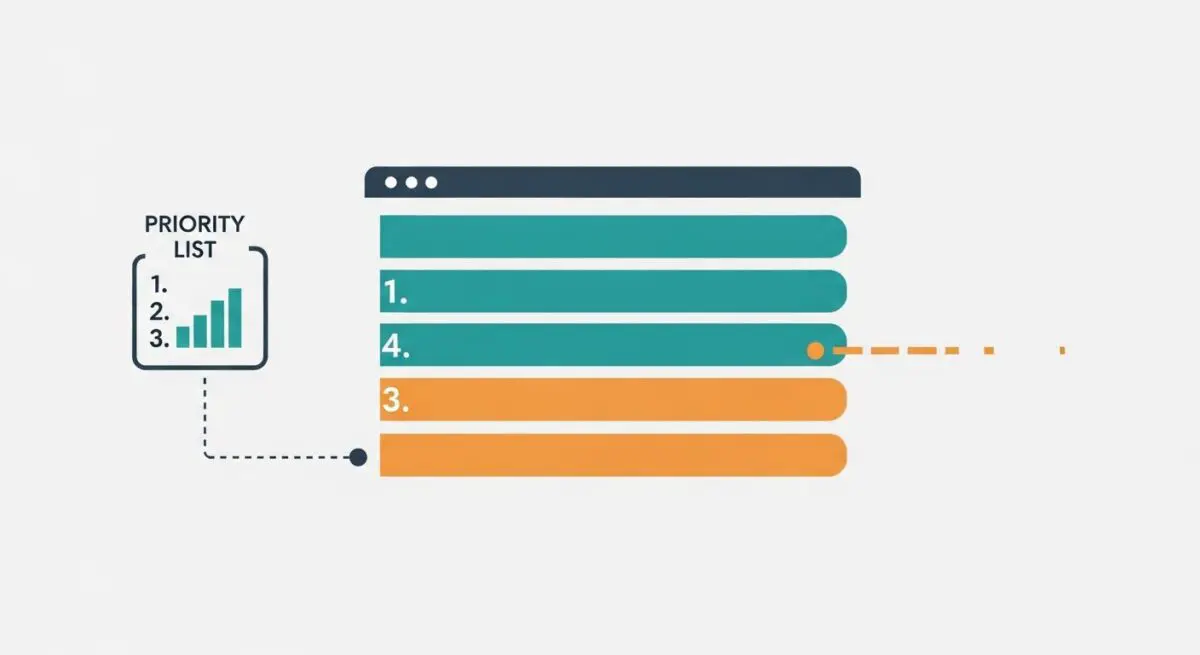
Resource prioritization is the sophisticated process by which a web browser determines the order and relative importance of network requests during the page load lifecycle. Modern engines, such as Chromium, assign internal priority levels—ranging from Very High to Very Low—to every discovered asset, including HTML, CSS, JavaScript, fonts, and images. This scheduling logic is designed to ensure that the browser receives the necessary data to render the initial viewport as quickly as possible, minimizing the time users spend staring at a blank or partially loaded screen.
At its core, resource prioritization manages the competition for limited network bandwidth and main-thread processing time. While browsers have default heuristics—for example, giving CSS a higher priority than images—these defaults are not always optimal for complex modern applications. Through the Fetch Priority API and resource hints, speed engineers can provide explicit signals to the browser to override these heuristics, ensuring that critical assets like the Largest Contentful Paint (LCP) element are prioritized over non-essential third-party scripts or below-the-fold content.
The Real-World Analogy
Imagine a busy international airport during peak hours. The runway is a limited resource, and dozens of planes are waiting to land. The air traffic control tower (the browser) must decide which planes get priority. An emergency medical flight or a high-capacity international jet (critical CSS and LCP images) is given immediate clearance to land because their arrival is essential for the airport’s primary function. Meanwhile, a private charter or a maintenance flight (low-priority tracking scripts or footer images) is instructed to circle the airport or wait on a secondary strip. Without this prioritization, a minor maintenance flight could block the runway, causing a massive delay for hundreds of passengers waiting for the primary jet to arrive.
Why is Resource Prioritization Critical for Website Performance and Speed Engineering?
In the era of Core Web Vitals, resource prioritization is the primary lever for optimizing the Largest Contentful Paint (LCP). If a hero image is discovered late by the browser or is queued behind heavy, non-critical JavaScript files, the LCP score will suffer, negatively impacting search engine rankings and user experience. Furthermore, effective prioritization helps mitigate Cumulative Layout Shift (CLS) by ensuring that layout-defining resources, such as fonts and CSS, are loaded and processed before the browser attempts to paint the page.
From a technical perspective, prioritization is essential for managing the Critical Request Chain. By elevating the priority of render-blocking resources and de-prioritizing non-critical assets, we at Andres SEO Expert can reduce the time to first paint and ensure that the browser’s main thread is available for user interactions, thereby improving Interaction to Next Paint (INP). In high-latency environments or on mobile devices with limited bandwidth, proper prioritization prevents “bandwidth contention,” where too many simultaneous requests slow down the delivery of essential data.
Best Practices & Implementation
- Implement Fetch Priority: Use the
fetchpriority="high"attribute on your LCP image andfetchpriority="low"on non-critical off-screen images or third-party scripts to explicitly guide the browser’s scheduler. - Strategic Preloading: Use
<link rel="preload">only for late-discovered critical resources, such as self-hosted fonts or CSS-referenced background images, to ensure they are requested early in the waterfall. - Optimize Script Loading: Apply
asyncordeferattributes to non-essential JavaScript to prevent them from blocking the construction of the Document Object Model (DOM). - Minimize Preload Inflation: Avoid preloading too many assets, as this can lead to “priority inflation,” where the browser’s queue becomes congested, effectively neutralizing the benefits of prioritization.
Common Mistakes to Avoid
One frequent error is the over-use of preloading, where developers attempt to preload every image and script on a page, which forces the browser to compete for bandwidth and often delays the loading of truly critical assets. Another common mistake is failing to use fetchpriority on hero images that are discovered via CSS or are otherwise assigned a “Low” priority by default because they are images. Finally, many brands neglect to de-prioritize heavy third-party marketing tags, allowing them to steal bandwidth from the primary content delivery, which directly degrades performance metrics.
Conclusion
Resource prioritization is a fundamental pillar of modern speed engineering that allows for the surgical optimization of the critical rendering path. By mastering the Fetch Priority API and resource hints, organizations can ensure superior Core Web Vitals and a seamless user experience.