Executive Summary
- Facilitates distributed version control and collaborative development for WordPress themes and plugins.
- Enables automated CI/CD pipelines for seamless deployment to staging and production environments.
- Provides a centralized repository for code auditing, security scanning, and dependency management.
What is GitHub?
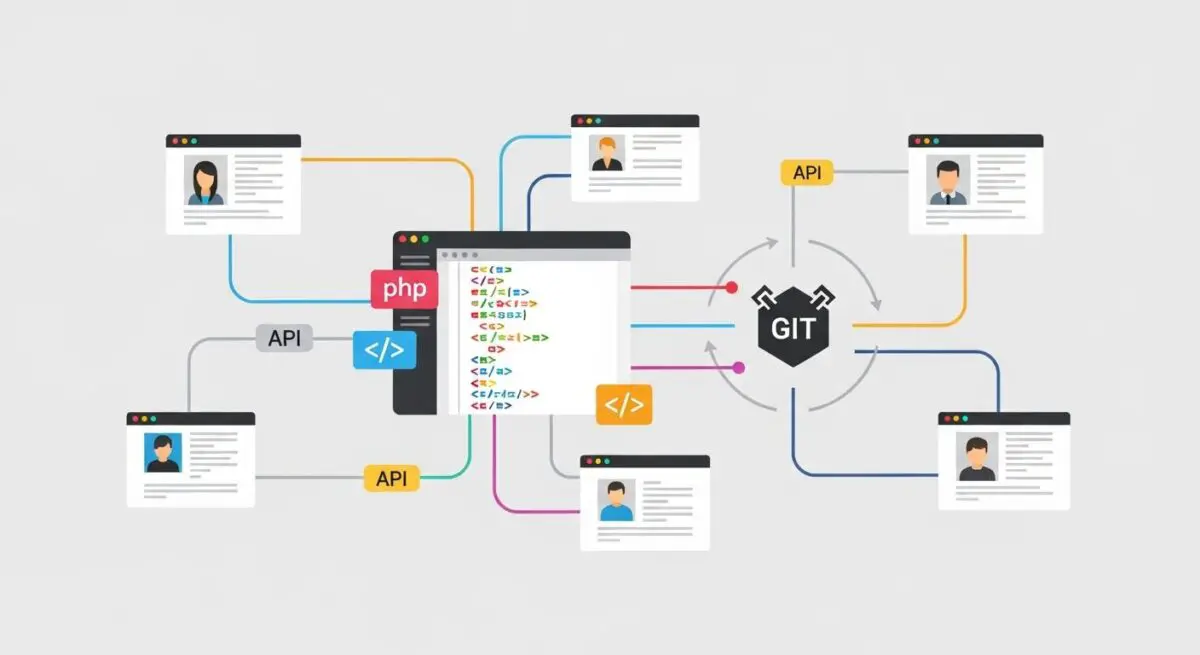
GitHub is a cloud-based hosting service for software development projects that use the Git revision control system. In the context of WordPress architecture, GitHub serves as the primary repository for managing custom themes, plugins, and core modifications. It allows multiple developers to work on the same codebase simultaneously through a distributed version control model, ensuring that every change is tracked, attributed, and reversible.
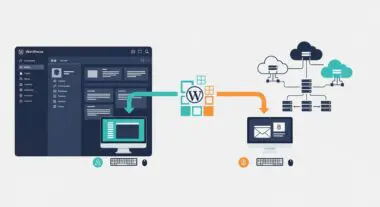
Beyond simple storage, GitHub provides a robust ecosystem for WordPress DevOps. It integrates with package managers like Composer for dependency management and utilizes GitHub Actions to automate workflows. For enterprise WordPress environments, GitHub acts as the source of truth, separating the development environment from the production server, which is critical for maintaining site integrity and security.
The Real-World Analogy
Imagine a massive architectural blueprint for a skyscraper that is constantly being updated. Instead of having one physical paper that everyone tries to draw on at once—which would lead to chaos—GitHub provides every architect with their own digital copy. They can test new room designs or structural changes on their copy without affecting the main building. Once a change is verified as safe and functional by a lead engineer, it is seamlessly merged into the master blueprint. This ensures the building’s foundation remains solid while allowing for rapid innovation.
How GitHub Impacts Server Performance & Speed Engineering?
GitHub significantly impacts server performance by facilitating Continuous Integration and Continuous Deployment (CI/CD). Rather than using legacy protocols like FTP, which transfer files individually and can lead to partial uploads or downtime, GitHub-driven deployments allow for atomic updates. This means the entire codebase is updated in a single transaction, reducing the risk of site breakage during high-traffic periods.
Furthermore, GitHub enables Build Steps before code reaches the server. Through automated workflows, developers can minify JavaScript and CSS, optimize image assets, and compile SASS files in the cloud. This ensures that the production server only receives highly optimized, production-ready assets, thereby reducing server overhead and improving Core Web Vitals such as Largest Contentful Paint (LCP) and First Input Delay (FID).
Best Practices & Implementation
- Implement a Robust .gitignore: Ensure that sensitive files like wp-config.php, the wp-content/uploads directory, and WordPress core files are excluded from the repository to maintain security and reduce repository bloat.
- Utilize GitHub Actions for CI/CD: Automate the deployment process to staging and production environments to eliminate human error and ensure consistent code quality through automated linting and testing.
- Adopt a Branching Strategy: Use methodologies like GitFlow or GitHub Flow to isolate feature development, hotfixes, and releases, preventing unstable code from reaching the production environment.
- Enable Dependabot for Security: Leverage GitHub’s automated security scanning to identify and patch vulnerabilities in third-party PHP packages or JavaScript libraries used within your WordPress components.
Common Mistakes to Avoid
One frequent error is committing sensitive credentials, such as database passwords or API keys, directly into a public or even private repository, which can lead to catastrophic security breaches. Another common mistake is Cowboy Coding, where developers bypass the GitHub workflow to make direct edits on the live server via SFTP, creating a code drift that makes future updates unpredictable and dangerous.
Conclusion
GitHub is an indispensable tool for modern WordPress engineering, providing the version control and automation necessary for scalable, secure, and high-performance web applications.