Executive Summary
- Defines granular caching policies for browsers and CDNs to minimize origin server requests and bandwidth consumption.
- Directly influences Core Web Vitals by accelerating resource availability for the browser rendering engine.
- Supports advanced directives like stale-while-revalidate to optimize the balance between delivery speed and data freshness.
What is Cache-Control?
Cache-Control is a critical HTTP/1.1 header used to define the caching policies for both client requests and server responses. It functions as a set of instructions—known as directives—that dictate how, where, and for how long a resource should be cached by the browser or intermediary caches such as Content Delivery Networks (CDNs). By providing a standardized way to manage resource lifecycles, it replaces older, less flexible headers like Expires and allows for sophisticated cache management across diverse network topographies.
The header supports various directives including public, which allows any cache to store the response, and private, which restricts caching to the end-user’s browser. Other directives like max-age specify the duration in seconds a resource is considered fresh, while no-cache forces the cache to revalidate with the origin server before serving the stored copy. This granularity is essential for modern web applications that mix static assets with highly dynamic, user-specific data, ensuring that performance is maximized without compromising content integrity.
The Real-World Analogy
Think of Cache-Control as the “Best Before” and “Storage Instructions” labels on grocery items in a large professional kitchen. Some items, like bottled water, can be stored in the front-of-house fridge for anyone to take (public, max-age=31536000). Other items, like a custom-made allergy-safe meal, are only for one specific customer and should not be shared or stored in a common area (private). If a label says “Check with the chef before serving” (no-cache), the waiter must ask the kitchen if the dish is still good before bringing it to the table. Without these labels, the staff would either throw away perfectly good food or serve spoiled ingredients, just as a browser without Cache-Control would either waste bandwidth or show outdated content.
Why is Cache-Control Critical for Website Performance and Speed Engineering?
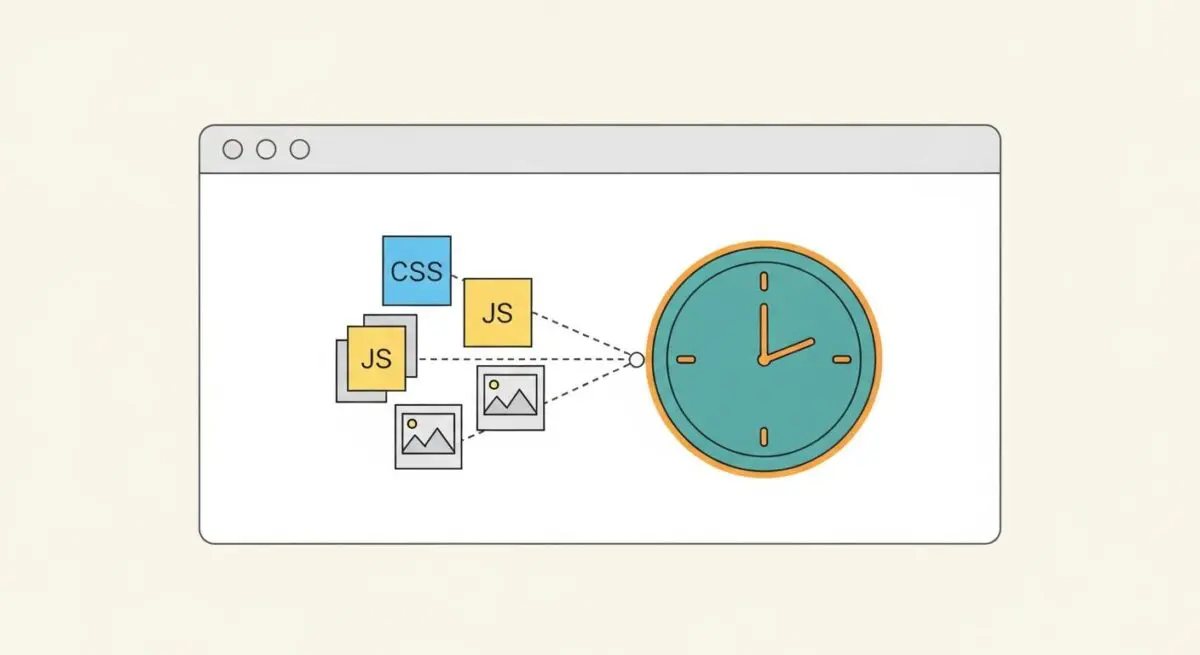
In the context of speed engineering, Cache-Control is the primary mechanism for reducing the physical distance and time between the user and the required data. By serving assets from a local browser cache or a nearby CDN edge node, it effectively eliminates the latency associated with long-distance network round-trips. This has a direct, positive impact on the Time to First Byte (TTFB) and the Largest Contentful Paint (LCP), as the browser can access critical-path resources like CSS and JavaScript almost instantaneously.
Furthermore, efficient use of Cache-Control reduces the total number of bytes transferred over the wire, which is vital for users on limited or high-latency mobile connections. It also prevents Cumulative Layout Shift (CLS) by ensuring that layout-defining resources are available immediately upon page load, preventing the “flash of unstyled content” that occurs when styles are fetched late. For enterprise hosting, it significantly lowers infrastructure costs by offloading traffic from the origin server to the edge, preserving server resources for dynamic processing.
Best Practices & Implementation
- Use Fingerprinting with Long max-age: For static assets like images, scripts, and stylesheets, use file versioning (e.g., styles.v2.css) and set a max-age of one year (31536000 seconds) with the immutable directive to prevent unnecessary revalidation.
- Leverage stale-while-revalidate: Use this directive to allow the cache to serve a stale resource while it fetches a fresh version in the background, ensuring zero-latency updates for the user while maintaining eventual consistency.
- Prioritize Revalidation for HTML: For HTML documents that change frequently, use no-cache or a short max-age combined with ETag headers to ensure the browser always checks for the latest version without downloading the entire file if it hasn’t changed.
- Secure Sensitive Data: Always apply the private directive to responses containing PII (Personally Identifiable Information) to prevent them from being cached on shared proxy servers or CDNs, maintaining security and compliance.
Common Mistakes to Avoid
A frequent error is the misuse of no-store when no-cache was intended; no-store prevents any caching at all, even for the browser’s “back” button, which destroys perceived performance. Another common mistake is failing to configure Cache-Control for 404 or 500 error pages, which can lead to CDNs caching error states and serving them to users even after the underlying server issue is resolved.
Conclusion
Cache-Control is a foundational element of high-performance web architecture that enables precise management of resource delivery. Mastering its directives is essential for any organization seeking to optimize Core Web Vitals and minimize server overhead in the modern digital landscape.