Executive Summary
- Ensures update persistence by decoupling custom modifications from the parent theme’s core source code.
- Leverages the WordPress Template Hierarchy to selectively override PHP templates and asset enqueuing.
- Reduces technical debt by maintaining a clean separation between third-party vendor code and bespoke site logic.
What is Child Theme?
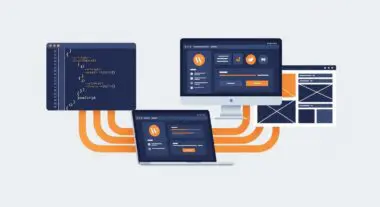
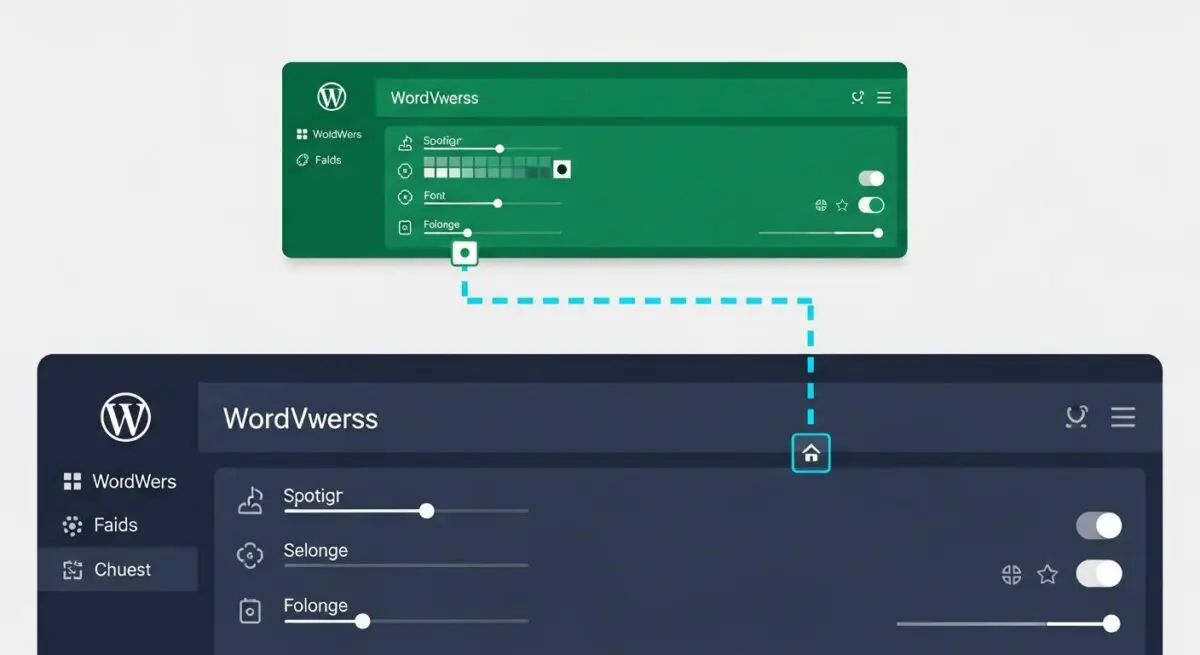
A Child Theme is a secondary WordPress theme directory that inherits the functionality, features, and styling of another theme, referred to as the Parent Theme. Architecturally, it serves as a functional layer that allows developers to modify or add to the parent theme’s capabilities without altering the original source files. This is achieved through the WordPress template hierarchy, where the engine checks the child theme directory for a specific file before falling back to the parent theme’s version.
From a technical standpoint, a child theme requires at least a directory, a style.css file with a specific header identifying the ‘Template’ (the parent theme’s directory name), and a functions.php file. Unlike template files (such as header.php or single.php), which completely override their parent counterparts, the child theme’s functions.php is loaded in addition to the parent’s, specifically right before it. This allows for the surgical application of hooks, filters, and custom PHP logic while maintaining the foundational integrity of the primary theme framework.
The Real-World Analogy
Imagine a master architectural blueprint for a high-end office building. Instead of erasing and redrawing on the original master document—which would be disastrous if the original architect issued a structural update—a developer places a high-fidelity transparent overlay on top of specific sections. This overlay contains the custom interior designs and specific electrical rerouting. The master blueprint remains untouched and can be swapped for an updated version at any time, while the custom overlay ensures the specific modifications remain exactly where they were intended.
How Child Theme Impacts Server Performance & Speed Engineering?
Child themes have a negligible impact on server response times (TTFB) when implemented correctly, but they significantly influence front-end performance and long-term maintenance efficiency. By using a child theme, developers can avoid the ‘bloat’ associated with multi-purpose ‘all-in-one’ themes that rely on heavy database-driven configuration options. Instead, developers can hard-code optimizations directly into the child theme’s templates, reducing the number of database queries required to render a page.
Furthermore, from a speed engineering perspective, the child theme allows for the precise enqueuing and dequeuing of scripts and styles. Rather than loading a parent theme’s entire library of CSS and JavaScript, a developer can use the child theme’s functions.php to deregister unnecessary assets, thereby reducing the total page weight and improving Core Web Vitals. However, improper implementation—such as using the CSS @import rule—can introduce render-blocking chains that negatively impact the Largest Contentful Paint (LCP).
Best Practices & Implementation
- Use wp_enqueue_scripts: Always load the parent and child stylesheets using the wp_enqueue_scripts action hook in functions.php rather than using CSS @import, which delays parallel downloading.
- Selective Overriding: Only copy the specific template files from the parent theme that require modification. Excessive file duplication increases maintenance overhead and can lead to compatibility issues during parent theme updates.
- Hook-First Development: Prioritize using WordPress actions and filters within the child theme’s functions.php to modify output rather than overriding entire template files. This ensures better compatibility with future parent theme versions.
- Version Control Integration: Maintain the child theme in a Git repository to track bespoke changes independently of the parent theme’s vendor updates.
Common Mistakes to Avoid
The most frequent error is modifying the parent theme directly; this results in the total loss of customizations when the theme is updated for security or feature parity. Another common mistake is copying the entire parent theme directory into the child theme, which creates a massive amount of redundant code and forces the server to process unnecessary files. Finally, failing to account for dependency management when enqueuing scripts can lead to JavaScript errors if the child theme’s logic executes before the parent’s required libraries are loaded.
Conclusion
A child theme is an essential architectural component for any professional WordPress deployment, providing a safe, scalable environment for customization. By decoupling bespoke logic from vendor code, it ensures long-term site stability and optimal performance.