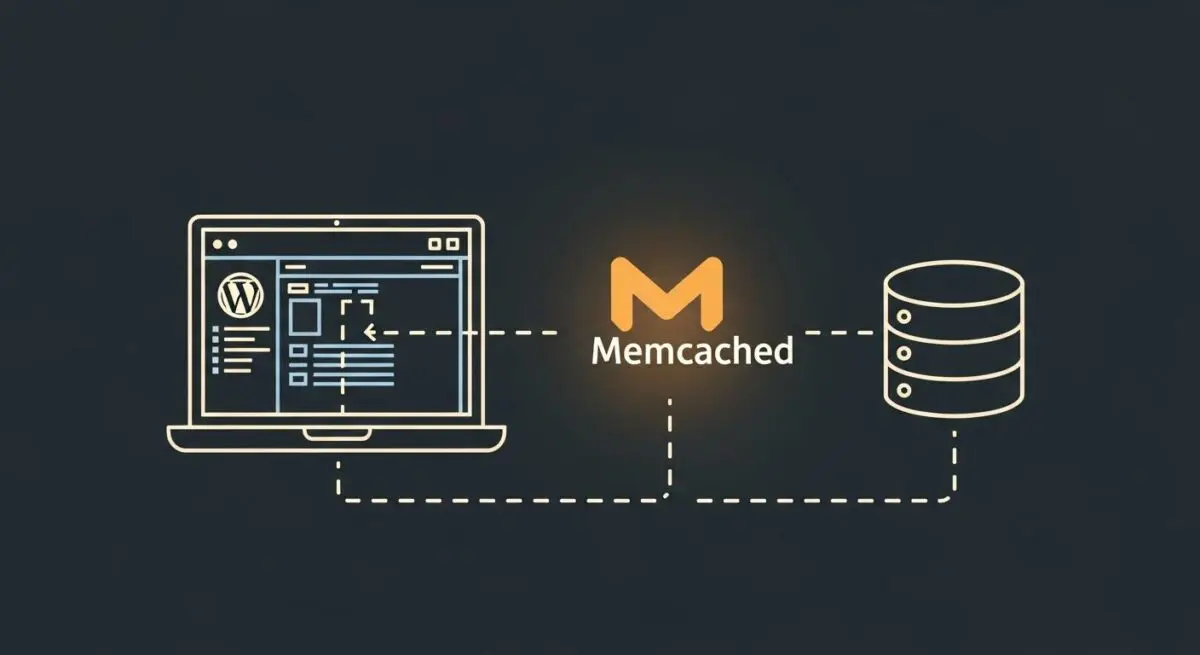
Executive Summary
- Memcached is a high-performance, distributed memory object caching system designed to alleviate database load by storing data in RAM.
- In WordPress architecture, it serves as a persistent backend for the WP_Object_Cache class, preventing redundant MySQL queries.
- Implementation is critical for enterprise-scale environments to reduce Time to First Byte (TTFB) and improve horizontal scalability.
What is Memcached?
Memcached is an open-source, high-performance, distributed memory object caching system. It is designed to speed up dynamic web applications by alleviating database load. Technically, it functions as an in-memory key-value store for small chunks of arbitrary data, such as strings or objects, resulting from database calls, API calls, or page rendering. By storing these data points in RAM rather than on a physical disk, Memcached allows for near-instantaneous data retrieval.
In the context of WordPress, the CMS utilizes a built-in class called WP_Object_Cache. By default, this cache is non-persistent, meaning data is only stored for the duration of a single page load. When Memcached is integrated into the server environment, it acts as a persistent backend for this class. This allows WordPress to store complex database query results across multiple page loads, significantly reducing the computational overhead on the MySQL or MariaDB database engine.
The Real-World Analogy
Imagine a busy architect who frequently needs to reference specific building codes found in a massive, 1,000-page manual kept in a basement archive. Every time a question arises, the architect must walk down three flights of stairs, find the book, flip to the page, and walk back up. This is how a server functions without Memcached, where the basement is the database. Now, imagine the architect keeps a small “cheat sheet” of the most frequently used codes directly on their desk. Instead of the long trip to the basement, they simply glance at the desk for an immediate answer. Memcached is that cheat sheet, keeping the most vital information within arm’s reach to ensure the work never slows down.
How Memcached Impacts Server Performance & Speed Engineering?
Memcached directly impacts the Data Access Layer of WordPress architecture. When a user requests a page, WordPress typically performs dozens, sometimes hundreds, of database queries to fetch options, metadata, and content. Without an object cache, the database must execute these queries every single time, consuming CPU and I/O resources. Memcached intercepts these requests; if the data exists in the cache (a “cache hit”), it is served directly from memory, bypassing the database entirely.
This optimization is vital for Speed Engineering because it lowers the Time to First Byte (TTFB) and reduces server resource contention. In high-traffic environments, Memcached prevents “database thrashing,” where the database becomes a bottleneck due to concurrent requests. Furthermore, because Memcached is distributed, it can be scaled across multiple servers, making it an essential component for high-availability WordPress clusters and enterprise-grade hosting infrastructures.
Best Practices & Implementation
- Install the PECL Extension: Ensure the memcached (not the older memcache) PHP extension is installed on the server to provide a modern interface for the daemon.
- Use a Reliable Object Cache Drop-in: Implement a high-quality
object-cache.phpfile in the/wp-content/directory to bridge WordPress with the Memcached server. - Monitor Hit Rates: Use tools like memcached-tool or specialized plugins to monitor the cache hit-to-miss ratio; a low hit rate may indicate insufficient RAM allocation.
- Secure the Instance: Never expose the Memcached port (default 11211) to the public internet. Use firewalls or Unix sockets to restrict access to the local server or trusted application servers.
- Allocate Sufficient Memory: Dedicate enough RAM to prevent frequent “evictions,” where Memcached deletes old data to make room for new entries before the data has expired.
Common Mistakes to Avoid
One frequent error is treating Memcached as a persistent data store. It is volatile; if the service restarts, all cached data is lost. Another mistake is failing to flush the cache after performing direct database migrations or manual SQL updates, which can lead to the site displaying stale data. Finally, many administrators over-allocate RAM to Memcached on a single-server setup, which can starve the PHP-FPM processes or the database of necessary memory, leading to swap usage and decreased performance.
Conclusion
Memcached is a fundamental component of high-performance WordPress hosting that optimizes database interaction through RAM-based object storage. Proper implementation ensures a scalable, low-latency environment capable of handling enterprise-level traffic demands.