Executive Summary
- Object Cache reduces database overhead by storing expensive query results in high-speed RAM (Redis or Memcached).
- Persistent object caching is essential for scaling high-traffic WordPress sites and complex dynamic applications like WooCommerce.
- Implementation significantly lowers Time to First Byte (TTFB) by bypassing redundant SQL execution cycles and PHP processing.
What is Object Cache?
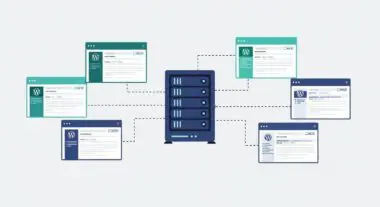
Object Cache is a sophisticated server-side mechanism designed to store the results of complex database queries and PHP objects in high-speed memory (RAM). In the context of WordPress architecture, the WP_Object_Cache class serves as the internal API for managing this data. By default, WordPress utilizes a non-persistent object cache, meaning the stored data only exists for the duration of a single page request and is discarded once the PHP process terminates. This internal mechanism ensures that if the same data is requested multiple times during a single page load, the database is only queried once.
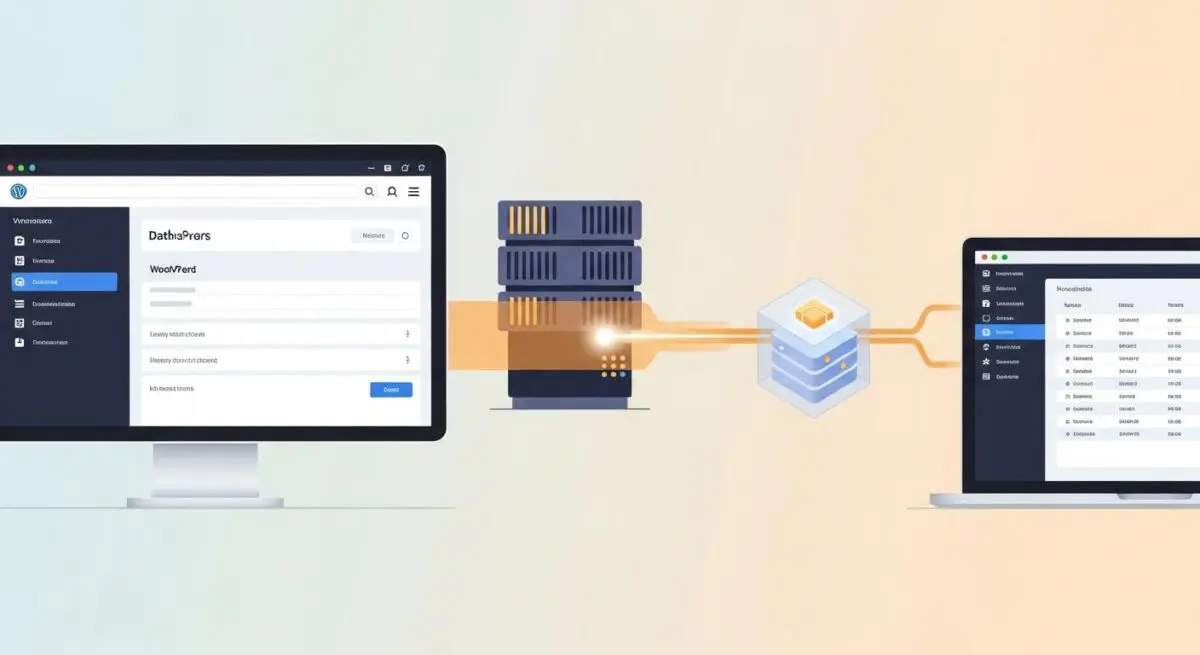
To achieve enterprise-level performance and scalability, developers implement persistent object caching through external backends such as Redis or Memcached. This allows the cached data to persist across multiple requests, user sessions, and even different server nodes in a load-balanced environment. By retrieving pre-computed data from memory rather than re-executing SQL queries against the MySQL or MariaDB database, the system drastically reduces the computational load on the database server and accelerates the overall execution of the WordPress core, plugins, and themes. This is particularly vital for the WordPress Metadata API and Options API, which are frequently accessed during every request.
The Real-World Analogy
Consider a high-end restaurant where the executive chef (the server) needs specific, complex spice blends (database queries) for every signature dish. Without an object cache, the chef must grind and mix the individual spices from scratch for every single order, even if one hundred customers order the same meal. This creates a massive bottleneck in the kitchen, leading to long wait times. Implementing an object cache is like the chef pre-mixing those popular spice blends and keeping them in labeled jars on the front counter. When an order comes in, the chef simply reaches for the jar, bypassing the time-consuming grinding process and delivering the meal to the customer significantly faster. The “persistent” aspect would be like having a climate-controlled pantry that keeps those jars ready for the next day, rather than throwing them away at the end of every shift.
How Object Cache Impacts Server Performance & Speed Engineering?
Object caching fundamentally alters the resource consumption profile of a WordPress environment. By offloading repetitive read operations from the disk-bound database to the memory-bound cache, it minimizes I/O wait times and reduces CPU cycles dedicated to SQL parsing and execution. This is particularly critical for dynamic elements that cannot be served via static page caching, such as WooCommerce shopping carts, personalized user dashboards, or complex AJAX-driven search queries. When a site experiences a traffic surge, the database is often the first point of failure; object caching acts as a buffer, preventing the database from reaching its maximum connection limit.
From a speed engineering perspective, a well-configured object cache directly improves the Time to First Byte (TTFB). By shortening the server-side processing time (PHP execution time), the browser receives the initial HTML document much sooner, allowing the critical rendering path to begin earlier. Furthermore, it prevents “database thrashing” during high-concurrency events. In a standard WordPress request, hundreds of database queries may be triggered by various plugins; object caching can reduce this number to a handful of hits, ensuring that the server remains responsive even under heavy load by maintaining a high cache hit ratio. This efficiency is also reflected in lower server costs, as fewer hardware resources are required to handle the same volume of traffic.
Best Practices & Implementation
- Deploy a Persistent Backend: Always use Redis or Memcached in production environments. Redis is generally preferred for WordPress due to its support for advanced data types and better eviction policies.
- Monitor Cache Hit Ratio: Use tools like the Redis CLI or specialized WordPress monitoring plugins to ensure your hit ratio remains high (ideally above 90%). A low hit ratio suggests that the cache is too small or that data is being invalidated too frequently.
- Optimize Cache Invalidation: Ensure that your custom code correctly uses
wp_cache_set(),wp_cache_get(), andwp_cache_delete(). Improper invalidation logic can lead to users seeing stale data, which is a common issue in dynamic applications. - Allocate Sufficient RAM: Monitor memory usage to prevent eviction policies (like Least Recently Used – LRU) from prematurely clearing frequently accessed data. If the cache is full, the server will start dropping old data to make room for new data, which can cause performance fluctuations.
- Use a High-Quality Drop-in: Utilize a robust
object-cache.phpdrop-in, such as the one provided by the Redis Object Cache plugin or Object Cache Pro, to ensure seamless integration with the WordPress core.
Common Mistakes to Avoid
One frequent error is failing to install a persistent cache plugin while having the Redis server running on the host. Without the object-cache.php drop-in, WordPress continues to use its default non-persistent memory cache, rendering the Redis server useless for the application. Another common mistake is “over-caching” large, rarely used objects or entire database tables, which can bloat the memory footprint and lead to fragmentation. Finally, developers often neglect to flush the object cache after performing bulk database migrations or manual SQL updates, leading to persistent data inconsistencies where the site displays old information despite the database being updated.
Conclusion
Object Cache is a critical component of high-performance WordPress hosting that bridges the gap between database limitations and rapid content delivery. Proper implementation via Redis or Memcached is essential for any scalable, enterprise-grade web architecture seeking to optimize Core Web Vitals and server efficiency.