


Key Points
- Unescaped double quotes in JSON-LD string values invalidate the entire schema block, causing ‘Unparsable structured data’ errors in Google Search Console.
- Direct string interpolation in PHP or headless API mapping bypasses native serialization, creating immediate syntax violations.
- Utilizing native functions like
json_encode()with specific hex flags ensures robust escaping and protects schema integrity.
Table of Contents
The Core Conflict: Schema Syntax Violations
According to the HTTP Archive, nearly 12.8% of all analyzed mobile pages containing JSON-LD scripts fail basic syntax validation, frequently due to unescaped quotes or trailing commas, which directly results in a total loss of SERP visibility for rich features. This scale of failure highlights a critical vulnerability in how dynamic data is parsed into schema objects.
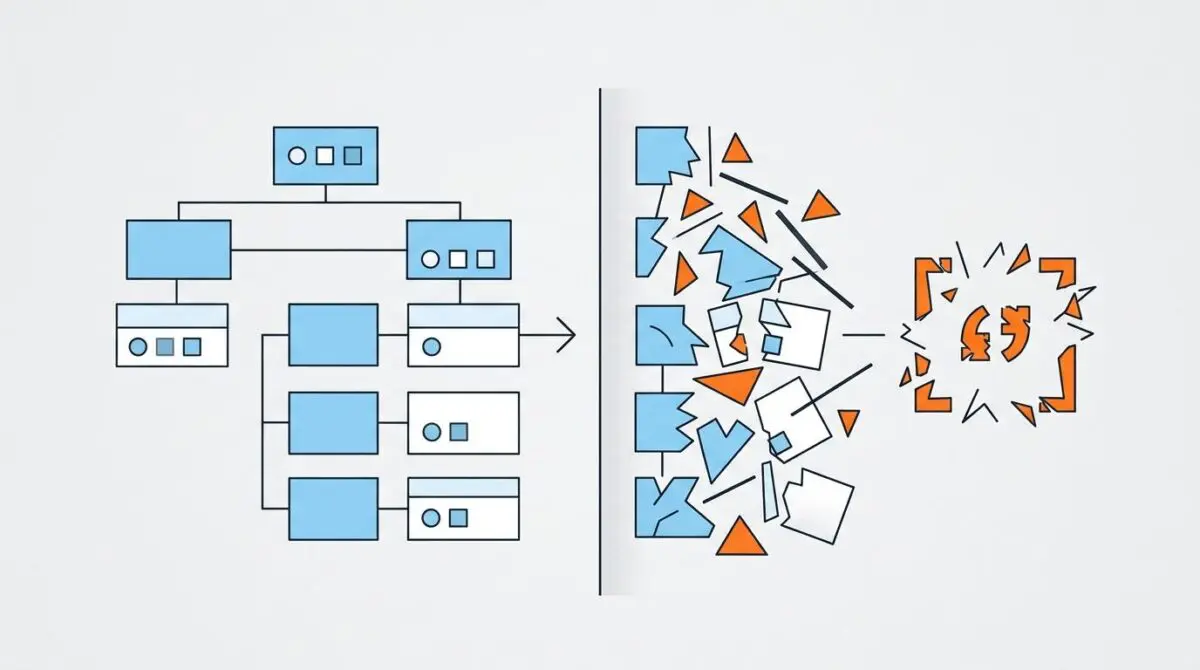
The ‘Unparsable structured data’ error occurs when Googlebot’s parsing engine encounters a syntax violation within a JSON-LD script block. Most commonly, this is an unescaped double quote within a string value, such as a product description field. This syntax error invalidates the entire script, completely preventing the extraction of semantic entities.
When the schema is broken, the page becomes ineligible for Rich Results. From a Crawl Budget perspective, frequent parsing errors force Google’s Web Rendering Service (WRS) to expend additional resources. The engine attempts to interpret the malformed code, which often leads to a reduction in the page’s indexing priority.
In the context of Generative Engine Optimization (GEO), unparsable structured data is catastrophic. Large Language Models and Generative AI engines rely heavily on structured data to build knowledge graphs. When the JSON-LD schema is broken, these engines lose the primary source of truth for the page’s content, resulting in poor attribution in AI-generated answers.
Diagnostic Checkpoints
This error represents a desynchronization between the database text layer and the JSON serialization layer. Diagnosing the exact point of failure requires examining how the server constructs the schema block before it reaches the DOM.
Diagnostic Checkpoints
Direct String Interpolation in PHP
Manual PHP echo fails to escape internal string quotes.
SEO Plugin Filter Conflicts
External filters inject unescaped characters into structured data.
Smart Quote Conversion and Character Encoding
WordPress texturize filters create JSON-breaking character entities.
Database-to-JSON Mapping via API
JS template literals bypass proper native JSON serialization.
The root causes of these syntax breaks typically originate at the Server layer, the WordPress/Plugin layer, or the Edge. At the server level, developers often manually construct JSON strings by echoing variables directly into a script tag. If a variable contains a literal double quote, it terminates the JSON string prematurely.
At the plugin layer, conflicts arise when third-party extensions hook into SEO plugin filters. If a custom function returns a string containing unescaped characters, the final output generated by the primary SEO plugin becomes malformed. Furthermore, WordPress texturize functions can convert standard quotes into smart quotes, which may conflict with JSON-LD generation if not properly sanitized.
In headless architectures, API mapping introduces similar risks. If the frontend (such as React or Next.js) maps raw text fields directly into a JSON-LD object without using a JSON serializer, any quote in the data will break the script block.
The Engineering Resolution
Resolving unparsable structured data requires abandoning manual string concatenation in favor of strict, native serialization. The server must be instructed to handle all character escaping automatically before the schema is printed to the DOM.
Engineering Resolution Roadmap
Identify the Malformed Script Block
Open the affected URL and View Source (Ctrl+U). Search for ‘ld+json’ to find the schema block. Look for the ‘description’ field and identify the unescaped quote causing the break.
Implement Native JSON Encoding
Modify the PHP template or function to use json_encode(). Instead of: ‘”description”: “‘ . get_the_excerpt() . ‘”‘, use: echo json_encode([‘description’ => get_the_excerpt()]); this automatically handles backslash escaping for internal quotes.
Sanitize via WordPress Filters
Use the ‘wp_check_invalid_utf8’ and ‘esc_js’ functions if you must manually output string fragments. However, the preferred method is filtering the schema array directly before it is rendered by the SEO plugin.
Flush All Cache Layers
Clear the WordPress Object Cache (Redis/Memcached), the Page Cache (W3 Total Cache/WP Rocket), and the Edge Cache (Cloudflare) to ensure the corrected JSON-LD is served to Googlebot.
The engineering roadmap begins with precise identification. By viewing the page source and locating the script block, you can pinpoint the exact unescaped quote causing the structural break. This is often found in the description or name fields where dynamic user-generated content or WYSIWYG editor outputs are injected.
Once identified, the resolution shifts to the codebase. The implementation of native serialization ensures that all internal string quotes are properly escaped with backslashes. This prevents the JSON parser from misinterpreting a content quote as a structural string terminator.
Sanitization via WordPress filters adds an additional layer of security. However, the most robust method is filtering the schema array directly before it is rendered. Finally, flushing all cache layers guarantees that the corrected JSON-LD payload is immediately available to Googlebot’s next crawl request.
Executing the Code Fix
To permanently resolve this vulnerability, you must update the template logic that generates the schema. Manual concatenation is a critical anti-pattern in technical SEO and must be refactored.
Fixing via PHP Native Serialization
The most resilient approach is to build the schema as a standard associative array. Once the array is constructed, you pass it through the native json_encode() function to handle all escaping dynamically.
<?php
// The CORRECT way to output JSON-LD in WordPress to avoid unescaped quote errors
$schema_data = [
    "@context" => "https://schema.org",
    "@type" => "Product",
    "name" => get_the_title(),
    "description" => wp_strip_all_tags(get_the_excerpt()) // Removes HTML and cleans string
];

echo '<script type="application/ld+json">' . json_encode($schema_data, JSON_UNESCAPED_UNICODE | JSON_HEX_QUOT | JSON_HEX_TAG) . '</script>';
?>
By utilizing flags like JSON_HEX_QUOT, you force the serialization engine to convert double quotes into their hex equivalents. This completely neutralizes the risk of unescaped characters breaking the JSON encapsulation.
Validation Protocol & Edge Cases
After deploying the code fix, immediate validation is required to ensure the Web Rendering Service can now parse the semantic entities without throwing syntax exceptions.
Validation Protocol
- Verify the fix by pasting the URL into the Google Rich Results Test tool to ensure syntax validity.
- Use the Schema.org Validator or run ‘curl -s [URL] | grep -A 20 “ld+json”‘ to inspect the raw server output.
- Perform a Live Test in Search Console and click ‘Request Indexing’ to force a crawl of the corrected code.
You can verify the fix by pasting the URL into the Google Rich Results Test tool. If the tool reports a Valid status and successfully extracts the items, the syntax is corrected. For local verification, running a cURL command piped into grep allows you to inspect the raw server output directly from the terminal.
However, edge cases can still cause validation failures even with perfect PHP code. A rare scenario occurs when a Cloudflare Edge Worker is configured to aggressively minify HTML. The minification engine might strip the backslash used for escaping quotes if it incorrectly identifies the script tag as standard JavaScript rather than JSON-LD.
Additionally, Varnish cache layers configured to normalize whitespace can inadvertently corrupt multi-byte character sequences. It is crucial to check the raw output bypassing the CDN to ensure caching layers are not actively modifying the JSON payload. This is also a widespread issue, according to the 2024 Web Almanac by HTTP Archive, where edge transformations inadvertently break schema integrity.
Autonomous Monitoring & Prevention
Preventing unparsable structured data requires shifting validation left in the development lifecycle. Implementing automated schema validation in the CI/CD pipeline ensures malformed JSON-LD never reaches production servers.
Libraries such as schema-dts for TypeScript or spatie/schema-org for PHP provide strict type-checking for schema objects. When combined with server-side log analysis using tools like Logstash or Kibana, engineering teams can monitor for 4XX errors or Google Search Console API alerts in real-time.
At Andres SEO Expert, we advocate for treating structured data as a critical API payload rather than an afterthought. By leveraging advanced automation pipelines to monitor entity integrity, enterprise environments can maintain a flawless Knowledge Graph presence without manual oversight.
Conclusion
Resolving unparsable structured data is a fundamental requirement for maintaining visibility in both traditional SERPs and AI-driven search engines. By enforcing strict JSON serialization and monitoring edge cache behaviors, you protect your crawl budget and ensure accurate entity extraction.
Navigating the intersection of technical SEO, server architecture, and generative search requires a precise roadmap. If you need to future-proof your enterprise stack, resolve deep-level crawl anomalies, or implement AI-driven SEO automation, connect with Andres at Andres SEO Expert.
Frequently Asked Questions
What causes the “Unparsable structured data” error in Google Search Console?
The error occurs when Googlebot encounters syntax violations within JSON-LD scripts, such as unescaped double quotes or trailing commas. These errors invalidate the entire script block, preventing the extraction of semantic entities and making the page ineligible for Rich Results.
How does broken JSON-LD schema affect AI search and GEO?
Generative Engine Optimization (GEO) relies on valid schema as a primary source of truth for Large Language Models. Broken JSON-LD prevents AI engines from building accurate knowledge graphs, leading to poor attribution in AI-generated answers and a loss of visibility in generative search environments.
Why is manual string concatenation considered an anti-pattern for schema generation?
Manual concatenation fails to automatically handle character escaping. If a dynamic variable like a product description contains a literal double quote, it terminates the JSON string prematurely, causing a syntax break. Native serialization using functions like json_encode() is the only resilient alternative.
Can CDN minification or edge caching break valid structured data?
Yes, aggressive HTML minification by edge workers or Varnish cache normalization can inadvertently strip the backslashes used for escaping quotes or corrupt multi-byte character sequences, which breaks schema integrity despite valid server-side code.
What is the engineering roadmap for resolving unparsable schema errors?
The resolution involves identifying the malformed script in the page source, refactoring the codebase to use native JSON encoding (like PHP’s json_encode with JSON_HEX_QUOT), sanitizing outputs via WordPress filters, and flushing all cache layers to ensure the corrected payload is served.
How can developers prevent malformed JSON-LD from reaching production?
Prevention requires shifting validation left by implementing automated schema testing in CI/CD pipelines using libraries like schema-dts. Additionally, monitoring server logs and Google Search Console API alerts in real-time allows for rapid response to entity integrity issues.