Executive Summary
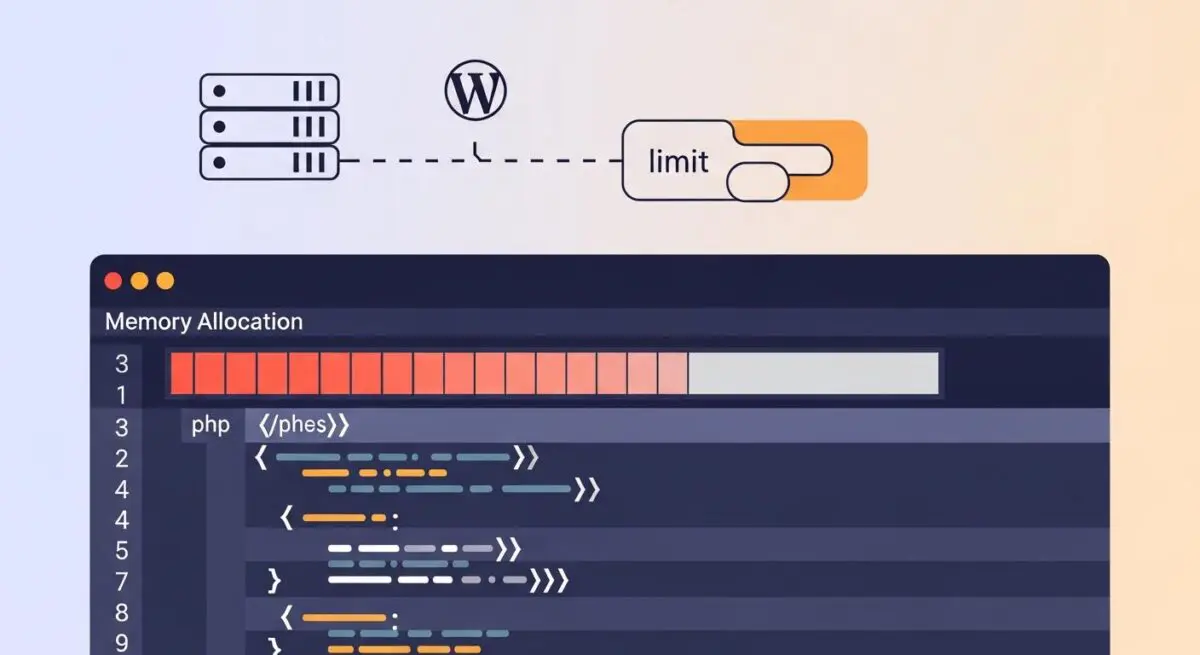
- The PHP memory limit defines the maximum amount of system RAM a single PHP script can consume during execution.
- In WordPress architecture, this limit prevents inefficient code or resource-heavy plugins from exhausting server resources and causing a system-wide failure.
- Optimizing this parameter is critical for high-traffic environments, complex database queries, and heavy media processing tasks.
What is PHP Memory Limit?
The PHP memory limit is a server-side configuration directive, typically defined in the php.ini file as memory_limit, that sets the maximum amount of memory (RAM) a single PHP script is allowed to allocate. In the context of WordPress, which is built on PHP, every request—whether loading a page, processing an image, or running a background cron job—triggers a script execution. If a script attempts to exceed this predefined threshold, the PHP engine terminates the process, resulting in the infamous “Fatal Error: Allowed memory size exhausted” or the WordPress “White Screen of Death” (WSoD).
From a systems engineering perspective, the memory limit acts as a crucial safety valve. It ensures that a single poorly optimized plugin or a recursive function cannot consume the entire server’s available RAM, which would otherwise lead to a kernel-level Out-Of-Memory (OOM) event, potentially crashing the entire web server and affecting all hosted sites. For enterprise WordPress deployments, managing this limit involves a delicate balance between providing enough headroom for complex operations and maintaining high server density and stability.
The Real-World Analogy
Imagine a professional kitchen where multiple chefs (PHP scripts) are preparing different dishes simultaneously. The PHP memory limit is equivalent to the specific amount of counter space allocated to each chef. If a chef is making a simple salad, they only need a small section of the counter. However, if they are preparing a complex multi-course feast (a resource-heavy WordPress plugin), they require significantly more space. If a chef tries to take over more space than they were assigned, the head chef (the Server) stops them immediately to ensure the other chefs still have room to work. Without these boundaries, one ambitious chef could take over the entire kitchen, leaving no room for anyone else to cook, effectively shutting down the restaurant.
How PHP Memory Limit Impacts Server Performance & Speed Engineering?
The PHP memory limit directly influences the Time to First Byte (TTFB) and the overall reliability of the WordPress application layer. When a limit is set too low, scripts may fail mid-execution, preventing the server from returning a cached or fully rendered HTML response. This leads to 500 Internal Server Errors and a degraded user experience. Conversely, while increasing the limit can resolve immediate crashes, it does not inherently improve speed; rather, it provides the necessary environment for resource-intensive processes—such as WooCommerce dynamic pricing calculations or heavy REST API requests—to complete successfully.
In high-performance hosting environments, memory allocation is a key component of Horizontal and Vertical Scaling. If each PHP process consumes 512MB of RAM, a server with 8GB of RAM can handle significantly fewer concurrent users than if the scripts were optimized to run within 128MB. Therefore, speed engineering involves not just increasing the limit, but optimizing the code to use as little memory as possible, thereby increasing the server’s capacity to handle concurrent requests without latency spikes.
Best Practices & Implementation
- Configure via wp-config.php: For most WordPress environments, you can define the limit by adding
define('WP_MEMORY_LIMIT', '256M');to your configuration file, ensuring it meets the requirements of your active theme and plugins. - Differentiate Admin Limits: Use
define('WP_MAX_MEMORY_LIMIT', '512M');to provide additional memory specifically for the WordPress dashboard and administrative tasks, which are often more resource-intensive than front-end page loads. - Audit Plugin Footprints: Use profiling tools like Query Monitor or Xdebug to identify plugins with high memory consumption and replace them with more efficient alternatives to reduce the baseline memory overhead.
- Server-Level Adjustments: In managed environments, adjust the
memory_limitdirective directly within the php.ini or .user.ini file to ensure the setting is respected at the CGI/FPM level.
Common Mistakes to Avoid
One frequent error is setting the PHP memory limit to an excessively high value (e.g., 2GB or more) as a “quick fix” for poorly written code. This masks underlying inefficiencies and risks exhausting the physical RAM of the server, leading to instability. Another mistake is failing to account for the difference between the WordPress-defined limit and the server-level PHP limit; if the server-level limit is lower than the value in wp-config.php, the server-level setting will typically take precedence, leading to unexpected script terminations.
Conclusion
The PHP memory limit is a foundational pillar of WordPress resource management that ensures individual script stability and overall server integrity. Proper calibration of this limit, combined with code optimization, is essential for maintaining a high-performance, scalable enterprise web environment.