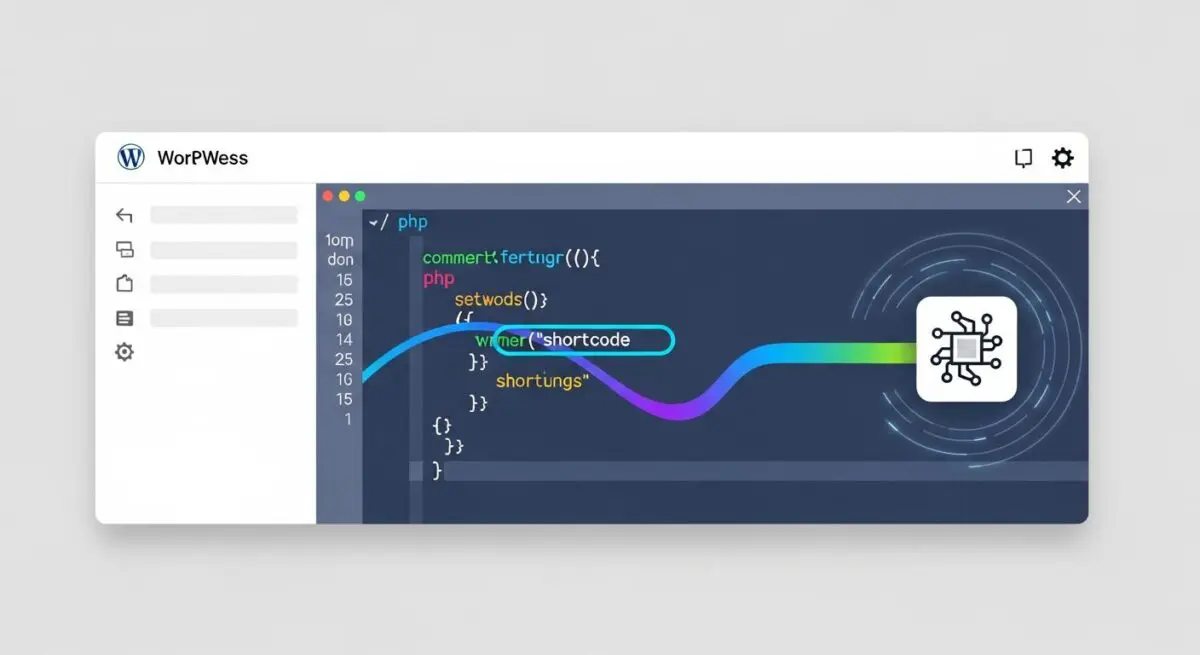
Executive Summary
- Shortcodes function as PHP-driven macros that utilize the Shortcode API to replace square-bracket placeholders with dynamic HTML output during the rendering process.
- The execution of shortcodes relies on the the_content filter, which uses regular expressions (regex) to parse content, potentially impacting Time to First Byte (TTFB) on resource-heavy pages.
- While modern WordPress development prioritizes the Block Editor (Gutenberg), shortcodes remain essential for programmatic content injection and maintaining legacy architectural compatibility.
What is Shortcodes?
Shortcodes are a fundamental component of the WordPress Shortcode API, introduced in version 2.5 to provide a streamlined method for executing PHP code within the post content area without requiring direct script insertion. Architecturally, a shortcode is a macro—a specific string enclosed in square brackets, such as
or
Error: Contact form not found.
—that acts as a hook for a callback function. When the WordPress engine processes a post or page, it scans the content for these specific patterns and replaces them with the dynamically generated output of the associated PHP function. This mechanism allows non-technical users to embed complex elements like sliders, pricing tables, or database queries into their content while maintaining a strict separation between the data layer and the presentation layer.From a developer’s perspective, shortcodes are registered using the add_shortcode() function, which maps a unique tag to a specific handler function. These handlers can accept attributes (parameters) and, in the case of enclosing shortcodes, wrap around a segment of content to modify it. Because shortcodes are executed late in the WordPress lifecycle—specifically during the execution of the_content filter—they offer a high degree of flexibility for injecting context-aware data into the Document Object Model (DOM) before it is served to the client browser. However, this late-stage execution also means that the server must perform additional processing for every shortcode encountered, making efficient coding practices paramount for high-traffic enterprise environments.
The Real-World Analogy
To understand shortcodes, imagine a high-end restaurant’s digital ordering system. Instead of the waiter writing out the entire recipe for “Beef Wellington” every time a customer orders it, they simply enter a short code like “BW-01” into the terminal. The kitchen staff (the WordPress server) sees this code and knows exactly which complex set of instructions (the PHP callback function) to follow to produce the final dish. The customer (the website visitor) never sees the code or the recipe; they only see the finished, professional meal presented on their table. The shortcode is the shorthand bridge that triggers a complex, standardized process behind the scenes, ensuring consistency and saving time for the person placing the order.
How Shortcodes Impacts Server Performance & Speed Engineering?
The impact of shortcodes on server performance is primarily centered on the overhead of regular expression (regex) parsing and the efficiency of the underlying PHP callback functions. When a page is requested, WordPress uses the get_shortcode_regex() function to build a massive pattern matching string that includes every registered shortcode on the site. The engine then crawls the entire content body to find matches. On pages with massive amounts of text or dozens of shortcodes, this regex parsing can become a bottleneck, increasing the CPU cycles required to render a single page. This is particularly evident in legacy themes where shortcodes are nested within other shortcodes, leading to recursive parsing cycles that can significantly delay the server’s response time.
Furthermore, shortcodes can negatively affect speed engineering if they are not optimized for database interaction. A poorly written shortcode might trigger multiple WP_Query instances or external API calls every time it is rendered. Without proper implementation of the Transients API or object caching, these shortcodes force the server to fetch the same data repeatedly, bypassing the benefits of page caching in dynamic environments. Additionally, many plugins globally enqueue CSS and JavaScript files to support their shortcodes, even on pages where the shortcode is not present. This leads to bloated render-blocking resources, increasing the Total Blocking Time (TBT) and negatively impacting Core Web Vitals scores like Largest Contentful Paint (LCP).
Best Practices & Implementation
- Implement Conditional Enqueueing: Only load the CSS and JavaScript assets required for a shortcode when has_shortcode() returns true for the current post, reducing unnecessary HTTP requests and script execution overhead.
- Utilize the Transients API: For shortcodes that perform heavy database queries or fetch data from external APIs, wrap the logic in a transient to cache the resulting HTML for a specified duration, drastically reducing server load.
- Always Return, Never Echo: Ensure that shortcode callback functions return the generated string rather than echoing it directly. Echoing content inside a shortcode will cause the output to appear at the top of the page, breaking the intended layout and DOM structure.
- Sanitize Attributes: Use the shortcode_atts() function to define default values and sanitize user-provided attributes, preventing potential security vulnerabilities such as Cross-Site Scripting (XSS) or SQL injection.
- Transition to Blocks: For new development, prefer the WordPress Block Editor (Gutenberg) over shortcodes. Blocks provide a superior visual editing experience and generate static HTML, which reduces the server-side processing required during page load.
Common Mistakes to Avoid
One of the most frequent errors is the creation of “Shortcode Soup,” where developers nest multiple complex shortcodes within one another. This often leads to broken HTML tags and significant performance degradation due to the recursive nature of the parser. Another common mistake is failing to check for the existence of a shortcode before calling it programmatically via do_shortcode(), which can lead to silent failures or unrendered tags appearing on the front end. Finally, many developers neglect to use unique prefixes for their shortcode tags, leading to naming collisions with other plugins or WordPress core, which can cause unpredictable behavior and site crashes in enterprise-scale deployments.
Conclusion
Shortcodes remain a powerful tool for dynamic content delivery in WordPress, provided they are implemented with a focus on regex efficiency and resource management. By adhering to modern performance standards and transitioning toward block-based architectures, developers can leverage shortcodes without compromising server response times or user experience.