Executive Summary
- Automates the compilation of modular JavaScript and SCSS into optimized, browser-compatible assets.
- Reduces server overhead by consolidating multiple dependency files into single, minified bundles.
- Facilitates advanced WordPress development workflows, including Gutenberg block creation and tree-shaking.
What is Webpack?
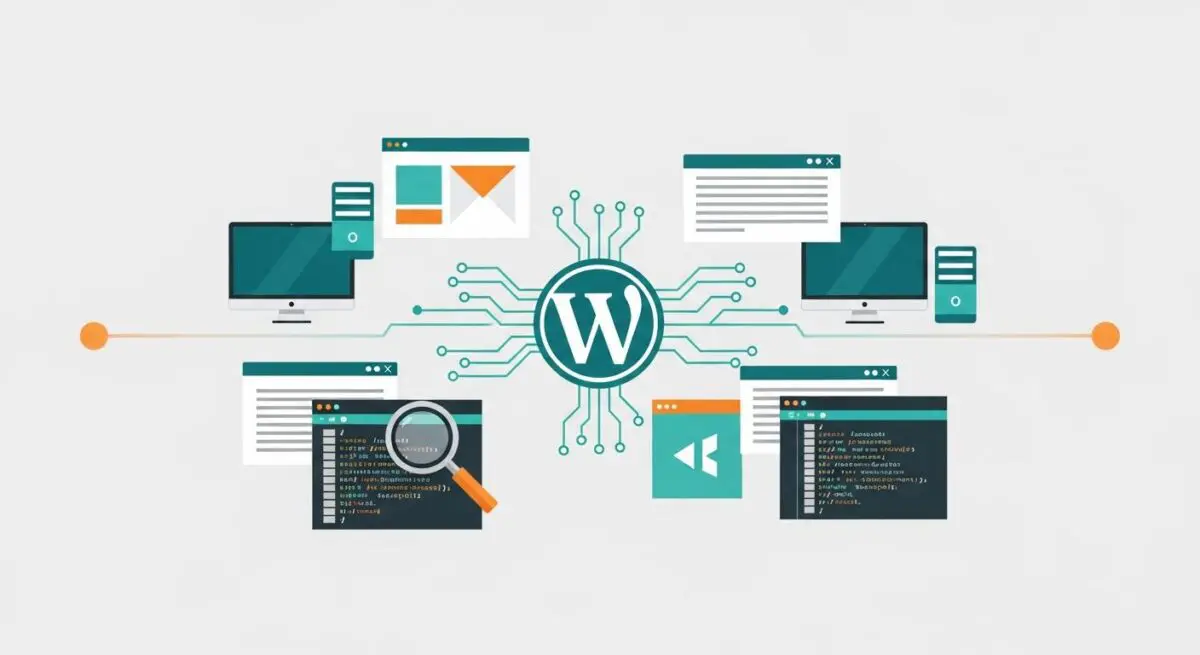
Webpack is a sophisticated static module bundler designed for modern JavaScript applications. Within the WordPress ecosystem, it serves as the engine that processes complex development assets—such as ES6+ JavaScript, Sass/SCSS, and images—into optimized bundles that the browser can execute efficiently. It constructs a dependency graph that maps every module the project requires, ensuring that assets are loaded in the correct order while eliminating redundant code.
In the context of modern WordPress development, particularly since the introduction of the Block Editor (Gutenberg), Webpack has become an essential component of the build pipeline. It allows developers to use modular programming patterns, which are then compiled into a single index.js or style.css file. This process is often managed through the @wordpress/scripts package, which abstracts the underlying Webpack configuration for standardized plugin and theme development.
The Real-World Analogy
Imagine a high-end restaurant kitchen. Instead of the waiter running to the pantry for salt, then again for a plate, and again for a single carrot, a sous-chef (Webpack) gathers all the necessary ingredients and tools for a specific dish, prepares them, and places them on a single tray. The waiter (the browser) then takes that one tray to the table. This preparation ensures the service is fast, organized, and free of unnecessary trips back and forth to the storage room.
How Webpack Impacts Server Performance & Speed Engineering?
Webpack significantly enhances server performance by minimizing the number of HTTP requests required to render a page. By bundling dozens of small JavaScript modules into a single file, it mitigates the latency overhead associated with multiple round-trips between the client and the server. Furthermore, Webpack enables tree-shaking, a process that identifies and removes unused code from the final bundle, thereby reducing the total payload size delivered over the network.
From a hosting perspective, Webpack’s ability to generate hashed filenames facilitates aggressive long-term caching strategies. When a file’s content changes, Webpack generates a new hash, forcing the browser to download the updated version while allowing unchanged assets to remain in the local cache. This reduces the load on the WordPress origin server and improves Core Web Vitals, specifically Largest Contentful Paint (LCP) and Total Blocking Time (TBT).
Best Practices & Implementation
- Leverage WordPress Externals: Configure Webpack to treat core libraries like wp-element or jquery as externals to prevent them from being bundled into your plugin, reducing file size.
- Enable Code Splitting: Use dynamic imports to split code into smaller chunks that are only loaded when specific blocks or features are present on the page.
- Optimize for Production: Always use the production mode flag during deployment to trigger automatic minification, scope hoisting, and dead-code elimination.
- Implement Source Maps: Use hidden-source-map in production to allow for error tracking without exposing the original source code to the public.
Common Mistakes to Avoid
A frequent error is the inclusion of massive third-party libraries within the main bundle instead of utilizing WordPress’s built-in dependency management system (wp_enqueue_script). Another common mistake is failing to optimize the node_modules exclusion in the loader configuration, which can lead to excessively long build times and bloated assets that degrade server response times.
Conclusion
Webpack is a critical tool for modern WordPress architecture, transforming complex development code into high-performance assets that optimize server resource allocation and user experience.