Executive Summary
- The Theme Customizer is a core WordPress framework driven by the WP_Customize_Manager class, enabling real-time configuration previews without modifying the live site state.
- Data persistence is primarily managed through the theme_mods API, which stores serialized data in the wp_options table, impacting the autoloaded data overhead.
- Modern implementation requires the use of selective refresh and postMessage transport to minimize server-side processing and improve client-side rendering performance.
What is the Theme Customizer?
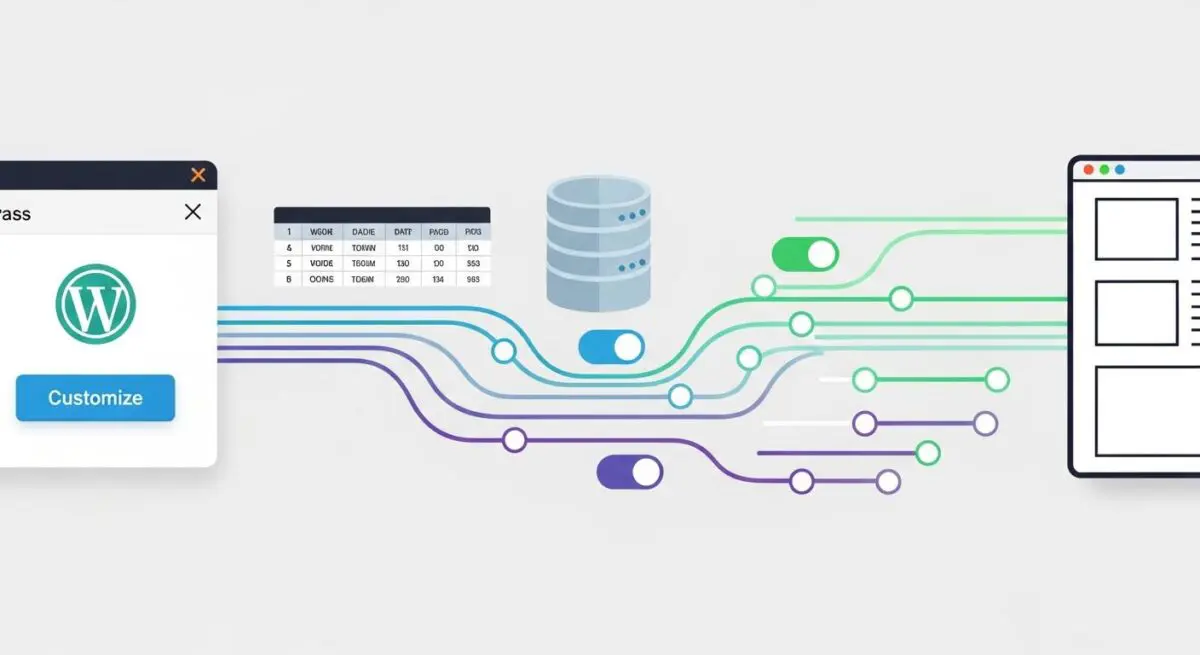
The Theme Customizer is a robust, object-oriented framework within the WordPress core (introduced in version 3.4) that allows developers to provide a unified interface for site configuration. Architecturally, it is managed by the WP_Customize_Manager class. This API enables administrators to modify theme settings, widgets, and menus while viewing a real-time preview of those changes in an IFrame before persisting them to the production database. It operates on a hierarchy of four primary objects: Panels, Sections, Settings, and Controls.
From a technical standpoint, the Customizer facilitates a decoupled environment where the preview state is distinct from the live site. When a user modifies a setting, the Customizer sends an asynchronous request via the Admin AJAX or REST API (depending on the version and implementation) to refresh the preview pane. This mechanism ensures that the wp_options table is only updated once the user explicitly triggers the ‘Publish’ action, preventing accidental data corruption or incomplete configuration states on the frontend.
The Real-World Analogy
Think of the Theme Customizer as a high-fidelity flight simulator used by pilots. In this simulator, a pilot can adjust the cockpit controls, change the weather conditions, and alter the flight path. They see exactly how the plane would react on the digital screens in front of them, but the actual physical aircraft remains safely on the ground in the hangar. Only when the pilot is satisfied with the new flight plan do they upload it to the real aircraft’s computer. The Customizer allows web developers to ‘test fly’ design and configuration changes in a controlled environment without risking the stability of the actual ‘flight’ (the live website).
How the Theme Customizer Impacts Server Performance & Speed Engineering?
The Theme Customizer’s impact on performance is twofold: it affects the administrative overhead and the frontend delivery speed. On the backend, the Customizer stores data as theme_mods, which are saved as a single serialized array in the wp_options table. If a theme includes hundreds of unnecessary settings, this serialized array grows, increasing the size of the alloptions cache that WordPress loads on every single page request. This can lead to increased memory consumption and slower database query execution times.
On the frontend, poorly optimized themes often use Customizer settings to inject inline CSS via the wp_add_inline_style() function. While this allows for dynamic styling, excessive use can significantly increase the Document Object Model (DOM) size and block the CSS Object Model (CSSOM) construction. To mitigate this, elite developers utilize selective refresh (introduced in WP 4.5), which only updates the specific portion of the DOM that has changed, rather than reloading the entire IFrame, thereby reducing server-side rendering (SSR) load and improving the perceived performance of the administrative interface.
Best Practices & Implementation
- Utilize postMessage Transport: Always set the
transportparameter topostMessagefor settings that can be updated via JavaScript. This avoids a full IFrame reload, providing a near-instantaneous user experience and reducing server hits. - Implement Selective Refresh: Use the
selective_refreshfeature to register partials. This allows the Customizer to refresh only specific HTML elements, significantly lowering the processing overhead for complex page layouts. - Sanitize All Inputs: Every setting must have a
sanitize_callback. This is critical for preventing Cross-Site Scripting (XSS) and ensuring that only valid data types (e.g., integers, hex codes, or specific strings) are written to the database. - Limit Theme_Mods Bloat: Avoid using the Customizer to store large blocks of text or complex JSON objects. Use it for layout toggles, color hex codes, and structural variables to keep the wp_options table lean.
Common Mistakes to Avoid
One frequent error is the failure to implement proper capability checks within the customize_register hook, which can lead to unauthorized users accessing configuration settings if the environment is not properly hardened. Another common mistake is using the refresh transport for every setting; this forces the entire site to reload within the preview pane for every minor change, causing unnecessary server load and a frustrating developer experience. Finally, developers often neglect to use active_callbacks, which results in a cluttered UI where controls are visible even when they are irrelevant to the current page or context.
Conclusion
The Theme Customizer is a sophisticated API that, when implemented with postMessage transport and selective refresh, provides a high-performance configuration layer. Proper management of the theme_mods data structure is essential to prevent database bloat and maintain optimal server response times in enterprise WordPress environments.