Executive Summary
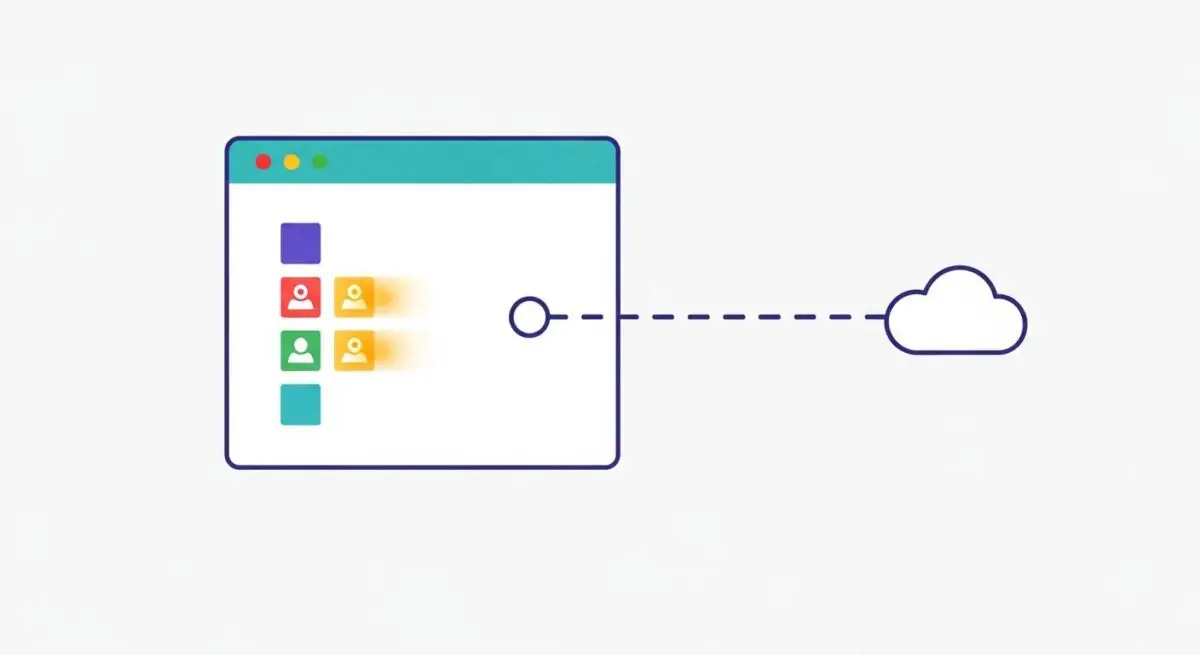
- Priority Hints utilize the fetchpriority attribute to provide explicit signals to the browser’s resource scheduler.
- The technology is a primary lever for optimizing Largest Contentful Paint (LCP) by prioritizing critical above-the-fold assets.
- Implementation reduces network contention by deprioritizing non-essential scripts and images during the initial page load.
What is Priority Hints?
Priority Hints is a web standard that provides developers with a declarative way to signal the relative importance of a resource to the browser. By using the fetchpriority attribute, engineers can influence the browser’s internal heuristic for resource scheduling. This attribute accepts three values: high, low, and auto, allowing for granular control over how the browser allocates bandwidth and CPU cycles during the critical rendering path.
In a standard loading sequence, browsers attempt to guess the priority of resources based on their type (e.g., scripts, styles, or images) and their location in the document. However, these heuristics often fail to identify critical above-the-fold assets, such as hero images, until late in the discovery process. Priority Hints bridge this gap by providing explicit instructions to the browser’s fetcher, ensuring that high-value assets are requested and downloaded ahead of less critical background tasks.
The Real-World Analogy
Imagine an elite airport boarding process. Without Priority Hints, the browser is like a gate agent who boards passengers based solely on their seat number, often making the pilot wait for a passenger in the last row. With Priority Hints, the gate agent identifies the “First Class” passengers (critical hero images) and boards them immediately, while “Standby” passengers (non-essential tracking scripts) are held until the most important seats are filled. This ensures the flight—your website’s visual render—departs as quickly as possible for the most important cargo.
Why is Priority Hints Critical for Website Performance and Speed Engineering?
Priority Hints are a cornerstone of modern speed engineering because they directly address Largest Contentful Paint (LCP). By assigning fetchpriority=”high” to an LCP image, developers can reduce the “resource load delay,” often shaving hundreds of milliseconds off the render time. Furthermore, it aids in bandwidth orchestration; by marking non-critical third-party scripts or below-the-fold carousels with fetchpriority=”low”, the browser can prevent these assets from competing for the same network connection as critical CSS or fonts.
Best Practices & Implementation
- Apply fetchpriority=”high” to the primary hero image or the most significant element identified as the LCP candidate to trigger an immediate download.
- Use fetchpriority=”low” for non-critical resources like off-screen images, footer scripts, or data-heavy widgets that are not required for the initial user experience.
- Combine Priority Hints with rel=”preload” for late-discovered resources (like background images defined in CSS) to ensure they are both discovered early and prioritized correctly.
- Avoid assigning “high” priority to more than one or two resources per page to prevent “priority inflation,” which can negate the benefits of the hint.
Common Mistakes to Avoid
A frequent error is the “everything is important” fallacy, where developers apply high priority to multiple images and scripts, causing the browser to revert to its default contention behavior. Another mistake is confusing fetchpriority with loading=”lazy”; while lazy loading defers the fetch until a scroll threshold is met, Priority Hints adjust the fetch order of resources that are already scheduled for download.
Conclusion
Priority Hints represent a sophisticated evolution in resource scheduling, enabling developers to align browser behavior with business-critical performance goals and Core Web Vitals optimization.