Executive Summary
- Provides granular visibility into database queries, PHP errors, hooks, actions, and block editor performance.
- Identifies bottlenecks in server-side rendering by profiling slow queries and resource-heavy plugins.
- Essential for debugging REST API requests and AJAX calls within complex WordPress environments.
What is Query Monitor?
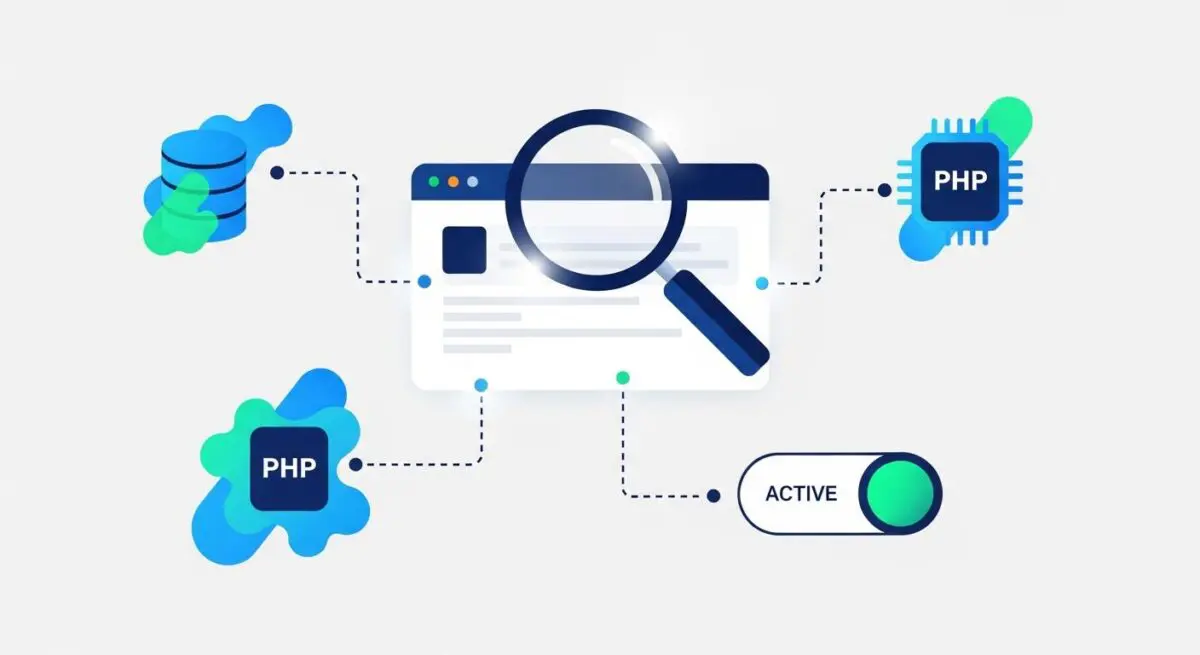
Query Monitor is the industry-standard developer tools panel for WordPress, functioning as a comprehensive debugging and performance profiling suite. It operates as a plugin that intercepts and logs data regarding database queries, PHP errors, hooks, actions, block editor blocks, enqueued scripts and stylesheets, and HTTP API requests. By providing a real-time dashboard within the WordPress admin bar, it allows architects to inspect the underlying mechanics of page generation without external profiling tools.
In an enterprise context, Query Monitor is indispensable for identifying inefficient code paths and database bloat. It categorizes queries by component (plugin, theme, or core) and highlights slow or duplicate queries that degrade Time to First Byte (TTFB). It also monitors memory usage and execution time, offering a granular view of how specific server-side processes impact the overall request-response cycle.
The Real-World Analogy
Imagine a high-performance race car equipped with a sophisticated telemetry system. While the driver (the user) sees the speed and direction, the telemetry system (Query Monitor) tracks the internal temperature of every engine component, the precise fuel-to-air ratio in each cylinder, and the exact millisecond each gear shifts. Just as a mechanic uses this data to diagnose a hidden misfire that slows the car down, a developer uses Query Monitor to find the specific line of code or database query that is dragging down the website performance.
How Query Monitor Impacts Server Performance & Speed Engineering?
Query Monitor serves as the primary diagnostic interface for optimizing server-side execution. By exposing the total number of database queries and their individual latency, it enables developers to implement object caching strategies or refactor inefficient WP_Query instances. This directly reduces the CPU overhead on the web server, allowing for higher concurrency and faster server response times.
Furthermore, it identifies expensive plugins that hook into every page load, even when their functionality is not required. By profiling the execution time of hooks and actions, engineers can prune unnecessary callbacks, thereby streamlining the PHP execution pipeline. This level of insight is critical for achieving optimal Core Web Vitals, particularly for metrics like Interaction to Next Paint (INP) and Largest Contentful Paint (LCP), which are often delayed by server-side bottlenecks.
Best Practices & Implementation
- Isolate Slow Queries: Use the Queries by Component view to identify which specific plugin or theme file is responsible for high-latency database interactions.
- Monitor AJAX and REST API: Leverage the tool to debug background requests that do not trigger a full page reload, ensuring asynchronous operations are optimized.
- Environment Management: Only activate Query Monitor in development or staging environments; avoid running it on high-traffic production servers to prevent additional overhead.
- Audit Enqueued Assets: Review the Scripts and Styles section to identify redundant CSS and JavaScript files that contribute to render-blocking.
Common Mistakes to Avoid
One frequent error is leaving Query Monitor active on production environments, which can inadvertently leak sensitive system information and consume unnecessary server resources. Another mistake is ignoring the Duplicate Queries notification; failing to address these often indicates a lack of proper data caching, leading to redundant database load. Finally, developers often overlook the Environment tab, which provides critical data on PHP versions and memory limits.
Conclusion
Query Monitor is a foundational tool for WordPress performance engineering, providing the transparency required to build scalable, high-performance digital assets. Its ability to bridge the gap between high-level CMS functions and low-level server execution makes it essential for modern web architecture.