Executive Summary
- WAFs operate at Layer 7 of the OSI model, inspecting HTTP/HTTPS requests to block common WordPress exploits like SQL injection and Cross-Site Scripting (XSS).
- Cloud-based WAF solutions reduce origin server resource consumption by filtering malicious traffic at the network edge before it reaches the PHP environment.
- Implementation of virtual patching allows for immediate protection against zero-day vulnerabilities in WordPress core, themes, or plugins without requiring code changes.
What is Web Application Firewall (WAF)?
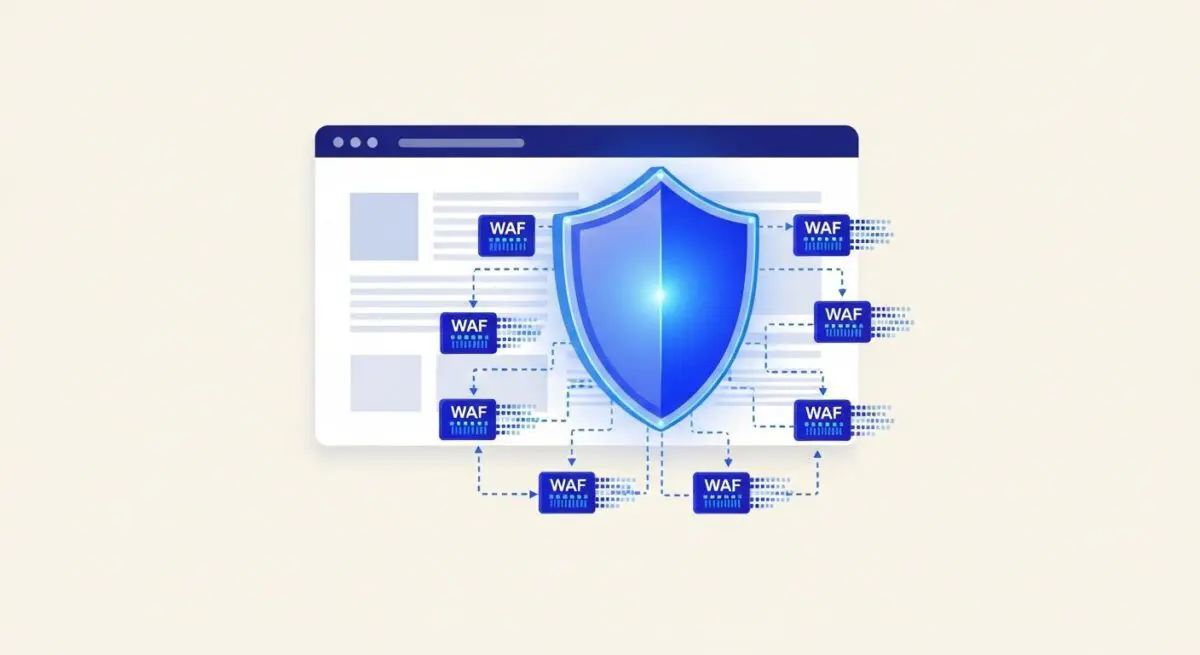
A Web Application Firewall (WAF) is a specialized security solution that monitors, filters, and blocks HTTP/HTTPS traffic to and from a web application. Unlike traditional firewalls that focus on network-level protocols, a WAF operates at the Application Layer (Layer 7). In the context of WordPress architecture, a WAF is designed to identify and neutralize threats specifically targeting the CMS, such as SQL injections, Cross-Site Scripting (XSS), and remote file inclusions. By inspecting the payload of incoming requests, a WAF can distinguish between legitimate user interactions and malicious automated scripts.
In a managed WordPress hosting environment, a WAF can be deployed in two primary configurations: at the network edge (DNS-level) or at the server level (endpoint). Edge-based WAFs, such as those provided by Cloudflare or Sucuri, intercept traffic before it reaches the hosting infrastructure, effectively shielding the origin server from resource exhaustion. Endpoint WAFs, often implemented via PHP-based plugins or web server modules like ModSecurity, provide deep inspection within the local environment but consume server-side CPU and memory resources to process each request.
The Real-World Analogy
Imagine a high-security government building. A traditional firewall is like the perimeter fence that checks if a vehicle has a permit to enter the grounds. A Web Application Firewall, however, is the specialized security detail stationed at the front door. They don’t just check your ID; they open every briefcase, scan every document for sensitive keywords, and ensure that your behavior matches the specific protocols required for the office you are visiting. If you try to carry a prohibited item or use a phrase that triggers an alarm, you are denied entry immediately, ensuring the internal staff can work without interruption or threat.
How Web Application Firewall (WAF) Impacts Server Performance & Speed Engineering?
The implementation of a WAF has a dual impact on performance. While the inspection process introduces a marginal amount of latency (measured in milliseconds), the net gain in server stability often outweighs this cost. By filtering out “garbage” traffic—such as bot scrapers, brute-force login attempts on wp-login.php, and vulnerability scanners—the WAF prevents the WordPress PHP engine and MySQL database from processing unnecessary, resource-intensive requests. This preservation of server resources ensures that legitimate users experience faster Time to First Byte (TTFB) and more consistent page load times during traffic spikes or distributed denial-of-service (DDoS) events.
Best Practices & Implementation
- Deploy at the Edge: Prioritize DNS-level WAF solutions to offload the computational burden of traffic filtering away from the origin server, improving overall scalability.
- Enable Virtual Patching: Use WAF rules to block known vulnerabilities in specific WordPress plugins or themes before an official patch can be applied to the site’s codebase.
- Configure Geo-Blocking: Restrict access to the /wp-admin/ directory based on geographic location or specific IP whitelists to drastically reduce the attack surface.
- Monitor False Positives: Regularly audit WAF logs to ensure that legitimate REST API calls or AJAX requests from third-party integrations are not being inadvertently blocked.
Common Mistakes to Avoid
One frequent error is relying solely on plugin-based WAFs for high-traffic sites; because these run within the WordPress environment, a massive brute-force attack can still overwhelm the server’s PHP workers. Another mistake is failing to update WAF rule sets, leaving the site vulnerable to new exploit patterns. Finally, many organizations neglect to configure the WAF to bypass caching layers for administrative traffic, which can lead to session conflicts or security bypasses.
Conclusion
A Web Application Firewall is a critical component of enterprise WordPress architecture, providing essential Layer 7 protection and resource optimization. Proper WAF integration ensures high availability and security by mitigating threats at the network edge before they impact the hosting environment.