Executive Summary
- Custom taxonomies extend the WordPress core data schema, allowing for the creation of bespoke grouping mechanisms beyond default categories and tags.
- Architectural implementation relies on the wp_term_taxonomy and wp_term_relationships tables, which facilitate complex relational queries within the WordPress database.
- Optimizing taxonomy registration and querying is vital for maintaining high-performance server response times and efficient object caching in enterprise-scale environments.
What is Custom Taxonomies?
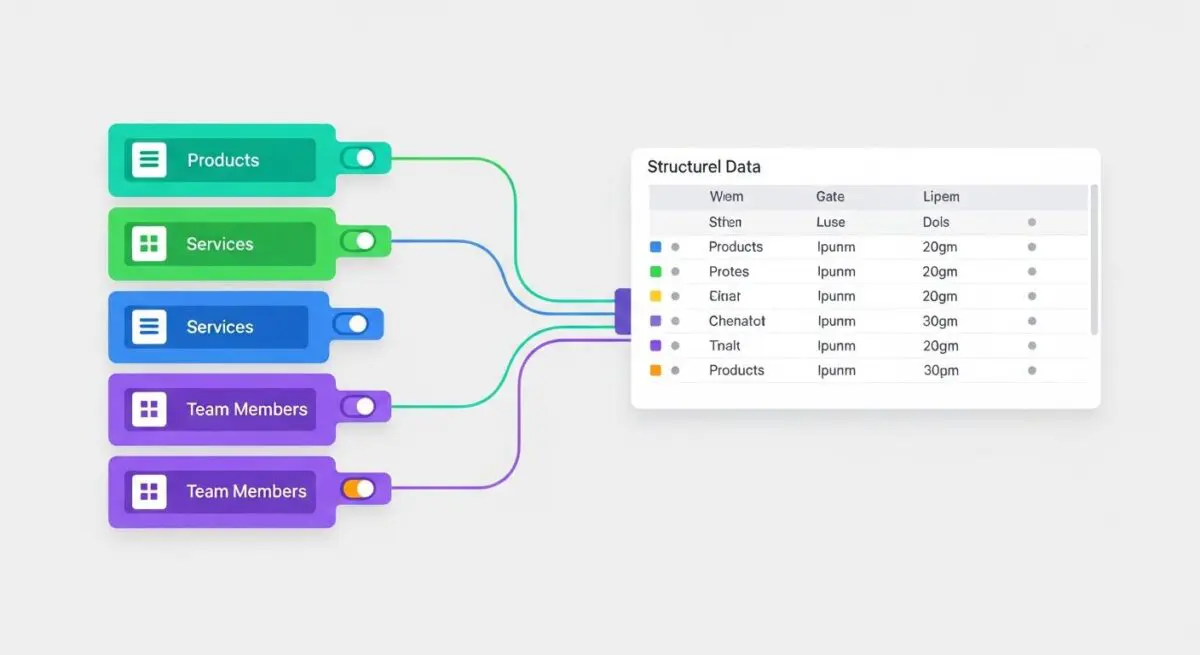
In WordPress architecture, custom taxonomies are developer-defined grouping mechanisms used to classify post types in a structured, relational manner. While WordPress provides default taxonomies such as categories (hierarchical) and tags (non-hierarchical), custom taxonomies allow engineers to create specialized classification systems tailored to specific data requirements. These are registered via the register_taxonomy() function, which defines how the data interacts with the WordPress core and the REST API.
From a database perspective, taxonomies are stored across three primary tables: wp_terms, wp_term_taxonomy, and wp_term_relationships. This normalized structure allows WordPress to associate a single term with multiple objects (posts) without duplicating data. For enterprise-level CMS engineering, custom taxonomies are essential for building multidimensional content architectures that support advanced filtering, faceted search, and complex metadata relationships.
The Real-World Analogy
Imagine a massive international airport. The “posts” are the individual passengers. A standard category might be their “Destination City,” and a tag might be their “Frequent Flyer Status.” However, to manage the logistics efficiently, the airport needs Custom Taxonomies like “Terminal Assignment,” “Security Clearance Level,” and “Boarding Zone.” Without these specific classification layers, the airport staff (the server) would have to manually check every passenger’s ticket (post meta) to find out where they belong, leading to total gridlock. Custom taxonomies provide the pre-organized gates and lanes that allow thousands of passengers to be routed to the correct location instantly.
How Custom Taxonomies Impacts Server Performance & Speed Engineering?
Custom taxonomies significantly influence server-side rendering and database efficiency. When a user requests a filtered archive page, WordPress executes a SQL JOIN operation across the term relationship tables. If taxonomies are poorly indexed or if the tax_query in a WP_Query instance is inefficiently constructed (e.g., using NOT IN operators or complex nested logic), it can lead to high CPU utilization and slow Time to First Byte (TTFB).
Furthermore, the use of custom taxonomies impacts object caching. WordPress caches term counts and relationships to reduce database load. In high-traffic environments, frequent updates to terms can trigger cache invalidation, forcing the server to re-generate the taxonomy cache. Properly engineered taxonomies leverage update_post_term_cache to ensure that term data is pre-fetched during the main loop, minimizing the number of individual database queries required to render a page.
Best Practices & Implementation
- Choose Hierarchy Wisely: Set
'hierarchical' => trueonly when a parent-child relationship is functionally necessary, as flat taxonomies generally offer faster query performance for large datasets. - Optimize REST API Visibility: Always set
'show_in_rest' => trueand define a'rest_base'to ensure the taxonomy is accessible via the WordPress Block Editor and headless applications. - Leverage Object Caching: Use persistent object caching solutions like Redis or Memcached to store taxonomy terms and relationships, significantly reducing the SQL overhead on the database server.
- Sanitize and Validate: When programmatically inserting terms using
wp_insert_term(), ensure rigorous validation to prevent database bloat from duplicate or orphaned terms.
Common Mistakes to Avoid
One frequent error is using Custom Fields (Post Meta) for data that should be a Custom Taxonomy. Querying post meta is significantly slower than querying taxonomies because meta values are not indexed for relational searches in the same way terms are. Another common mistake is failing to set the rewrite parameter correctly, which can lead to permalink conflicts and 404 errors on archive pages. Finally, developers often neglect to limit the number of terms associated with a single post, which can lead to massive wp_term_relationships tables that degrade performance over time.
Conclusion
Custom taxonomies are a cornerstone of advanced WordPress CMS architecture, providing the relational framework necessary for complex data organization. When implemented with a focus on database normalization and query optimization, they enable high-performance, scalable web applications.