Executive Summary
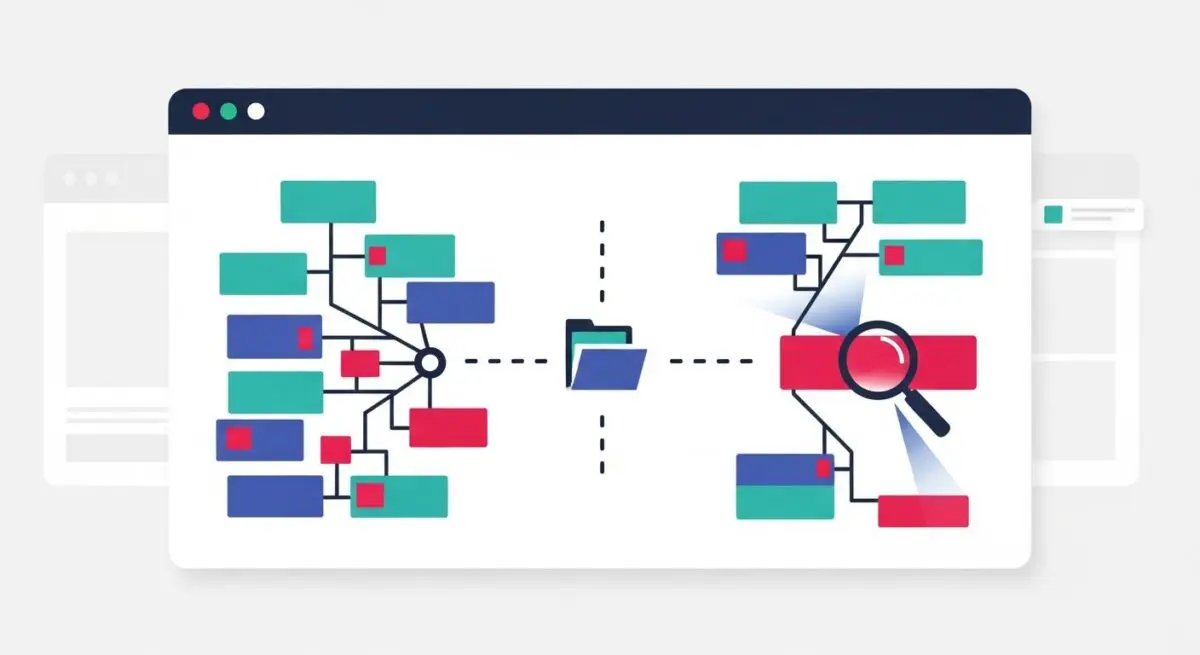
- Provides a visual treemap of bundle compositions to identify oversized dependencies and redundant code.
- Facilitates the optimization of Core Web Vitals by reducing Total Blocking Time (TBT) and Largest Contentful Paint (LCP).
- Enables data-driven decision-making for code splitting, tree-shaking, and dependency management in modern JavaScript environments.
What is Webpack Bundle Analyzer?
Webpack Bundle Analyzer is a sophisticated development tool that generates an interactive, zoomable treemap visualization of the contents of a Webpack bundle. By parsing the generated stat files, it provides granular insights into the physical size of every module, including third-party dependencies and internal application logic. This transparency allows engineers to distinguish between parsed size (the size of the code after minification) and gzip size (the actual size transferred over the network).
In the context of high-performance engineering, the tool serves as a diagnostic instrument for identifying bundle bloat. It reveals exactly which libraries are consuming the most space and whether certain modules are being duplicated across multiple chunks. This level of visibility is essential for maintaining lean JavaScript payloads in complex enterprise-level applications where dependency trees can become unmanageable without automated oversight.
The Real-World Analogy
Imagine you are packing a massive shipping container for an international delivery. Without an itemized manifest, you only know the total weight of the container, but not why it is so heavy. Webpack Bundle Analyzer acts as an X-ray scanner for that container. It shows you that while you thought you were only shipping essential machinery, you accidentally included three identical sets of heavy wrenches and a massive instruction manual in five different languages that no one will read. By seeing exactly what is taking up space, you can remove the duplicates and the unnecessary weight, ensuring the ship travels faster and consumes less fuel.
Why is Webpack Bundle Analyzer Critical for Website Performance and Speed Engineering?
The tool is vital for optimizing the Critical Rendering Path. Excessive JavaScript is the primary contributor to high Total Blocking Time (TBT) and Interaction to Next Paint (INP), as the browser’s main thread must download, parse, and execute every byte before the page becomes fully interactive. By using the analyzer to prune large, non-essential libraries, developers can significantly lower the Largest Contentful Paint (LCP) by reducing network contention. Furthermore, it validates the effectiveness of tree-shaking and code-splitting strategies, ensuring that only the necessary code is delivered to the client for the initial route, thereby improving the overall efficiency of the Edge Caching layer.
Best Practices & Implementation
- Integrate the analyzer into the CI/CD pipeline to generate reports on every production build, allowing for the tracking of bundle size regressions over time.
- Utilize the tool to identify and replace heavy libraries, such as Moment.js or Lodash, with lighter alternatives or native browser APIs.
- Analyze the Stat vs Parsed sizes to evaluate the efficiency of your minification and compression algorithms.
- Leverage the visualization to refine code-splitting boundaries, ensuring that shared dependencies are correctly hoisted into common chunks rather than duplicated across entry points.
Common Mistakes to Avoid
One frequent error is ignoring the Gzipped size in favor of the Stat size; the former is what truly impacts network latency and server response times. Another mistake is failing to act on the data provided, treating the visualization as a novelty rather than a roadmap for refactoring. Finally, developers often overlook the Concatenated Module view, which can hide specific sub-dependencies that are contributing to bloat within a larger package.
Conclusion
Webpack Bundle Analyzer is an indispensable asset for performance architects seeking to minimize JavaScript overhead. It transforms abstract code bundles into actionable visual data, enabling precise optimization of the frontend delivery layer.