Executive Summary
- Meta Boxes serve as the primary administrative interface for managing structured metadata within the WordPress wp_postmeta table.
- Inefficient meta box registration and data handling can lead to significant database bloat and increased server-side processing overhead.
- Modern architectural standards prioritize REST API-compatible metadata management to ensure compatibility with the Block Editor and headless configurations.
What is Meta Box?
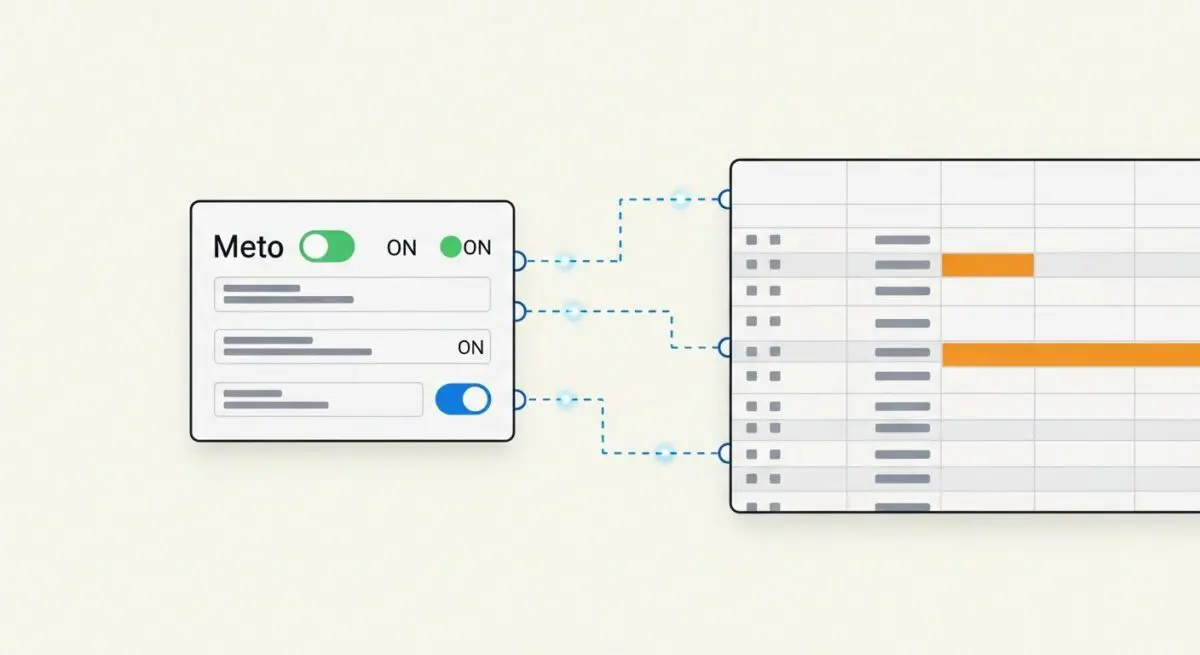
In the context of WordPress core architecture, a Meta Box is a modular user interface element within the administrative dashboard used to collect, display, and manage metadata associated with a specific post type. Technically, Meta Boxes are registered via the add_meta_box() function, which hooks into the WordPress execution lifecycle to inject custom input fields into the post editing screen. These fields allow users to input data that exists outside the primary content area, such as SEO descriptions, price points, or event dates.
From a data perspective, the information captured within a Meta Box is typically stored in the wp_postmeta table as key-value pairs linked to a unique post_id. This architectural separation allows developers to query and filter content based on specific attributes without parsing the main post content blob. In enterprise-grade WordPress deployments, Meta Boxes are essential for transforming a standard blogging platform into a robust Content Management System (CMS) capable of handling complex relational data structures.
The Real-World Analogy
Think of a WordPress post as a standard shipping container. The content inside the container is your main article. A Meta Box is like the manifest document attached to the outside of that container. While the container holds the bulk goods, the manifest provides specific, structured data points—such as the weight, the destination, the temperature requirements, and the owner’s ID. Just as a logistics manager uses the manifest to sort and route containers without opening them, WordPress uses Meta Box data to query, filter, and display posts based on specific attributes without needing to process the entire body of text.
How Meta Box Impacts Server Performance & Speed Engineering?
Meta Boxes directly influence server performance through database I/O operations and PHP memory allocation. Every time a post is loaded in the admin interface, WordPress must execute queries to retrieve all associated metadata. If a site utilizes dozens of Meta Boxes with unoptimized code, it can lead to the “N+1 query problem,” where the server makes excessive requests to the database, significantly increasing Time to First Byte (TTFB) for administrative users.
Furthermore, on the front-end, the way metadata is retrieved via get_post_meta() impacts rendering speed. If metadata is not properly cached or if developers call individual meta keys in a loop instead of fetching all data in a single call, it creates unnecessary database contention. High-traffic environments require careful indexing of the meta_key and meta_value columns to ensure that complex meta queries do not result in slow table scans, which can exhaust server resources and lead to 504 Gateway Timeout errors during peak loads.
Best Practices & Implementation
- Sanitization and Validation: Always use
sanitize_text_field(),absint(), or other relevant WordPress functions before saving Meta Box data to prevent SQL injection and Cross-Site Scripting (XSS) vulnerabilities. - Security via Nonces: Implement
wp_create_nonce()andcheck_admin_referer()to verify that the data being saved originates from an authorized user session and not a malicious script. - REST API Integration: Use
register_meta()with theshow_in_restparameter set to true. This ensures that metadata is accessible via the WordPress REST API, which is critical for Block Editor (Gutenberg) compatibility and headless architectures. - Object Caching: Leverage persistent object caching (like Redis or Memcached) to store metadata results, reducing the frequency of direct hits to the
wp_postmetatable during high-concurrency events.
Common Mistakes to Avoid
One frequent error is the creation of redundant Meta Boxes for data that could be handled by native WordPress taxonomies; taxonomies are significantly more efficient for grouping and filtering than metadata. Another common mistake is failing to use the $autoload parameter correctly in custom options or metadata, which can lead to the exhaustion of PHP memory limits on large-scale enterprise sites. Finally, developers often neglect to clean up metadata upon post deletion, leading to “orphaned” rows in the database that contribute to long-term performance degradation.
Conclusion
Meta Boxes are a fundamental component of WordPress data architecture that, when engineered correctly, enable sophisticated content modeling and efficient data retrieval. Proper implementation focuses on database optimization, security through nonces, and modern REST API compatibility to ensure long-term scalability and server performance.