Executive Summary
- Contact Form 7 utilizes a non-persistent data model, requiring supplemental plugins like Flamingo for server-side lead retention.
- Default configurations trigger global loading of JavaScript and CSS assets, necessitating manual dequeuing to maintain optimal Core Web Vitals.
- The plugin relies on the WordPress REST API for asynchronous submissions, which bypasses traditional page caching mechanisms.
What is Contact Form 7?
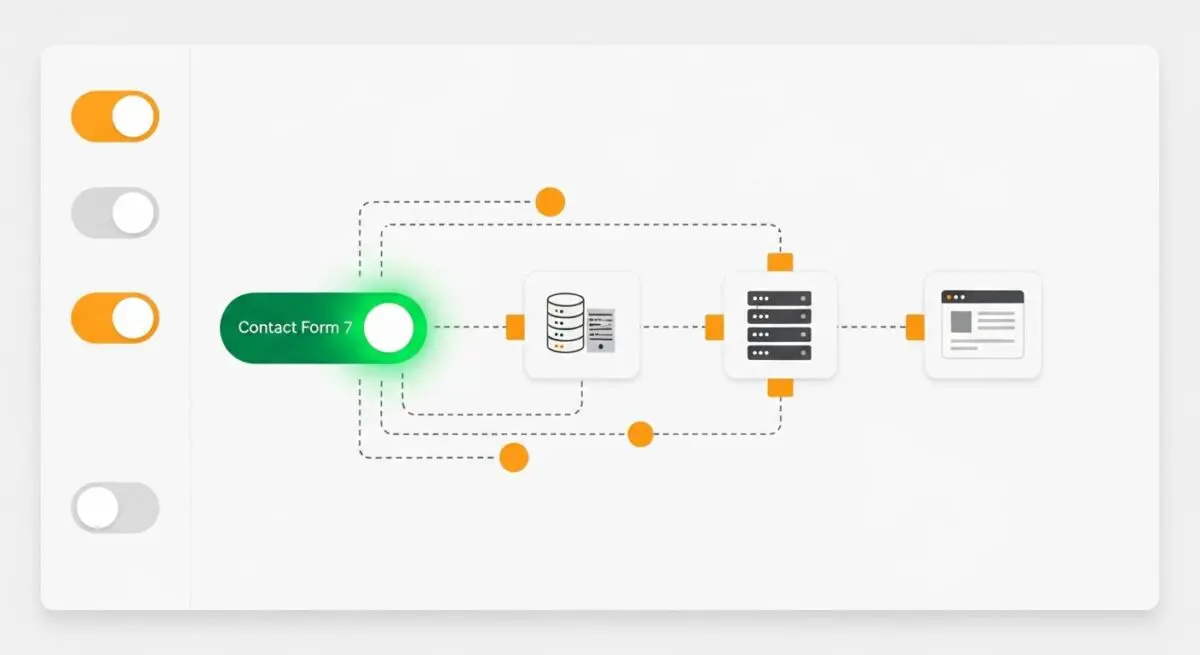
Contact Form 7 (CF7) is an open-source, markup-based form management system for the WordPress CMS. Architecturally, it functions as a wrapper for the wp_mail() function, allowing developers to create complex form structures using a specific shortcode syntax. Unlike many modern “drag-and-drop” builders, CF7 prioritizes a code-first approach, offering high extensibility through hooks and filters within the WordPress action lifecycle.
From a technical standpoint, Contact Form 7 does not natively store submitted data in the WordPress database (MySQL/MariaDB). Instead, it acts as a transient processor, capturing user input, validating it against server-side constraints, and dispatching it via the configured mail transfer agent (MTA). This design choice minimizes database bloat but necessitates the integration of third-party logging solutions for enterprise-grade data persistence and audit compliance.
The Real-World Analogy
Imagine a professional courier service operating within a large office building. Contact Form 7 is like a standardized envelope and a set of instructions provided to every visitor. When a visitor fills out the form, the courier (the server) immediately takes the envelope and runs it to the mailroom to be sent out. However, the building doesn’t keep a photocopy of that letter unless you specifically hire a filing clerk (a database plugin) to sit next to the courier. Furthermore, the courier insists on standing at every single door in the building, even the broom closets, just in case someone wants to send a letter from there, which can slow down people trying to move through the hallways.
How Contact Form 7 Impacts Server Performance & Speed Engineering?
The primary performance concern with Contact Form 7 is its default behavior of enqueuing JavaScript and CSS files on every single URI of a WordPress installation, regardless of whether a form is present. This adds unnecessary render-blocking resources and increases the total document size, negatively impacting Largest Contentful Paint (LCP) and Total Blocking Time (TBT). In high-traffic environments, this global loading results in thousands of redundant HTTP requests.
Furthermore, CF7 utilizes the WordPress REST API for asynchronous form submissions. While this provides a better user experience by preventing page reloads, it triggers a full WordPress bootstrap for every submission. If a site is under a brute-force contact-form attack, the resulting REST API overhead can spike CPU utilization and exhaust PHP-FPM workers, leading to 504 Gateway Timeout errors. Effective speed engineering requires restricting these assets to specific post types or IDs where forms are actually deployed.
Best Practices & Implementation
- Conditional Asset Loading: Use
wp_dequeue_scriptandwp_dequeue_stylewithin a conditional function infunctions.phpto ensure CF7 assets only load on pages containing theError: Contact form not found.
- SMTP Integration: Avoid relying on the default PHP
mail()function, which is often throttled or flagged as spam by hosting providers. Implement a dedicated SMTP provider via the PHPMailer class to ensure high deliverability. - REST API Optimization: Implement rate limiting at the Web Application Firewall (WAF) level (e.g., Cloudflare) for the
/wp-json/contact-form-7/endpoint to prevent resource exhaustion from automated bot submissions. - Spam Mitigation: Utilize reCAPTCHA v3 integration, which runs invisibly and reduces the server-side processing load compared to traditional CAPTCHAs by filtering out bots before they trigger the submission logic.
Common Mistakes to Avoid
One frequent error is the failure to implement a database logging solution like Flamingo. Because CF7 is “fire-and-forget,” any server-side mail routing issue results in the permanent loss of lead data. Another critical mistake is ignoring the Configuration Errors tab within the plugin interface; malformed headers or incorrect “From” addresses often lead to DMARC failures, causing emails to be rejected by receiving mail servers. Finally, many developers neglect to optimize the refill and feedback AJAX calls, which can cause unnecessary server hits on cached pages.
Conclusion
Contact Form 7 remains a robust, extensible tool for WordPress architects when coupled with aggressive asset management and external SMTP routing. Proper optimization ensures that its flexibility does not compromise server performance or front-end efficiency.