Executive Summary
- The wp-includes directory functions as the primary repository for WordPress core logic, housing essential classes, functions, and the REST API infrastructure.
- Strict adherence to core integrity is required; direct modification of files within this directory compromises security and prevents seamless CMS updates.
- Optimizing server-side performance involves leveraging Opcode caching (OPcache) for these files to reduce PHP execution overhead and I/O latency.
What is WP-Includes Directory?
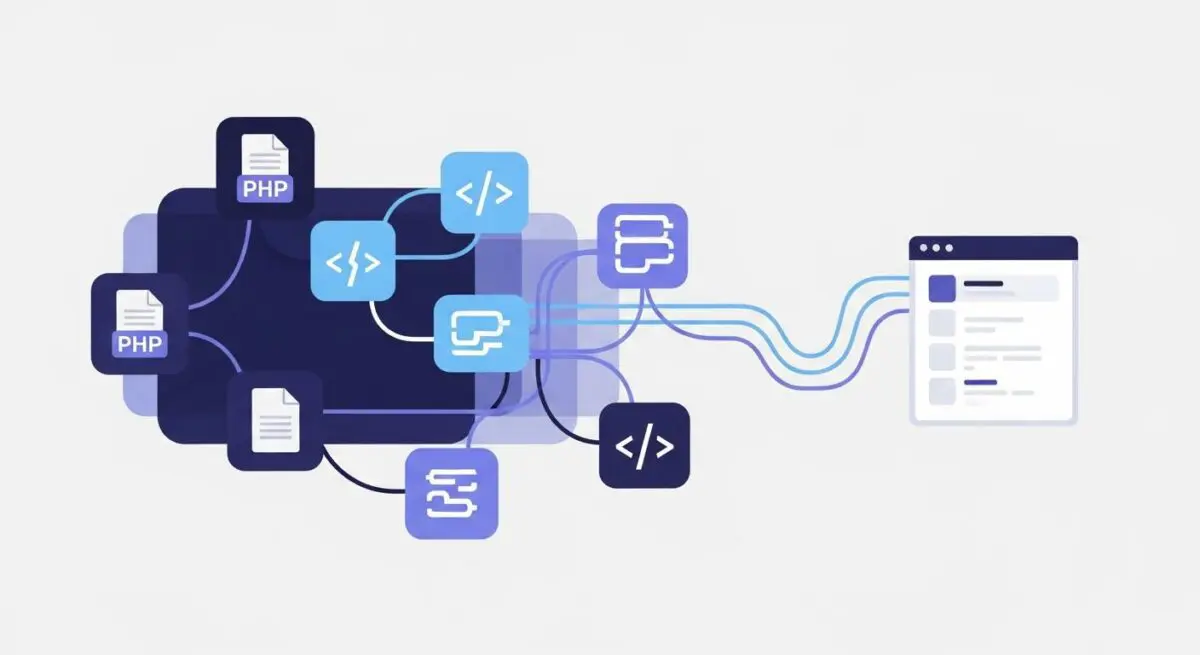
The wp-includes directory is the foundational functional library of the WordPress CMS. Unlike the wp-content directory, which houses user-defined themes and plugins, or the wp-admin directory, which contains the administrative interface logic, wp-includes stores the core files required for the engine to operate. It contains the vast majority of the WordPress API, including the WP_Query class, the Plugin API (hooks, actions, and filters), the REST API infrastructure, and the WPDB database abstraction layer.
From a systems architecture perspective, this directory acts as the backend framework that facilitates communication between the database and the front-end rendering engine. It includes essential PHP libraries, JavaScript frameworks (such as jQuery and Underscore.js), and CSS files used by the core system. Because these files are overwritten during every WordPress core update, they are considered immutable by developers; any customization must be performed via the Hooks API rather than direct file modification.
The Real-World Analogy
Think of the wp-includes directory as the internal engineering and electrical grid of a high-performance skyscraper. While the wp-content directory represents the interior design, furniture, and signage that visitors see, wp-includes contains the elevators, plumbing, structural supports, and the central computer system that manages power distribution. You would never attempt to change the building’s layout by rewiring the elevator’s motherboard directly; instead, you use the building’s control panel (the Hooks API) to adjust settings. If you tamper with the core wiring, the entire structure becomes unstable and impossible to maintain according to modern safety codes.
How WP-Includes Directory Impacts Server Performance & Speed Engineering?
The wp-includes directory significantly influences Time to First Byte (TTFB) and overall server response times. Since WordPress must load numerous core files from this directory to initialize the environment (the “bootstrap” process), disk I/O speed is critical. On high-traffic enterprise environments, the use of Zend OPcache is mandatory to store the precompiled script bytecode in shared memory, eliminating the need for the server to read and parse these core files from the disk on every request.
Furthermore, wp-includes contains the load-scripts.php and load-styles.php files, which are designed to improve performance by concatenating multiple JavaScript or CSS files into a single request. This reduces the number of HTTP requests during administrative tasks. However, for front-end performance, the efficiency of the directory relies heavily on how the WP_Scripts and WP_Styles classes (located within wp-includes) manage the enqueuing process, ensuring that only necessary dependencies are loaded, thereby minimizing render-blocking resources.
Best Practices & Implementation
- Enforce Core Immutability: Never modify files within wp-includes. Use the
functions.phpfile of a child theme or a custom plugin to hook into the core functionality viaadd_action()oradd_filter(). - Implement Server-Level Security: Configure your Web Application Firewall (WAF) or server rules (Nginx/Apache) to deny direct PHP execution within the wp-includes directory, with the exception of specific required files, to prevent Remote Code Execution (RCE) attacks.
- Leverage Opcode Caching: Ensure your hosting environment has PHP OPcache enabled and properly configured with sufficient memory to hold the entire WordPress core library, reducing CPU overhead.
- Monitor File Integrity: Use checksum verification tools (via WP-CLI or security plugins) to regularly compare your local wp-includes files against the official WordPress.org repository to detect unauthorized injections.
Common Mistakes to Avoid
The most frequent error is the direct modification of core files to “hotfix” a bug or add functionality, which is immediately erased during the next WordPress update, potentially breaking the site. Another common mistake is failing to restrict access to the directory at the server level; leaving the directory indexable or allowing the execution of scripts within /wp-includes/js/ can expose the server to cross-site scripting (XSS) or directory traversal vulnerabilities.
Conclusion
The wp-includes directory is the vital core of WordPress architecture, housing the logic that drives the entire CMS. Maintaining its integrity and optimizing its delivery via server-side caching is essential for any enterprise-grade hosting strategy.