Executive Summary
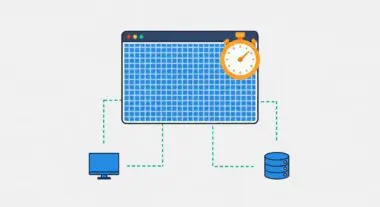
- Offloading visual computations from the CPU to the GPU reduces main-thread contention and prevents execution bottlenecks during complex rendering tasks.
- Hardware acceleration is essential for maintaining a consistent 60fps frame rate and optimizing Interaction to Next Paint (INP) metrics in modern web applications.
- Strategic layer promotion via CSS properties like transform and opacity allows the browser to bypass the layout and paint stages of the rendering pipeline.
What is GPU Acceleration?
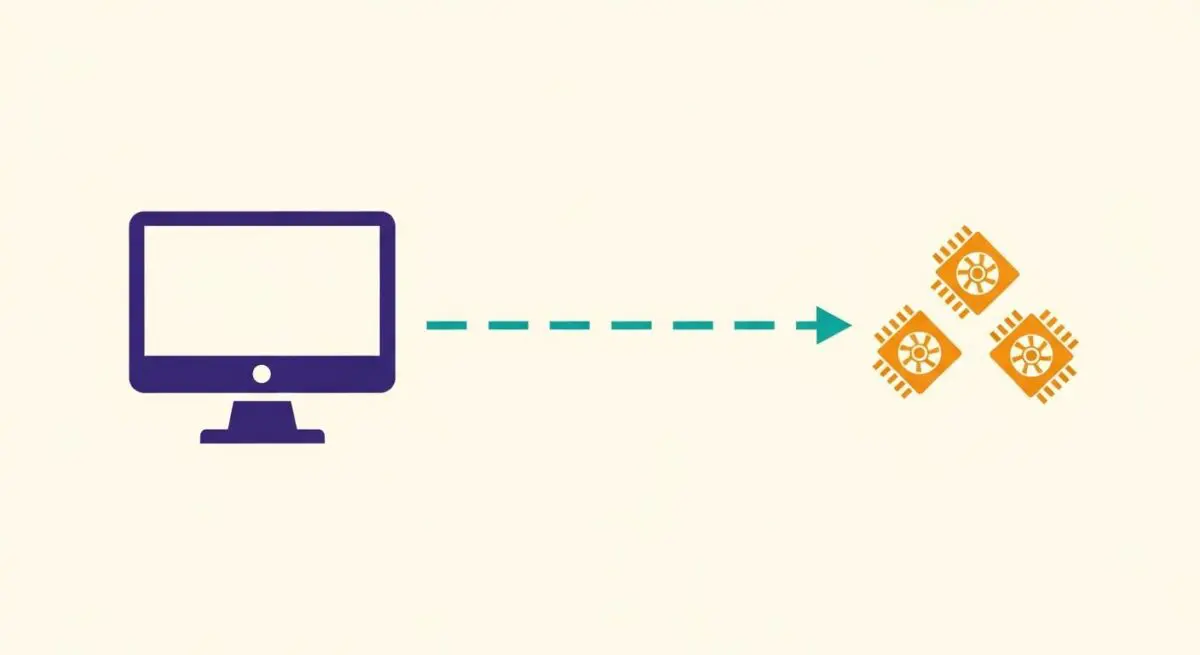
GPU Acceleration refers to the process of offloading computationally intensive tasks—specifically those related to graphics rendering and image processing—from the Central Processing Unit (CPU) to the Graphics Processing Unit (GPU). While the CPU is designed for general-purpose sequential processing, the GPU is architected with a massively parallel structure, making it significantly more efficient at handling the mathematical operations required for rendering pixels, compositing layers, and executing complex visual transitions.
In the context of web performance, GPU acceleration is primarily leveraged by the browser’s compositor thread. When certain CSS properties are applied to an element, the browser can promote that element to its own graphics layer. This allows the GPU to handle the rendering of that specific layer independently of the main thread. This separation is critical because it ensures that visual updates can occur even if the main thread is occupied with heavy JavaScript execution, thereby maintaining a responsive user interface.
The Real-World Analogy
Imagine a busy restaurant kitchen where the Head Chef (the CPU) is responsible for every complex task: reading recipes, managing staff, seasoning sauces, and plating dishes. When a massive order for 100 identical salads arrives, the Head Chef becomes a bottleneck if they try to do it all. GPU Acceleration is like having a specialized Salad Station (the GPU) with a dedicated team that does nothing but chop and assemble greens. By delegating the repetitive, high-volume task to the specialized station, the Head Chef is free to focus on the complex sauces and coordination, ensuring the entire kitchen (the website) continues to run smoothly without delays.
Why is GPU Acceleration Critical for Website Performance and Speed Engineering?
GPU acceleration is a cornerstone of modern speed engineering, directly impacting Core Web Vitals, specifically Interaction to Next Paint (INP) and Cumulative Layout Shift (CLS). By moving visual computations to the GPU, developers can achieve “sub-frame” rendering speeds, which is vital for maintaining a 60 frames-per-second (fps) refresh rate. When animations are handled by the GPU, they do not trigger reflow or repaint cycles on the main thread, which are among the most expensive operations in the browser rendering pipeline.
Furthermore, GPU acceleration optimizes the Largest Contentful Paint (LCP) by accelerating the decoding and rendering of high-resolution images and video content. For enterprise-level websites with heavy interactive components, failing to leverage hardware acceleration often results in “jank”—visible stuttering during scrolls or transitions—which negatively correlates with user engagement and conversion rates. In the era of AI-Search and Generative Experience Optimization (GEO), a fluid, high-performance UI is a prerequisite for maintaining technical authority.
Best Practices & Implementation
- Prefer Compositor-Only Properties: Use transform (for translation, scaling, and rotation) and opacity for animations, as these can be handled entirely by the GPU without triggering layout changes.
- Strategic Layer Promotion: Use the
will-changeCSS property to hint to the browser that an element will be animated, allowing it to pre-promote the element to a GPU layer. Use this sparingly to avoid excessive memory consumption. - Avoid Layout Thrashing: Ensure that JavaScript does not force synchronous layouts (reading a geometric property and then immediately writing one), which can negate the benefits of GPU offloading by forcing the CPU to re-calculate positions.
- Optimize Video and Canvas: Utilize WebGL for complex 2D and 3D graphics to ensure the GPU handles the heavy lifting of pixel manipulation rather than the CPU-bound 2D Canvas API.
Common Mistakes to Avoid
One frequent error is Layer Explosion, where developers promote too many elements to the GPU using transform: translateZ(0) or will-change. Each layer consumes Video RAM (VRAM); exceeding the hardware’s memory limit forces the browser to swap data back to the CPU, causing severe performance degradation. Another mistake is attempting to use GPU acceleration for properties that still require CPU intervention, such as width, height, or top/left positioning, which still trigger expensive layout shifts regardless of hardware settings.
Conclusion
GPU acceleration is a fundamental mechanism for offloading rendering workloads to specialized hardware, ensuring that the main thread remains available for critical logic. Mastering layer promotion and compositor-only transitions is essential for any architect aiming to achieve elite-level Core Web Vitals and a seamless user experience.