Executive Summary
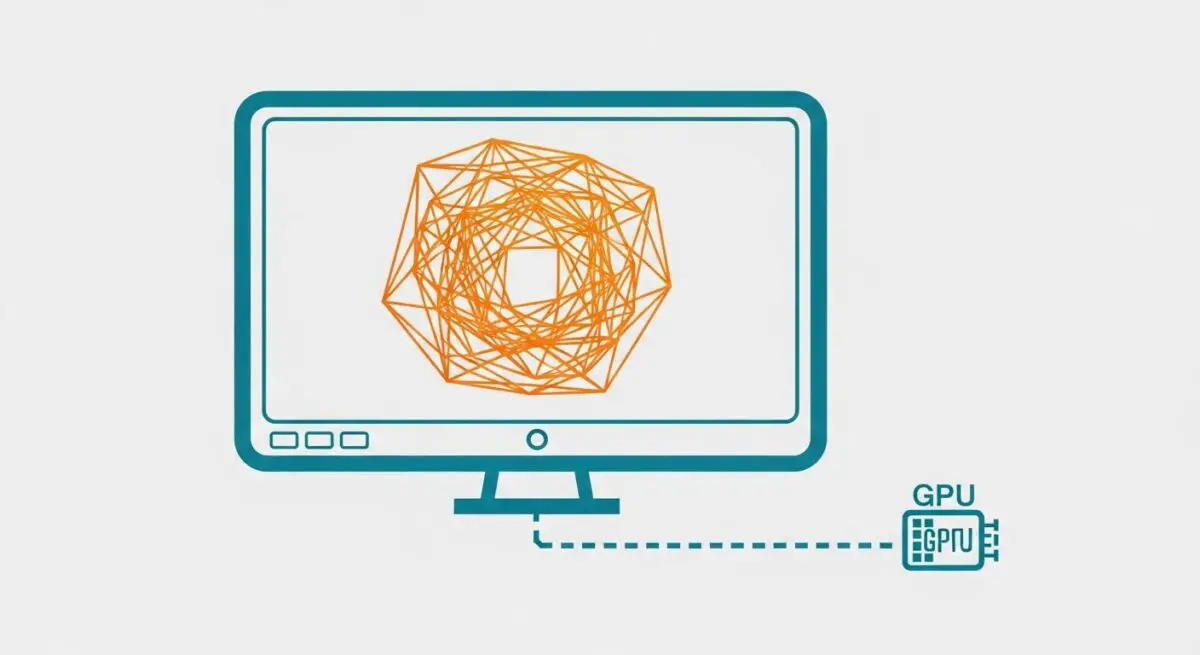
- Offloads resource-intensive graphical computations from the Central Processing Unit (CPU) to the Graphics Processing Unit (GPU) to prevent main-thread blocking.
- Optimizes the Critical Rendering Path by utilizing hardware-level parallel processing for compositing, 3D transforms, and video decoding.
- Directly improves Core Web Vitals, specifically Interaction to Next Paint (INP), by ensuring the CPU remains available for user input processing.
What is Hardware Acceleration?
Hardware acceleration is a computational process where a web browser offloads specific tasks—primarily those involving complex graphical rendering and mathematical calculations—from the general-purpose Central Processing Unit (CPU) to specialized hardware components, most notably the Graphics Processing Unit (GPU). In the ecosystem of web performance, this mechanism allows the browser to execute resource-heavy operations, such as layer compositing, CSS 3D transforms, and high-definition video decoding, with significantly higher efficiency and speed than the CPU could achieve alone.
By leveraging the parallel processing architecture of the GPU, hardware acceleration minimizes the workload on the browser’s main thread. This is a critical architectural advantage because the main thread is responsible for parsing HTML, executing JavaScript, and managing user interactions. When the CPU is overwhelmed by rendering tasks, the main thread becomes congested, leading to frame drops, visual stuttering (jank), and delayed responsiveness. Hardware acceleration ensures that visual presentation remains fluid while the CPU is preserved for application logic and interactivity.
The Real-World Analogy
Imagine a high-end restaurant kitchen where the Head Chef (the CPU) is responsible for every single task, from chopping vegetables and washing dishes to plating gourmet meals and managing the staff. If the Head Chef spends all their time peeling hundreds of potatoes, the complex orders stop moving, and the customers experience long delays. Hardware acceleration is like hiring a specialized Prep Station (the GPU) dedicated solely to chopping and preparing ingredients. By offloading the repetitive, labor-intensive tasks to the Prep Station, the Head Chef is free to focus on the intricate logic of the recipes and ensuring every plate leaves the kitchen perfectly timed and presented.
Why is Hardware Acceleration Critical for Website Performance and Speed Engineering?
Hardware acceleration is a cornerstone of modern speed engineering because it directly optimizes the “Compositing” stage of the browser rendering pipeline. By moving layer compositing to the GPU, browsers can achieve a consistent 60 frames per second (FPS) for animations and transitions. This is vital for optimizing Interaction to Next Paint (INP), as it prevents the main thread from being occupied by visual updates when a user attempts to interact with the page. Furthermore, it mitigates Cumulative Layout Shift (CLS) by ensuring that complex visual elements are rendered and positioned accurately without lag-induced shifts that occur when the CPU struggles to keep up with layout changes.
Best Practices & Implementation
- Utilize CSS properties that trigger GPU compositing, such as transform (e.g., translate3d) and opacity, instead of properties that force CPU-bound layout recalculations like top, left, or margin.
- Implement the will-change CSS property strategically to signal to the browser which elements should be promoted to their own compositor layers, ensuring smoother transitions for dynamic content.
- Ensure that high-resolution assets and video content are delivered in formats that support hardware-accelerated decoding (e.g., H.264, VP9, or AV1) to reduce CPU thermal throttling and battery drain on mobile devices.
- Monitor layer count using browser developer tools (Layers panel) to ensure that the number of GPU-promoted elements does not exceed memory limits, which can lead to performance degradation.
Common Mistakes to Avoid
A frequent error in speed engineering is “layer explosion,” where developers promote too many elements to the GPU using transform: translateZ(0) or excessive will-change hints, leading to massive VRAM consumption and potential browser crashes. Another mistake is relying on hardware acceleration as a “silver bullet” to fix poorly optimized, long-running JavaScript; if the script execution itself blocks the main thread, the GPU cannot restore interactivity.
Conclusion
Hardware acceleration is an essential optimization technique that leverages specialized hardware to ensure visual fluidity and main-thread availability. Proper implementation is key to achieving elite Core Web Vitals and a seamless user experience in high-performance web environments.