Executive Summary
- Comprehensive hardening of the WordPress environment through database obfuscation, file permission enforcement, and XML-RPC disabling.
- Mitigation of brute force and automated credential stuffing attacks via local and network-based IP lockout mechanisms.
- Real-time integrity monitoring and file change detection to identify unauthorized server-side modifications and potential injections.
What is iThemes Security?
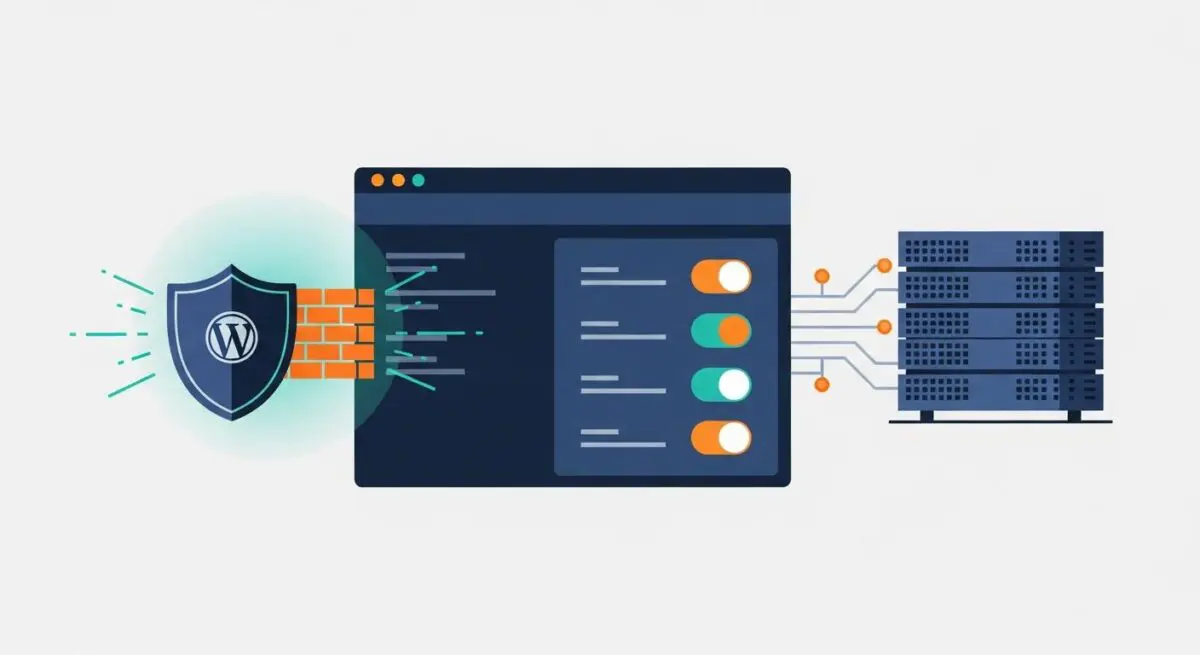
iThemes Security, now evolved into Solid Security, is a sophisticated security framework designed to harden the WordPress CMS architecture against a wide array of cyber threats. At its core, the plugin functions as a multi-layered defense system that addresses vulnerabilities inherent in the default WordPress configuration. It operates by implementing over 30 different security measures, ranging from simple user-level restrictions to complex server-level hardening. In an enterprise WordPress environment, iThemes Security serves as a critical middleware layer that bridges the gap between basic application security and advanced server-level firewalls.
The technical architecture of iThemes Security focuses on three primary pillars: protection, detection, and recovery. Protection involves proactive measures such as enforcing strong password policies, implementing Two-Factor Authentication (2FA), and obfuscating sensitive entry points like the wp-admin URL. Detection mechanisms include file change monitoring and 404 error tracking to identify malicious scanning behavior. By centralizing these functions within the WordPress dashboard, we at Andres SEO Expert observe that developers can maintain a consistent security posture across diverse hosting environments, whether utilizing managed WordPress hosting or self-hosted VPS configurations.
The Real-World Analogy
To understand iThemes Security, imagine a high-security research facility. The WordPress core is the central vault containing valuable data. Without security, the facility has standard doors and windows that are well-known to intruders. iThemes Security acts as the comprehensive security system for this facility. It doesn’t just lock the front door; it re-routes the entrance to an undisclosed location (URL obfuscation), installs biometric scanners at every checkpoint (Two-Factor Authentication), sets up motion sensors that alert the guards if a wall is moved (File Change Detection), and automatically blacklists any vehicle that circles the building too many times (Brute Force Protection). It transforms a standard building into a fortified compound where every access point is monitored and every anomaly is logged.
How iThemes Security Impacts Server Performance & Speed Engineering?
From a systems engineering perspective, iThemes Security introduces a trade-off between security posture and server resource allocation. Every security check performed by the plugin requires PHP execution time and, in many cases, database I/O operations. For instance, the File Change Detection module performs a recursive scan of the WordPress directory structure, comparing current file hashes against a known baseline. On large installations with thousands of assets, this can lead to significant CPU spikes and increased disk I/O, potentially impacting the Time to First Byte (TTFB) if not scheduled during low-traffic periods.
Furthermore, the logging mechanisms within iThemes Security can lead to database bloat if not managed correctly. Every blocked IP, 404 error, and user login attempt is recorded in the wp_itsec_logs table. Without regular pruning or offloading these logs to an external monitoring service, the database size can expand exponentially, leading to slower query execution times for the front-end application. However, when configured optimally—such as using the ‘Network Brute Force’ feature which offloads IP reputation checks to the iThemes API—the plugin can actually improve performance by dropping malicious requests before they trigger more resource-intensive application processes.
Best Practices & Implementation
- Implement Two-Factor Authentication (2FA): Enforce 2FA for all administrative and editor-level roles to mitigate the risk of compromised credentials, utilizing TOTP applications rather than less secure SMS-based methods.
- Database Hardening: Utilize the plugin to change the default
wp_database prefix and move thewp-config.phpfile to a non-public directory to prevent SQL injection exploitation and unauthorized configuration access. - Configure Local and Network Brute Force Protection: Set strict thresholds for failed login attempts and enable the network-wide ban list to leverage collective intelligence from millions of other WordPress sites.
- Optimize Logging and File Scanning: Schedule file change detection scans during off-peak hours and set a strict expiration policy for security logs (e.g., 7-14 days) to prevent database performance degradation.
- Disable XML-RPC: Unless specifically required for legacy integrations or the Jetpack plugin, disable XML-RPC to close a common vector for DDoS and brute force attacks.
Common Mistakes to Avoid
One frequent error is the redundant implementation of security features already handled at the server or CDN level. For example, enabling aggressive 404 detection within iThemes Security while simultaneously using a Web Application Firewall (WAF) like Cloudflare can lead to false positives and unnecessary PHP overhead. Another critical mistake is failing to whitelist administrative IP addresses before enabling strict lockout rules, which can result in developers being locked out of their own environments during maintenance cycles. Finally, many organizations neglect to monitor the size of the security log tables, eventually leading to a scenario where the database becomes a bottleneck for the entire WordPress site.
Conclusion
iThemes Security is a robust framework for hardening WordPress architecture, provided it is implemented with a keen understanding of server-side resource management. By balancing its comprehensive detection modules with optimized database practices, it ensures a high-availability environment resistant to modern web vulnerabilities.