Key Points
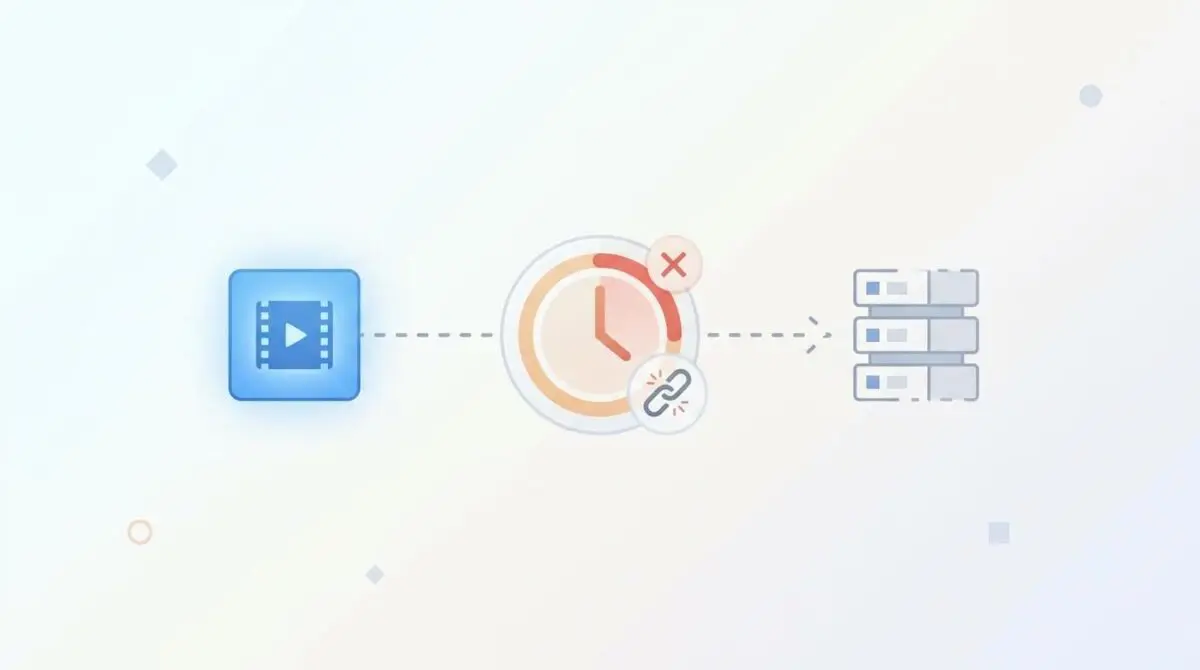
- Ephemeral contentUrl Access failures occur when asynchronous Googlebot-Video crawlers attempt to fetch media URLs protected by expired session tokens or CDN signatures.
- Resolving the 401/403 access blocks requires configuring NGINX or Apache to bypass session checks for the Googlebot-Video user-agent on specific media extensions.
- Continuous monitoring via server log analysis and automated GSC API testing is essential to prevent stale token caching in Headless CMS architectures.
Table of Contents
The Core Conflict: Ephemeral contentUrl Access
According to recent technical diagnostic data, a significant percentage of video indexing failures in enterprise-scale domains are caused by access restricted errors. These occur when contentUrls utilize session-based authentication that the Googlebot-Video fetcher cannot satisfy.
This architectural bottleneck is formally known as Video Indexing Failure: Ephemeral contentUrl Access. It occurs when the direct source link provided in your VideoObject Schema or XML Sitemap is guarded by temporary authentication mechanisms.
These mechanisms often include session tokens, nonces, or time-limited CDN signatures. The fundamental issue stems from the asynchronous nature of Google’s media processing pipeline.
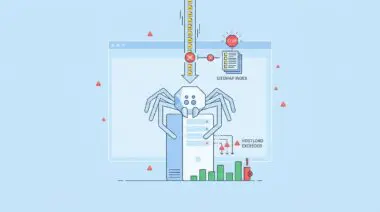
Because Googlebot-Video processes media files minutes or even hours after the initial page crawl, the security token inevitably expires before the indexing service can fetch the file. The search engine can see your metadata, but it is entirely locked out of validating the video duration, resolution, or core content.
This results in a total exclusion from the Video Index. It also completely strips your pages from Generative Engine Optimization (GEO) search result snippets, destroying both crawl budget and AI search visibility.
Symptoms of this failure are glaring in Google Search Console. You will see ‘Video could not be indexed’ accompanied by ‘Video not found’ or ‘Invalid video URL’ errors, even though the video plays perfectly for logged-in human users.
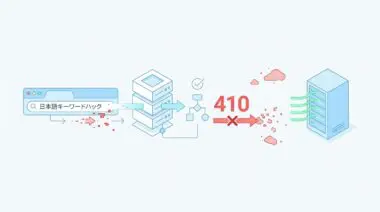
Server log analysis will typically reveal 401 (Unauthorized) or 403 (Forbidden) response codes. These are specifically tied to requests made by the Googlebot-Video user-agent on media file paths containing query parameters like ?token=, ?expires=, or ?session_id=.
Diagnostic Checkpoints: Identifying the Access Block
Resolving this error requires pinpointing exactly where the desynchronization occurs in your server stack.
Diagnostic Checkpoints
CDN-Level Signed URL Expiration
Short TTL on signed URLs blocks secondary crawlers.
WordPress Nonce and Session Locking
Stateless Googlebot blocked by required session authentication.
WAF Rate-Limiting and Bot Challenges
WAF triggers JS/CAPTCHA challenges on media requests.
CSRF and Referrer Policy Conflicts
Missing Referer headers trigger origin-based access blocks.
At the Edge or CDN layer, signed URLs are frequently used to prevent malicious hotlinking. However, if the Time-To-Live (TTL) is set too short, secondary crawlers will arrive at a dead end.
At the application layer, WordPress membership and LMS plugins wrap media access in PHP handlers. Because Googlebot is stateless and does not carry session cookies, it is instantly redirected to a login page.
Aggressive Web Application Firewalls (WAF) can misinterpret high-bandwidth media requests from data center IPs as scraping attempts. If the WAF demands a JavaScript challenge, the headless fetcher will fail immediately.
Finally, strict CSRF protections and Referrer-Policy: no-referrer headers can block access. Googlebot-Video often fetches the contentUrl in isolation, meaning it may not provide a Referer header pointing back to your site.
Engineering Resolution Roadmap
To restore indexing capabilities, we must decouple media file access from user session states specifically for search engine crawlers.
Engineering Resolution Roadmap
Identify and Isolate Static URLs
Analyze the ‘contentUrl’ field in your JSON-LD. If it contains dynamic parameters, you must create a persistent, public-facing URL alias for Googlebot. For AWS/S3, use a dedicated public bucket or a CloudFront distribution with a policy that allows GET requests to the /videos/* path without signing.
Configure User-Agent Bypass
Modify your NGINX or Apache configuration to exempt the ‘Googlebot-Video’ and ‘Googlebot’ user-agents from session checks or token validation for specific media file extensions (.mp4, .webm, .m3u8).
Disable Nonce-Based Media Protection
In WordPress, locate the plugin responsible for media protection. Use a filter (e.g., ‘apply_filters(‘memberpress_is_resource_protected’, …)’) to return false specifically for video files if the request comes from a verified Google IP range.
Update Schema and Sitemaps
Once static URLs are active, update the Yoast or RankMath Video SEO settings to use the static contentUrl. Regenerate the video-sitemap.xml and submit it directly to GSC to trigger a re-crawl of the new, token-free links.
The core objective is to provide a persistent, public-facing URL alias. Official schema guidelines explicitly state that providing a direct contentUrl is the most effective way to fetch video content files.
When dynamic parameters are stripped from the schema, you eliminate the race condition between the token’s expiration and the crawler’s arrival.
For AWS or S3 architectures, this usually means configuring a dedicated CloudFront distribution with a policy that permits unsigned GET requests specifically to the /videos/* path.
Execution: Configuring User-Agent Bypasses
If you cannot move the files to a public bucket, you must modify your server configuration to exempt verified crawler user-agents from session checks.
This ensures that human visitors are still subjected to authentication, while search engine bots are granted a stateless bypass to the raw binary data.
Fixing via NGINX
The following NGINX configuration snippet detects the Googlebot user-agents and routes them to a public mirror, bypassing the standard FastCGI session logic.
location ~* \.(mp4|webm|m4v)$ { if ($http_user_agent ~* (Googlebot-Video|Googlebot)) { set $is_bot 1; } if ($is_bot = 1) { rewrite ^/protected-video/(.*)$ /public-video-mirror/$1 break; proxy_pass http://video_backend; } # Standard session logic for humans follows include /etc/nginx/fastcgi_params;}This block intercepts requests ending in standard video extensions. It checks the user-agent string and sets a variable flag if a match is found.
Once flagged, the rewrite directive alters the internal routing path. The proxy_pass then forces the request to fetch from an unprotected backend directory.
For Apache environments, a similar bypass can be achieved in the .htaccess file using RewriteCond directives against the HTTP_USER_AGENT.
Validation Protocol & Edge Cases
Once the server configuration is deployed, you must validate the bypass immediately to ensure the stateless fetcher can reach the file.
Validation Protocol
- Run terminal curl -I -A “Googlebot-Video/1.0” to verify HTTP 200 OK for the video URL.
- Execute GSC ‘URL Inspection’ and check ‘Page Resources’ to confirm zero 403 errors.
- Perform a ‘Rich Result Test’ to validate VideoObject schema and thumbnail generation.
It is critical to test this using the dedicated Googlebot-Video user agent that processes video-related search features.
Be aware of complex edge cases, particularly in Headless WordPress architectures utilizing Next.js. The frontend may fetch a signed URL from the CMS via GraphQL and cache the rendered JSON-LD for 24 hours.
If the CMS-generated token expires in one hour, Google will consistently receive a stale, expired URL. The site will appear perfectly functional to live visitors who refresh the cache, making this a notoriously difficult bug to catch without proper monitoring.
Autonomous Monitoring & Prevention
Fixing the immediate indexing failure is only half the battle. Enterprise environments require continuous monitoring pipelines to prevent regressions.
Implement server log analysis tools like Loggly or Datadog to automatically alert your engineering team on 4xx errors specifically triggered by Googlebot-Video.
Additionally, integrate an automated ‘Live Test’ via the Google Search Console API for all new video uploads. This ensures the contentUrl is reachable in a stateless environment before the content is fully published.
At Andres SEO Expert, we architect custom Make.com pipelines that monitor entity integrity and API alerts autonomously. This level of automation is the ultimate way to safeguard your video SEO performance at scale.
Conclusion
Resolving Ephemeral contentUrl Access failures requires a precise alignment of your CDN, server configuration, and application-layer security. By isolating static URLs and configuring intelligent user-agent bypasses, you restore the asynchronous crawling pipeline.
Navigating the intersection of technical SEO, server architecture, and generative search requires a precise roadmap. If you need to future-proof your enterprise stack, resolve deep-level crawl anomalies, or implement AI-driven SEO automation, connect with Andres at Andres SEO Expert.
Frequently Asked Questions
What causes the ‘Video Indexing Failure: Ephemeral contentUrl Access’ error?
This failure occurs when a video’s direct source link (contentUrl) is protected by session-based authentication, nonces, or time-limited CDN signatures. Because Googlebot-Video processes media asynchronously, these temporary security tokens often expire before the indexing service can fetch and validate the file.
Why does Google Search Console report ‘Video not found’ if the video plays for users?
This discrepancy happens because Googlebot is a stateless crawler that does not carry session cookies. While a logged-in user has the necessary authentication to view the video, the crawler receives a 401 Unauthorized or 403 Forbidden response, preventing it from accessing the media for indexing.
How can I fix 403 Forbidden errors for Googlebot-Video using NGINX?
To resolve this, configure your NGINX server to detect the ‘Googlebot-Video’ user-agent and bypass session validation. You can use a rewrite rule to route the bot to a public mirror or an unprotected directory where the raw media files are accessible without tokens.
Do CDN-signed URLs impact Generative Engine Optimization (GEO) search visibility?
Yes. If your CDN-signed URLs have a short TTL, Google cannot index the video content. This results in the removal of your pages from AI-driven search snippets and video rich results, significantly decreasing your visibility in modern search landscapes.
What is the best way to validate if Googlebot can reach my video files?
The most effective validation method is to run a terminal curl command using the Googlebot-Video user-agent string. If the server returns an HTTP 200 OK status code instead of a 403 or 401 error, the bypass is working correctly.
How do WordPress membership plugins interfere with video indexing?
Many WordPress plugins wrap media access in PHP handlers that require a valid user session or nonce. Since Googlebot-Video cannot satisfy these requirements, it is blocked from the file. Developers should use filters to exempt verified Google IP ranges from these protection layers for media files.