Key Points
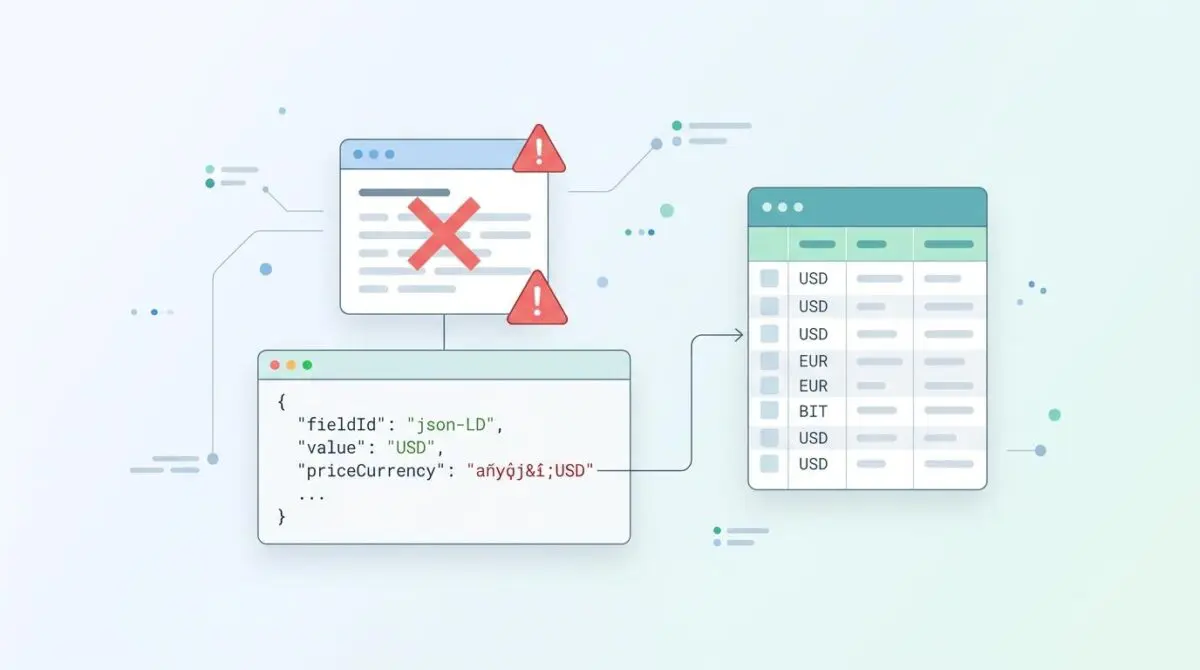
- Data Normalization: The schema priceCurrency field strictly requires a 3-letter uppercase ISO 4217 alphabetic code; symbols or numeric codes trigger parser failures.
- Filter Implementation: Utilize the woocommerce_structured_data_product_offer hook to sanitize currency outputs, stripping symbols and forcing uppercase string formatting.
- Edge Overrides: Cloudflare Edge Workers handling localization can inadvertently overwrite valid JSON-LD strings with currency symbols, requiring strict regex boundaries at the CDN level.
Table of Contents
The Core Conflict
Recent web reports show that nearly one in five online stores fail merchant validation. This happens because of incorrect currency codes. The problem is growing as global stores use more complex multi-currency setups.
Search engines reject your product listings if the currency code is not in the standard three-letter format. This error shows up as a critical failure in Google Search Console. It specifically affects your product snippets report.
These errors directly hurt your site’s crawl budget. Search engine bots are forced to repeatedly scan the same pages. They waste time trying to understand the broken product data.
This constant scanning wastes valuable server resources. Those resources should be used to discover and index your new content. Today, following strict currency code rules is required to appear in AI-driven search results.
Modern AI search tools use these codes to understand global pricing. They rely on accurate data for real-time currency conversion. An invalid code makes your product completely invisible to these smart systems.
As a result, your items are left out of price comparison features. Fixing this issue requires immediate action on your server. You must correct the data before it reaches the search engines.
Diagnostic Checkpoints
This error usually comes from a mismatch in your website’s code. Search engines expect a strict three-letter code. They fail immediately when they see unexpected characters like dollar signs.
Diagnostic Checkpoints
Currency Symbol Injection
Parser fails on non-alphabetic characters like currency symbols.
Multi-Currency Plugin Desync
JS price switches often fail to update static JSON-LD.
ERP/API Data Normalization Failure
Numeric ISO codes violate Schema.org alphabetic string requirements.
Stale Object Cache Transients
Persistent cache retains outdated or malformed currency data values.
Website templates often use functions that output a currency symbol instead of the required letters. For example, a theme might inject a dollar sign directly into the hidden product data. This instantly breaks the required format.
Dynamic currency switchers also cause major problems. They might change the visible price but fail to update the hidden code. This creates a mismatch between what the user sees and what the search engine reads.
Advanced setups pulling data from external systems might use numeric codes. A numeric code like 840 instead of USD violates the strict text rules. The schema markup requires alphabetic strings only.
Website caching systems can also trap broken data. If you change your default currency, the cache might hold onto the old values. You must clear this cache to show the correct data to search engines.
Engineering Resolution Roadmap
Fixing this error requires finding the exact piece of code causing the issue. You must clean the data before the webpage is created.
Engineering Resolution Roadmap
Identify Faulty Hook
Search your theme and plugins for the ‘priceCurrency’ key. Use grep via CLI: ‘grep -r “priceCurrency” wp-content/’. Determine if the value is hardcoded or dynamically pulled from a WooCommerce function.
Force ISO Format via Filter
Add a filter to the functions.php of your child theme to sanitize the output. Utilize the ‘woocommerce_structured_data_product_offer’ hook to ensure the value is passed through a regex that allows only 3-letter uppercase alphabetic characters.
Purge Server-Side Transients
Run ‘wp transient delete –all’ via WP-CLI and flush Redis/Memcached. This ensures that the newly filtered ISO codes are immediately reflected in the generated HTML source.
Trigger GSC Re-validation
Navigate to the ‘Merchant Listings’ report in Google Search Console, click on the ‘priceCurrency’ error, and select ‘Validate Fix’ to place the URLs into the priority re-crawl queue.
You must intercept the data before it reaches the final webpage. We do this by targeting the specific filters that generate the hidden product code. This ensures the data is clean from the start.
By enforcing strict rules at this level, we guarantee the output is correct. It will fully comply with the Schema.org structured data specifications. This stops unauthorized symbols from breaking your listings.
Once the fix is applied, clearing your server cache is mandatory. This ensures the fresh data is immediately available. Search engine crawlers will see the corrected code right away.
Resolution Execution
Implementing the fix requires modifying how your website outputs data. We will force the correct format using a dedicated code filter. This happens natively within your application.
Fixing via WordPress Filters
Add the following snippet to your child theme or a custom plugin. This code intercepts the data generation process. It fixes the issue before the page loads.
It ensures the currency value is completely stripped of symbols. The code removes extra spaces and converts the text to exactly three uppercase letters.
add_filter( 'woocommerce_structured_data_product_offer', 'fix_iso_currency_code_schema', 10, 2 ); function fix_iso_currency_code_schema( $offer, $product ) { $current_currency = get_woocommerce_currency(); $offer['priceCurrency'] = strtoupper( substr( trim( $current_currency ), 0, 3 ) ); return $offer; }After deploying this code, you must flush your website cache. This destroys any old, broken data. It guarantees the fresh code is written directly to the page.
Validation Protocol & Edge Cases
You must verify the fix on your server first. Do this before asking Google to check your site again.
Validation Protocol
- Verify ‘Product’ snippet status via official Google Rich Results Test.
- Inspect source via DevTools for exactly 3-letter uppercase ISO code.
- Terminal verification using curl to check raw server-side output.
Once your local checks pass, open the Merchant Listings report in Google Search Console. You can now confidently validate the fix. This places your pages into a priority queue for faster recovery.
However, special cases exist in advanced website setups. Some cloud services might try to make the code look pretty by replacing letters with symbols. They do this to match the visitor’s local currency.
If these cloud rules are too broad, they will overwrite your hidden product data. This causes the validation to fail again. It happens even if your main server is sending the correct information.
Autonomous Monitoring & Prevention
Preventing future errors requires automated testing. You should integrate data checks into your website updates. Use testing tools to validate your code against the strict currency rules.
You should also run automated bots to scan your site regularly. Set up custom alerts for any non-standard currency strings. This catches errors before search engines index them.
At Andres SEO Expert, we build advanced monitoring systems for our clients. These systems analyze server logs and data automatically. We use automation to ensure your product data remains perfect across the globe.
Conclusion
Fixing your currency codes is absolutely necessary for modern online stores. By cleaning the data at the server level, you eliminate critical errors. This helps you reclaim your wasted crawl budget.
Navigating technical SEO and modern search requires a precise plan. If you need to future-proof your website or resolve deep technical issues, we can help. Connect with Andres at Andres SEO Expert today.
Frequently Asked Questions
Why is ISO 4217 currency compliance critical for Generative Engine Optimization (GEO)?
Modern LLMs and generative search interfaces, such as Google’s Search Generative Experience, utilize ISO 4217 codes to normalize global pricing data. An invalid or malformed code renders the product entity mathematically invisible to these models, leading to exclusion from AI-driven Best Value and Price Comparison carousels.
How do priceCurrency validation errors impact my site’s crawl budget?
When schema markup fails validation, Googlebot-Shopping and Googlebot-Image are forced to repeatedly re-crawl the affected URLs to resolve the merchant listing error. This process consumes significant server resources and crawl budget that should be allocated to the discovery and indexing of new content.
What are the primary causes of malformed currency strings in e-commerce sites?
The most common causes include the injection of currency symbols (like $ or €) into JSON-LD blocks, desynchronization between multi-currency plugins and static structured data, the use of numeric ISO codes instead of alphabetic ones, and stale transients within object caches like Redis or Memcached.
How can I resolve currency code errors in WooCommerce structured data?
Resolution involves intercepting the data payload using the ‘woocommerce_structured_data_product_offer’ filter. By adding a custom function to your child theme, you can programmatically force the priceCurrency value to be a sanitized, three-letter uppercase string, ensuring compliance with Schema.org standards.
Why do numeric ISO codes (e.g., 840) fail Merchant Listing validation?
Schema.org requirements for the priceCurrency property specifically mandate an alphabetic string format. While some ERP systems utilize numeric ISO codes for internal processing, search engine parsers for Product and Offer nodes expect the strict three-letter alphabetic ISO 4217 format (e.g., USD).
Can Edge Workers interfere with otherwise valid schema markup?
Yes, particularly in headless architectures. If a Cloudflare Edge Worker is configured to replace currency codes with symbols globally to match a visitor’s locale, it may inadvertently modify the JSON-LD script block. This causes validation to fail even if the origin server is providing the correct ISO 4217 data.