Key Takeaways
- The WordPress ecosystem relies on a global community of users and developers, with meetups and WordCamps offering crucial networking and learning opportunities.
- Attendees can discover events via the official WordPress events directory, Meetup.com, or the built-in WordPress Events and News widget in the admin dashboard.
- First-timers should select events matching their interests, prepare a conversation starter, and notify organizers of their attendance to ease into the community.
Connecting With the WordPress Community in 2026
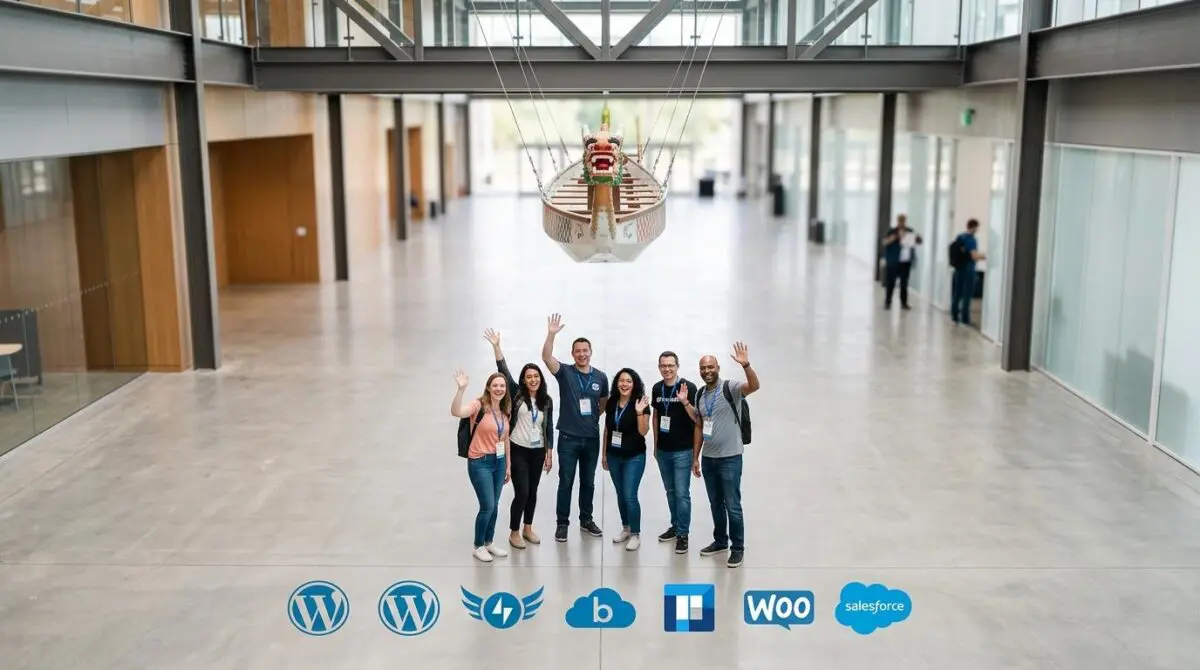
WordPress powers approximately 43% of all websites, fueled by a vast global network of users, developers, and educators. This community converges regularly through informal local meetups and larger annual WordCamps. A recent guide from WordPress.com provides updated instructions on locating these events, offering a clear path for anyone seeking to engage in person or online.
Table of Contents
How to Navigate the WordPress Event Landscape
Local meetups serve as the most accessible entry point. These gatherings are small, often held monthly, and can take formats ranging from hands-on workshops to casual coffee shop discussions. The official WordPress events directory lists upcoming meetups and WordCamps by location, while many groups also manage RSVPs through Meetup.com.
For those seeking larger experiences, WordCamps provide multi-day conferences with multiple tracks, sponsor halls, and networking opportunities. Flagship events like WordCamp US and WordCamp Europe rotate locations annually, but regional WordCamps occur worldwide throughout the year. The WordPress.com guide notes that session recordings on WordPress.tv allow attendees to preview content before committing.
Within the WordPress admin dashboard, the Events and News widget surfaces nearby meetups and WordCamps after users set their nearest city. This feature is part of WordPress core, making it available on any WordPress installation. Even if the widget is hidden, users can enable it via the Screen Options menu.
First-time attendees often worry about experience levels. The guide reassures that events welcome all skill levels, and organizers specifically help newcomers feel comfortable. Practical tips include picking a relevant event, bringing a topic or question to discuss, and letting the host know it is your first visit. Attendees are also free to simply listen without actively participating.
Why Community Engagement Matters for WordPress Professionals
The WordPress ecosystem is evolving rapidly with advances in AI, security, and performance optimization. The recent launch of a free SEO and AI optimization course by WordPress.com highlights the platform’s commitment to user education in an AI-driven search landscape. Meanwhile, security alerts from Cloudflare regarding critical WordPress vulnerabilities underscore the need for community support in maintaining site health. Regular interaction with peers through meetups and WordCamps helps professionals stay informed about best practices and emerging threats.
Community events also foster collaboration and mentorship, which are invaluable for freelancers, agency owners, and developers. Sharing experiences at these gatherings often leads to practical solutions and long-term professional relationships. As the WordPress market becomes more competitive, those who actively engage with the community gain a distinct advantage in adapting to change.
Your Next Step in the WordPress Ecosystem
Whether through a local meetup or an international WordCamp, participating in the WordPress community is an investment in both knowledge and network. These interactions drive innovation and personal growth, making them essential for anyone serious about their WordPress journey. Beyond community involvement, optimizing your site’s performance and infrastructure can further solidify your digital presence.
For those ready to elevate their WordPress experience, specialized technical support can make a significant difference. Explore tailored solutions such as WordPress speed engineering and managed WordPress cloud hosting to ensure your site operates at peak efficiency. To discuss your specific needs, connect with Andres or learn more through Andres SEO Expert.
Frequently Asked Questions
How can I find WordPress meetups and WordCamps near me?
You can use the official WordPress events directory, search on Meetup.com, or check the Events and News widget in your WordPress admin dashboard after setting your nearest city.
Do I need experience to attend a WordPress community event?
No. All skill levels are welcome, and organizers help newcomers feel comfortable. You can even just listen without actively participating.
What benefits do WordPress community events offer professionals?
They help you stay informed about best practices, AI advancements, security updates, and performance optimization. They also foster collaboration, mentorship, and long-term professional relationships.
How does the Events and News widget work in WordPress?
Found in the WordPress admin dashboard, it surfaces nearby meetups and WordCamps after you set your nearest city. If hidden, you can enable it via the Screen Options menu.
What tips are useful for first-time attendees of a WordCamp?
Pick a relevant event, bring a topic or question to discuss, and let the host know it’s your first visit. You can also preview session recordings on WordPress.tv.
How can community engagement help with WordPress security and SEO?
Regular interaction with peers helps you stay informed about critical vulnerabilities (e.g., Cloudflare alerts) and best practices. WordPress.com also offers free SEO and AI optimization courses to keep skills up to date.