Executive Summary
- The Transient API is a standardized WordPress interface for storing temporary data with an expiration time, primarily used to cache expensive operations like remote API calls and complex database queries.
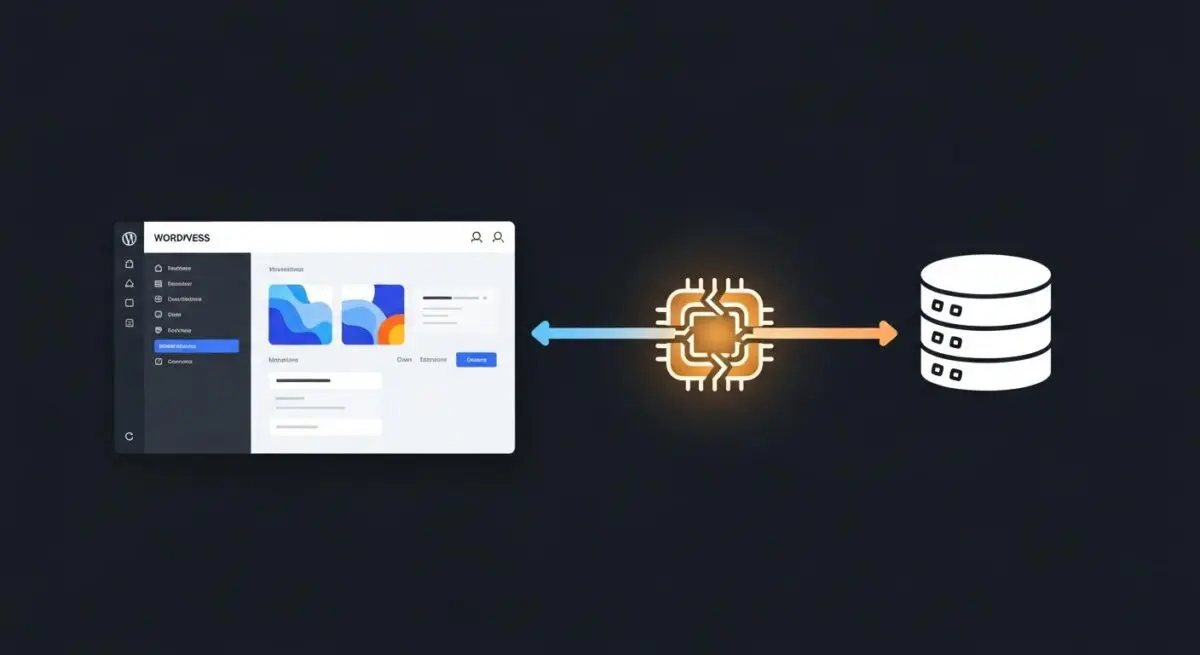
- In high-performance environments, transients automatically interface with external object caches like Redis or Memcached, shifting data storage from the disk-based database to high-speed RAM.
- Proper implementation of transients is critical for reducing Time to First Byte (TTFB) and preventing server resource exhaustion during high-traffic events or API rate-limiting scenarios.
What is Transient API?
The WordPress Transient API is a specialized data storage mechanism designed to store cached information in the database temporarily. Architecturally, it functions similarly to the Options API, but with the critical addition of an expiration timestamp. When a developer stores data using the Transient API, WordPress creates two distinct entries in the wp_options table: one for the data itself (prefixed with _transient_) and one for the expiration time (prefixed with _transient_timeout_). This allows the CMS to determine if the data is still valid or if it has expired and needs to be regenerated.
From a technical standpoint, the Transient API is essential for managing data that is expensive to generate but does not need to be persistent. This includes the results of complex SQL queries, processed data from external third-party APIs (such as weather feeds, social media counts, or stock prices), and heavy HTML fragments. By storing this data for a set duration, WordPress avoids re-executing the resource-intensive logic on every page load, significantly lowering the execution time of the PHP engine. Furthermore, the API is designed to be “cache-aware.” If a site utilizes an external object caching layer like Redis or Memcached, WordPress will automatically store transients in memory rather than the database, providing near-instantaneous data retrieval.
The Real-World Analogy
To understand the Transient API, imagine a high-end restaurant’s prep station. A chef needs to serve a complex sauce that takes four hours to reduce. Instead of starting the reduction process from scratch every single time a customer orders a dish (which would make the wait time impossible), the chef prepares a large batch in the morning and keeps it in a temperature-controlled container. This container is the Transient. It has a “best before” label; once that time passes, the chef throws the old sauce out and makes a fresh batch. The customer gets their meal in minutes instead of hours because the most time-consuming part of the process was already completed and stored for quick access.
How Transient API Impacts Server Performance & Speed Engineering?
The primary impact of the Transient API on server performance is the drastic reduction of Time to First Byte (TTFB). By caching the results of heavy operations, the server spends less time waiting for external servers to respond or for the database to process complex JOIN statements. In a standard WordPress environment without an object cache, transients reduce the CPU load by serving a single row from the wp_options table instead of executing hundreds of lines of PHP logic. This is particularly vital for maintaining stability during traffic spikes, as it prevents the server from becoming bottlenecked by repetitive, high-latency tasks.
In enterprise-level hosting environments, the Transient API serves as a bridge to In-Memory Data Grids. When Redis is active, the get_transient and set_transient functions bypass the MySQL database entirely. This shift from disk-based I/O to RAM-based I/O reduces database contention and allows the SQL server to focus on critical write operations and primary queries. Furthermore, using transients for fragment caching—storing specific parts of a page’s HTML—can bypass the need for full-page caching in dynamic scenarios where users are logged in, ensuring a fast experience without sacrificing personalization.
Best Practices & Implementation
- Always Provide a Fallback: Transients are not guaranteed to exist. They can expire or be cleared by caching plugins at any time. Your code must always check if get_transient returns false and, if so, regenerate the data and re-save the transient.
- Use Specific Expiration Windows: Avoid setting transients to expire all at once. Use varying expiration times (e.g., 1 hour for API data, 12 hours for complex counts) to prevent a “cache stampede” where the server is overwhelmed by multiple expired transients needing regeneration simultaneously.
- Leverage Site Transients for Multisite: In a WordPress Multisite network, use set_site_transient instead of set_transient to ensure the cached data is available across the entire network, preventing redundant storage and processing for each sub-site.
- Keep Key Names Short and Unique: Transient keys are stored in the option_name column, which has a character limit. Use a unique prefix to avoid collisions with other plugins and keep the name descriptive yet concise to optimize database indexing.
Common Mistakes to Avoid
One frequent error is treating the Transient API as a permanent storage solution. Because transients can be deleted by the system or external caching tools without notice, storing critical user data or configuration settings in a transient will lead to data loss. Another common mistake is failing to account for database bloat. On sites without an object cache, expired transients are not always automatically deleted from the wp_options table immediately, which can lead to a massive table size over time. Developers should use tools like WP-Optimize or specialized queries to prune orphaned transients if the hosting environment does not handle garbage collection efficiently.
Conclusion
The Transient API is a fundamental pillar of WordPress performance engineering, providing a robust framework for temporary data management. By strategically offloading expensive computations to the database or memory, architects can ensure high-availability and rapid response times for enterprise-scale WordPress deployments.