Executive Summary
- Defines the maximum permissible size of data sent via HTTP POST requests, directly governing WordPress media uploads and REST API data ingestion.
- Must be architecturally aligned with upload_max_filesize and memory_limit to ensure stable PHP execution and prevent 413 Request Entity Too Large errors.
- Serves as a critical security and performance threshold, preventing server resource exhaustion from excessively large data payloads.
What is Post Max Size?
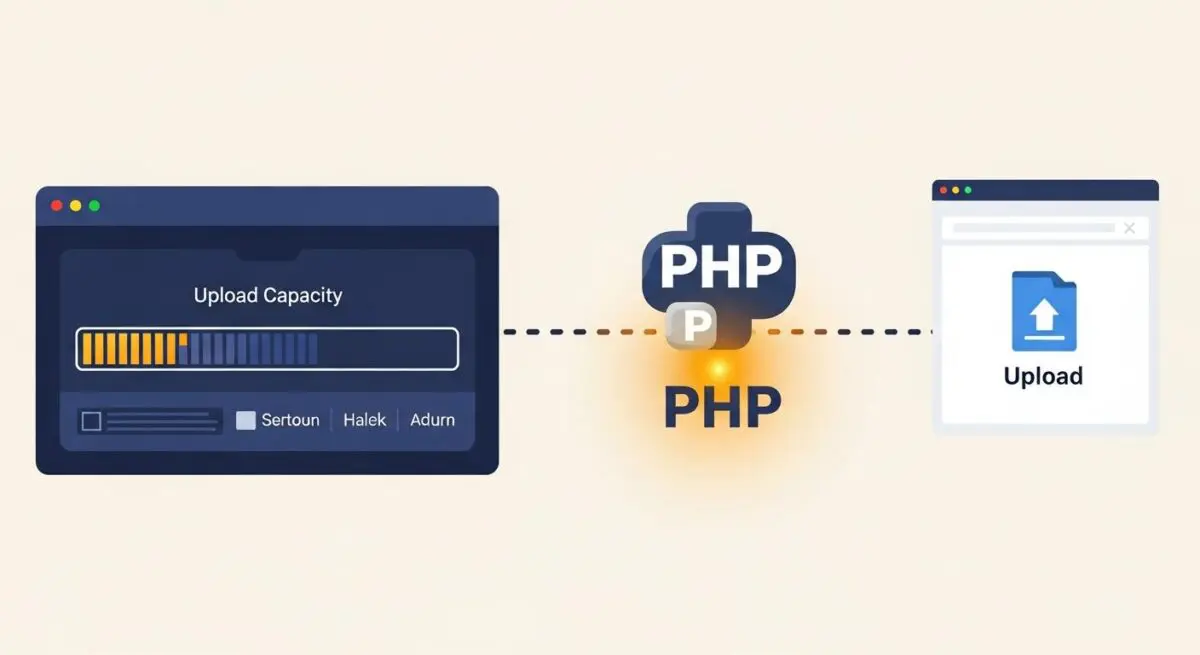
Post Max Size is a core PHP configuration directive (post_max_size) that defines the upper limit of data allowed in a single HTTP POST request. In the context of WordPress, this setting determines the maximum size of all data sent from a client browser to the server during a single operation. This includes not only file uploads but also form data, hidden fields, and large blocks of text processed via the WordPress block editor or custom meta boxes.
From a server-side engineering perspective, this directive is a fundamental component of the PHP environment’s resource management. It acts as a gatekeeper for the $_POST and $_FILES superglobals. If the total size of a submission exceeds this value, the PHP engine will effectively empty these superglobals, often leading to silent failures or data loss in WordPress without explicit error reporting unless the server is configured to catch these specific exceptions.
The Real-World Analogy
Imagine a high-security corporate building with a specialized mail intake slot. The Post Max Size is the physical dimensions of that slot. Even if you have a massive warehouse inside (the server’s total storage) and a very fast delivery truck (the internet connection), if you try to shove a crate through a slot designed for envelopes, the delivery fails immediately. You cannot get the contents into the building regardless of how much space is available on the other side. To accept larger packages, you must physically widen the intake slot to accommodate the expected volume.
How Post Max Size Impacts Server Performance & Speed Engineering?
Post Max Size has a direct impact on how a server allocates memory during the request-response cycle. When a POST request is initiated, the server must buffer the incoming data. If the post_max_size is set excessively high without corresponding memory_limit adjustments, a single large request can consume a disproportionate amount of RAM, potentially leading to Out of Memory (OOM) errors and impacting the performance of concurrent users on the system.
Furthermore, in high-availability WordPress environments, the interaction between PHP’s post_max_size and the web server’s configuration (such as Nginx’s client_max_body_size) is critical. If these values are mismatched, the web server may terminate the connection before PHP even processes the request, resulting in a 413 Request Entity Too Large error. Proper calibration ensures that the server handles large data transfers—such as high-resolution imagery or complex JSON payloads via the REST API—efficiently without causing process hangs or unnecessary CPU spikes during data parsing.
Best Practices & Implementation
- Directive Hierarchy: Always ensure that
post_max_sizeis set higher than or equal toupload_max_filesize. If you want to allow a 64MB file upload,post_max_sizeshould be at least 65MB to account for form headers and other metadata. - Memory Alignment: Set your
memory_limitto be greater thanpost_max_size. This ensures the PHP script has enough operational memory to process the data once it has been accepted by the server. - Web Server Synchronization: For Nginx users, update the
client_max_body_sizedirective in thenginx.confor site-specific block to match your PHP settings, preventing the proxy from dropping the connection prematurely. - Environment-Specific Tuning: Use
.user.iniorphp.inifiles for granular control on a per-site basis in multi-tenant environments to prevent one site’s large data requirements from affecting the global server security profile.
Common Mistakes to Avoid
One frequent error is setting upload_max_filesize to a high value while leaving post_max_size at the default (often 8MB). This results in failed uploads for any file exceeding the lower limit, even if the WordPress media uploader suggests a higher capacity. Another mistake is setting these values to extreme levels (e.g., 2GB) on a server with limited RAM, which opens the infrastructure to Denial of Service (DoS) attacks where an attacker can exhaust server memory by sending massive, slow POST requests.
Conclusion
Post Max Size is a vital architectural constraint that balances WordPress functionality with server stability. Proper configuration ensures seamless data transmission and media management while protecting the underlying infrastructure from resource exhaustion.