Executive Summary
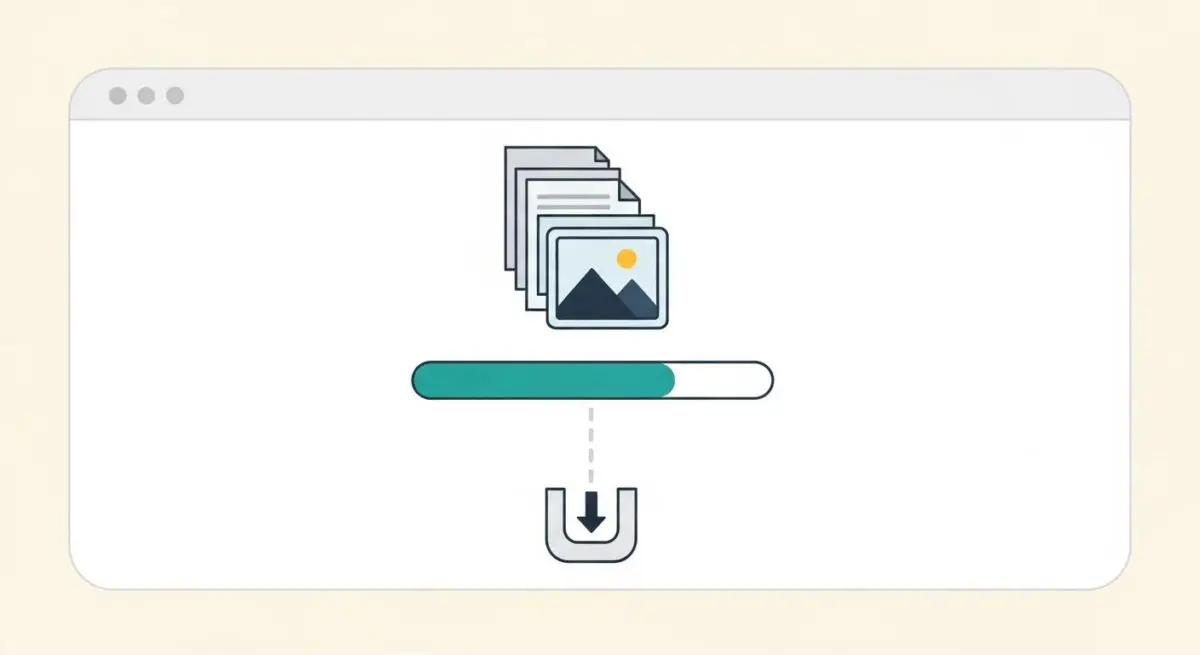
- Total Page Weight represents the cumulative byte size of all assets required to render a webpage, including HTML, CSS, JavaScript, and media.
- High page weight negatively impacts Core Web Vitals, specifically Largest Contentful Paint (LCP) and Time to Interactive (TTI), by increasing data transfer time.
- Effective optimization requires a combination of modern compression algorithms, asset prioritization, and strict third-party script management.
What is Total Page Weight?
Total Page Weight refers to the cumulative size, measured in bytes (typically Kilobytes or Megabytes), of all the individual files and assets required to fully render a webpage in a browser. This metric encompasses the initial HTML document, Cascading Style Sheets (CSS), JavaScript files, images, web fonts, videos, and any third-party scripts or tracking pixels. In the context of performance engineering, we distinguish between transfer size (the compressed data sent over the network) and uncompressed size (the actual size of the assets once processed by the browser).
As web applications become more complex, the “bloat” associated with high page weight has become a primary bottleneck for performance. Every additional byte requires network bandwidth and CPU cycles to download, parse, and execute. For enterprise-level architectures, monitoring Total Page Weight is essential for maintaining a lean document object model (DOM) and ensuring that the critical rendering path remains unobstructed by non-essential data.
The Real-World Analogy
Imagine you are ordering a piece of furniture for home delivery. Total Page Weight is equivalent to the total weight and volume of the shipping crates. A small, lightweight envelope (a 50KB page) can be delivered quickly by a single courier on a bicycle. However, a massive, multi-ton shipping container (a 5MB page) requires a heavy-duty truck, more fuel, and significantly more time to navigate through traffic. Just as a heavier shipment is more likely to be delayed by road conditions, a “heavy” website is more susceptible to performance degradation on slow or unstable mobile networks.
Why is Total Page Weight Critical for Website Performance and Speed Engineering?
Total Page Weight is a foundational metric that dictates the ceiling of a website’s speed potential. It has a direct, linear relationship with Largest Contentful Paint (LCP); the more data the browser must fetch, the longer it takes to display the primary content to the user. Furthermore, excessive JavaScript weight contributes to Total Blocking Time (TBT) and Interaction to Next Paint (INP), as the browser’s main thread becomes overwhelmed by the task of parsing and executing large scripts.
In mobile-first indexing environments, page weight is even more critical. Users on 3G or 4G networks experience high latency; every megabyte of data can add seconds to the load time, leading to increased bounce rates. From a server perspective, reducing page weight lowers egress costs and reduces the load on Content Delivery Networks (CDNs), allowing for more efficient edge caching and faster Time to First Byte (TTFB).
Best Practices & Implementation
- Implement Modern Image Compression: Utilize next-generation formats like WebP or AVIF and employ responsive image techniques (srcset) to ensure users only download the resolution necessary for their specific device viewport.
- Enable Advanced Compression Algorithms: Configure servers to use Brotli compression instead of standard Gzip for text-based assets (HTML, CSS, JS), which typically results in 15-20% smaller file sizes.
- Minify and Bundle Assets: Remove all unnecessary characters, comments, and whitespace from code files. Use tree-shaking to eliminate dead code from JavaScript bundles, ensuring only functional logic is transmitted.
- Audit Third-Party Scripts: Regularly review the impact of external libraries, tag managers, and tracking pixels. Consolidate or remove redundant scripts that contribute to “silent” page weight growth.
- Utilize Lazy Loading: Defer the loading of non-critical assets, such as images and videos below the fold, to reduce the initial payload and prioritize the critical rendering path.
Common Mistakes to Avoid
One frequent error is the over-reliance on high-resolution “hero” images that have not been optimized for the web, often adding several megabytes to the initial load. Another common mistake is the “plugin bloat” seen in CMS environments, where multiple libraries are loaded to perform simple tasks that could be handled with native CSS or vanilla JavaScript. Finally, many developers fail to monitor the uncompressed size of JavaScript, which impacts execution time even if the transfer size is relatively small.
Conclusion
Total Page Weight remains a vital KPI for performance architects. By strictly managing asset sizes and prioritizing efficient delivery, organizations can significantly improve Core Web Vitals and user retention.