Executive Summary
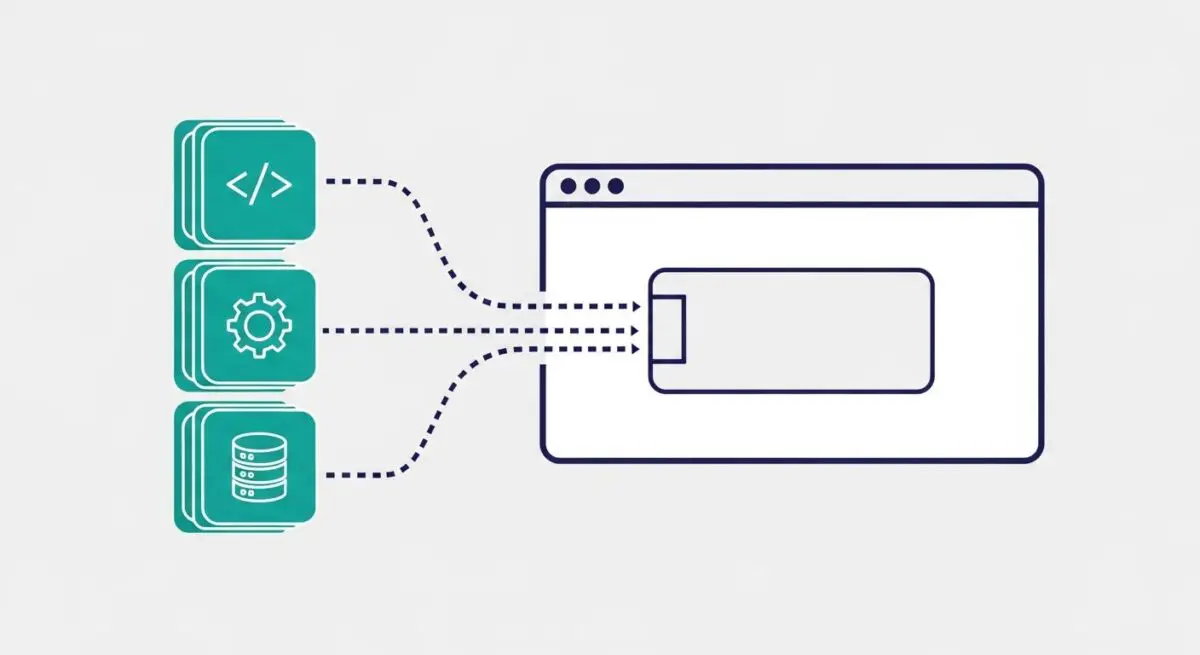
- Prefetching is a low-priority resource hint that instructs the browser to download and cache assets expected to be needed for future navigations.
- Unlike preload, prefetch utilizes idle browser time to minimize latency on subsequent pages without competing for bandwidth with current page resources.
- Strategic implementation reduces perceived load times and improves the Largest Contentful Paint (LCP) for the user’s next interaction.
What is Prefetch?
Prefetch is a browser resource hint, specifically <link rel=”prefetch”>, that suggests the user agent fetch a specific resource in the background during idle time. This mechanism is designed to anticipate the user’s next move, downloading assets like HTML documents, scripts, or stylesheets that will be required for the subsequent page navigation. Because the browser treats these requests as low priority, it ensures that the current page’s critical rendering path is not interrupted by the prefetching process.
From a technical perspective, once a resource is prefetched, it is stored in the browser’s HTTP cache or the memory cache. When the user eventually navigates to the URL that requires that asset, the browser can serve it instantly from the local cache rather than initiating a new network request. This effectively eliminates the round-trip time (RTT) and DNS lookup overhead for those specific assets on the following page.
The Real-World Analogy
Imagine you are dining at a high-end restaurant. While you are still eating your main course, the server notices you are nearly finished and prepares a fresh pot of coffee and a dessert menu at a side station. They do not bring it to your table yet—which would clutter your space—but they have it ready. The moment you ask for dessert, it appears instantly because the preparation happened during your “idle” time of eating. Prefetching works exactly like this: it prepares the “next course” of the website while the user is still consuming the current page.
Why is Prefetch Critical for Website Performance and Speed Engineering?
Prefetching is a cornerstone of perceived performance. While it may not directly improve the Core Web Vitals of the current page, it drastically improves the metrics for the next page in the user journey. By pre-warming the cache, developers can achieve near-instantaneous transitions between pages, which is vital for conversion optimization and user retention. In complex single-page applications (SPAs) or multi-page e-commerce environments, prefetching high-probability assets reduces the server response time and the time-to-interactive (TTI) for subsequent views.
Furthermore, prefetching helps in optimizing server load distribution. By fetching assets during idle periods, the browser avoids a massive spike in concurrent requests that typically occurs during a fresh page navigation. This smoothing of the request profile can lead to more efficient utilization of edge caching and Content Delivery Networks (CDNs).
Best Practices & Implementation
- Target High-Probability Navigations: Only prefetch assets for pages the user is statistically likely to visit next, such as the “Checkout” page from a “Cart” page.
- Use for Static Assets: Focus on prefetching heavy, non-render-blocking assets like large JavaScript bundles or CSS files that are common across the site.
- Monitor Data Usage: Be mindful of users on limited data plans; consider using the Save-Data header to conditionally disable prefetching for those users.
- Leverage Speculative Rules API: For modern environments, consider the Speculation Rules API for more granular control over prefetching and prerendering behaviors.
Common Mistakes to Avoid
One frequent error is confusing prefetch with preload. Preloading is for high-priority resources needed for the current page, while prefetching is for future pages; using them interchangeably can degrade current page performance. Another mistake is “over-prefetching,” where a site attempts to download every possible next link, leading to excessive bandwidth waste and potentially slowing down the user’s device CPU. Finally, prefetching dynamic content that changes frequently can lead to cache stale-ness and unnecessary server overhead.
Conclusion
Prefetching is an essential tool for speed engineers to eliminate navigation latency by intelligently utilizing browser idle time. When implemented with precision, it transforms the user experience from a series of disjointed loads into a seamless, instantaneous flow.