Executive Summary
- Utilizes a Vue.js-powered interface to provide a high-performance, reactive development environment without front-end overhead.
- Eliminates shortcode dependency by generating clean, semantic HTML and optimized CSS directly from structured JSON data.
- Features a native Query Loop builder that optimizes database interactions and supports advanced server-side rendering for dynamic content.
What is Bricks Builder?
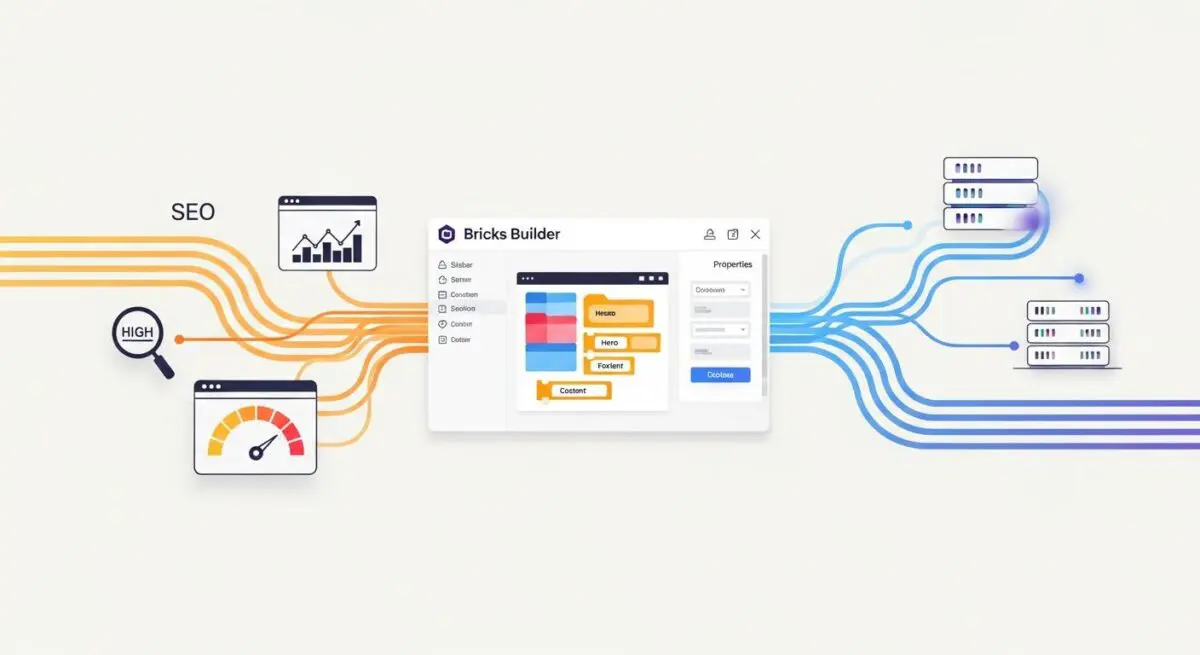
Bricks Builder is a high-performance, theme-based visual site construction tool for WordPress that deviates from traditional shortcode-based architectures. Unlike legacy builders that rely on heavy JavaScript libraries or nested shortcodes which bloat the database and the DOM, Bricks utilizes a Vue.js framework for its editor interface and stores layout data as structured JSON. This architectural choice allows for a more efficient rendering pipeline, as the system parses JSON to generate clean, semantic HTML and optimized CSS on the fly.
From a technical standpoint, Bricks functions as a full-site editing (FSE) alternative that provides granular control over the WordPress Query Loop. It allows developers to build complex dynamic templates using server-side rendering (SSR), ensuring that the content is fully indexed by search engine crawlers and delivered efficiently to the browser. By operating as a theme rather than a plugin, it maintains a tighter integration with the WordPress core, reducing the risk of software conflicts and performance bottlenecks.
The Real-World Analogy
Imagine a traditional page builder as a massive, pre-packaged Swiss Army knife where you are forced to carry all 100 tools even if you only need a single blade. This extra weight slows you down and takes up unnecessary space. Bricks Builder, by contrast, is a precision-engineered surgical kit; you only select and deploy the exact instruments required for the specific operation. This ensures the final package is lightweight, agile, and perfectly suited for the task without any extraneous weight, allowing for much faster movement and efficiency.
How Bricks Builder Impacts Server Performance & Speed Engineering?
Bricks Builder significantly optimizes server-to-client communication by minimizing the payload size and the number of server requests. Because it avoids the standard WordPress shortcode parser, it reduces the CPU cycles required to render a page. This leads to a lower Time to First Byte (TTFB), especially on high-traffic enterprise environments. The builder’s ability to generate external CSS files rather than inlining all styles allows for superior browser caching and more effective delivery via Content Delivery Networks (CDNs).
Furthermore, Bricks addresses Core Web Vitals by maintaining a shallow DOM depth. Traditional builders often wrap elements in multiple unnecessary <div> containers, which increases the browser’s style calculation and layout time. Bricks provides the technical flexibility to strip these wrappers, directly improving the Largest Contentful Paint (LCP) and Cumulative Layout Shift (CLS) scores. Its native support for modern image formats and lazy loading further reduces the initial render-blocking resources.
Best Practices & Implementation
- Implement a Global Class System: Use the built-in global class manager to adhere to DRY (Don’t Repeat Yourself) principles, which minimizes CSS redundancy and ensures site-wide maintainability.
- Optimize CSS Loading: Set the CSS loading method to “External Files” in the builder settings to leverage browser caching and reduce the size of the initial HTML document.
- Leverage the Native Query Loop: Use the internal Query Loop builder for dynamic content instead of third-party plugins to keep database queries efficient and reduce PHP execution time.
- Disable Unused Elements: Use the element manager to deactivate components not used in the project, reducing the script overhead within the builder interface.
Common Mistakes to Avoid
One frequent error is Excessive DOM Nesting, where developers create deeply nested structures that increase the DOM size, negatively impacting the browser’s rendering performance. Another common mistake is ID-based Styling; failing to use global classes leads to bloated, unoptimized CSS that is difficult to manage at scale. Finally, neglecting to configure Server-Side Rendering (SSR) for dynamic elements can lead to issues with how AI-search bots and crawlers interpret the page content.
Conclusion
Bricks Builder represents a shift toward performance-first WordPress development, offering a streamlined architecture that prioritizes clean code and server efficiency. For enterprise-level deployments, it provides the necessary tools to achieve elite Core Web Vitals while maintaining a flexible, dynamic CMS environment.