Executive Summary
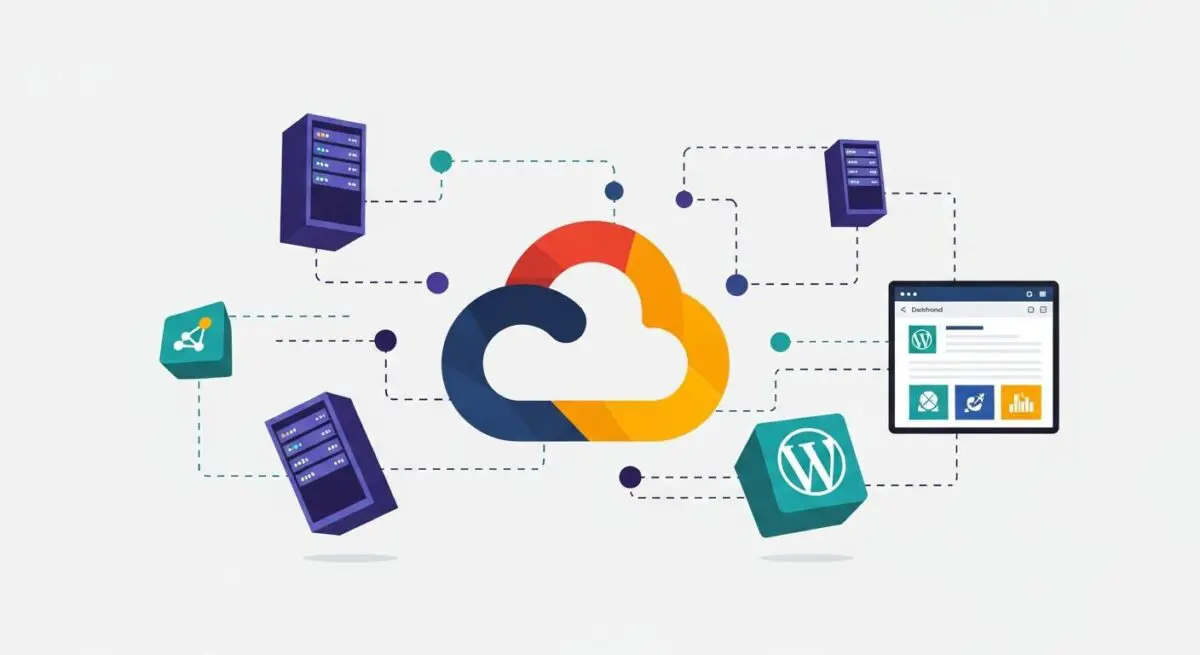
- GCP provides a global, low-latency fiber-optic network that significantly reduces Time to First Byte (TTFB) for WordPress sites.
- The platform enables decoupled architecture using Cloud SQL and Cloud Storage to ensure database scalability and media offloading.
- Compute Engine and Google Kubernetes Engine (GKE) allow for auto-scaling WordPress clusters that handle massive traffic spikes seamlessly.
What is Google Cloud Platform?
Google Cloud Platform (GCP) is a comprehensive suite of cloud computing services that runs on the same infrastructure that Google uses internally for its end-user products. For WordPress architects, GCP represents a sophisticated Infrastructure-as-a-Service (IaaS) and Platform-as-a-Service (PaaS) environment. It provides specialized components such as Compute Engine (virtual machines), Cloud SQL (managed relational databases), and Cloud Storage (unstructured data storage), which are essential for building high-performance, enterprise-grade WordPress installations.
Unlike traditional shared or VPS hosting, GCP offers a modular approach to server architecture. It allows developers to provision resources with granular precision, utilizing Google’s global fiber-optic network. This infrastructure supports advanced deployment strategies, including containerization via Google Kubernetes Engine (GKE) and serverless functions, enabling WordPress to scale horizontally across multiple geographic regions to maintain uptime and performance under extreme load.
The Real-World Analogy
Imagine Google Cloud Platform as a massive, state-of-the-art industrial complex rather than a single office building. In a traditional hosting environment, you rent a room in a building where you share the plumbing and electricity with others. If the building’s main pipe bursts, everyone is affected. In the GCP model, you are given the blueprints and the raw materials to build your own custom facility within a global network of interconnected industrial zones. You can instantly add more power generators (CPU), expand your warehouse (Storage), or hire more security (WAF) exactly when you need them, and you only pay for the resources your facility consumes at any given second.
How Google Cloud Platform Impacts Server Performance & Speed Engineering?
The primary impact of GCP on WordPress performance stems from its Premium Tier Network. This routing strategy ensures that incoming traffic enters Google’s private global fiber network at the closest possible Point of Presence (PoP), minimizing hops over the public internet and drastically reducing latency. This is a critical factor in optimizing Core Web Vitals, specifically Largest Contentful Paint (LCP) and First Contentful Paint (FCP).
Furthermore, GCP’s use of NVMe SSDs and custom-designed hardware accelerators ensures high I/O operations per second (IOPS), which accelerates PHP execution and database query processing. By leveraging Cloud Load Balancing, WordPress traffic can be distributed across multiple instances in different zones, providing high availability and ensuring that server response times remain consistent even during traffic surges. The integration of Cloud CDN directly with GCP resources further enhances edge caching efficiency, serving static assets with minimal distance-related delay.
Best Practices & Implementation
- Utilize Managed Databases: Deploy WordPress using Cloud SQL for MySQL to offload database management, ensuring automated backups, vertical scaling, and high-availability failover.
- Implement Object Storage: Use the Stateless WordPress model by offloading the
wp-content/uploadsdirectory to Cloud Storage, which allows for easier scaling of compute instances. - Optimize Networking: Always select the Premium Tier network service to ensure traffic travels over Google’s private backbone rather than the congested public internet.
- Leverage Instance Templates: Use Compute Engine Instance Groups with auto-scaling policies to automatically add or remove server capacity based on CPU utilization or load balancer traffic.
Common Mistakes to Avoid
One frequent error is over-provisioning resources, where developers allocate more CPU and RAM than necessary, leading to inflated costs without performance gains. Another critical mistake is failing to configure Identity and Access Management (IAM) roles correctly, which can lead to security vulnerabilities by granting excessive permissions to service accounts. Finally, many brands neglect to set up Budget Alerts, which is essential in a consumption-based billing environment to prevent unexpected financial overhead during traffic spikes or DDoS attacks.
Conclusion
Google Cloud Platform provides the robust, low-latency infrastructure required for enterprise WordPress deployments, offering unmatched scalability and network performance. By adopting a decoupled architecture on GCP, organizations can ensure their WordPress sites remain resilient and performant at a global scale.