Executive Summary
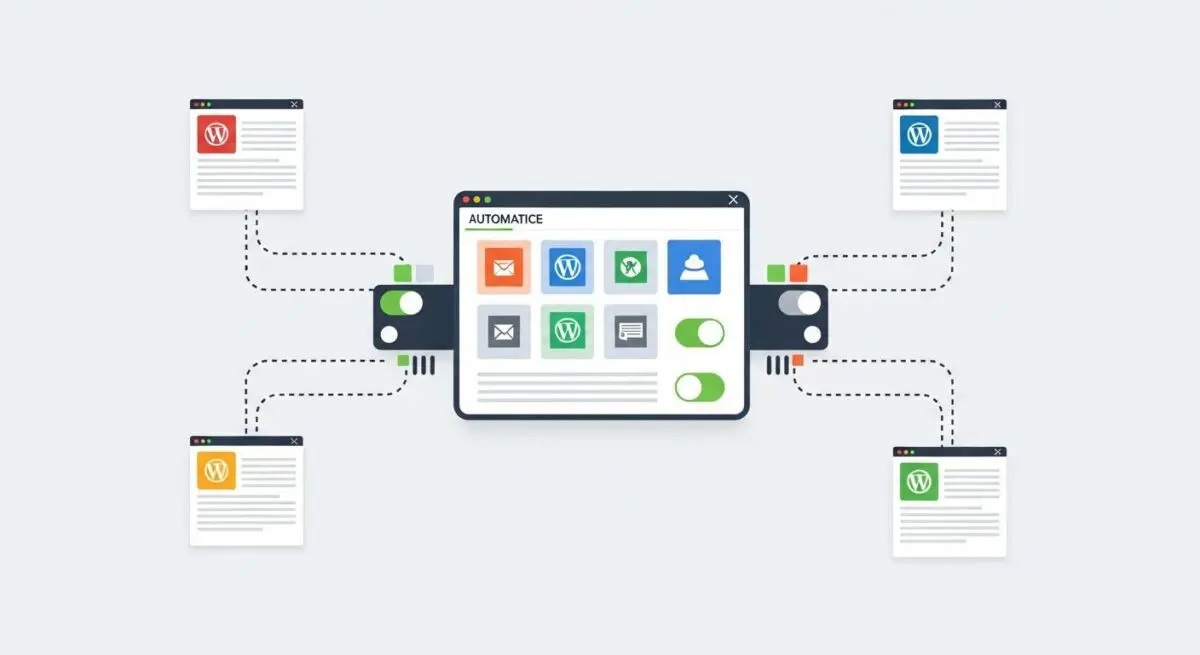
- Centralized orchestration of multiple WordPress instances through a single SaaS dashboard, utilizing a remote worker plugin architecture.
- Automation of critical maintenance tasks including core/plugin updates, off-site backups, and security vulnerability scanning.
- Integration of performance monitoring and uptime tracking to ensure high-availability across diverse hosting environments.
What is ManageWP?
ManageWP is a sophisticated Software-as-a-Service (SaaS) solution designed for the centralized management of multiple WordPress installations. It operates via a worker plugin architecture, where a lightweight plugin is installed on each child site to facilitate secure communication with the master dashboard. This allows administrators to execute bulk actions, such as updating the WordPress core, plugins, and themes, across hundreds of disparate server environments from a single interface.
From a technical standpoint, ManageWP leverages the WordPress REST API and custom remote execution protocols to perform database optimization, security monitoring, and performance benchmarking. By abstracting the maintenance layer away from individual site dashboards, it provides enterprise-level oversight and reduces the administrative overhead associated with scaling a WordPress-based digital portfolio.
The Real-World Analogy
Imagine a property management firm responsible for maintaining a thousand luxury apartments across different cities. Instead of sending a separate maintenance crew to every building to check the smoke detectors and change the locks individually, they install a centralized smart-home system. From one central command center, the manager can lock all doors, update the security software, and check the utility status of every apartment simultaneously. ManageWP is that central command center for your fleet of WordPress websites.
How ManageWP Impacts Server Performance & Speed Engineering?
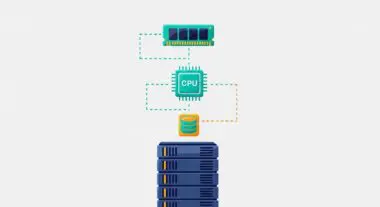
The implementation of ManageWP introduces a specific set of variables into the server ecosystem. The ManageWP Worker plugin adds a negligible footprint to the front-end load time, as its primary functions are executed on the back-end during administrative requests. However, the frequency and timing of remote calls—such as automated backups or security scans—can impact Server Response Times (TTFB) if the server’s resources (CPU and RAM) are already near capacity.
One significant advantage for speed engineering is the ability to offload backup processes. By utilizing ManageWP’s cloud infrastructure for backups, the local server is spared the intensive I/O operations typically required by local backup plugins. Furthermore, the platform’s performance monitoring tools provide Core Web Vitals data, allowing developers to identify and remediate render-blocking resources or database bloat across the entire network without manual per-site audits.
Best Practices & Implementation
- IP Whitelisting: For enhanced security, whitelist ManageWP’s specific IP addresses at the server-level firewall (WAF) to prevent false positives from security modules like ModSecurity.
- Scheduled Off-Peak Maintenance: Configure automated updates and backups to run during low-traffic periods to minimize the impact of PHP process consumption on user experience.
- Two-Factor Authentication (2FA): Enforce 2FA on the ManageWP dashboard, as it serves as a single point of access to the entire website infrastructure.
- Database Optimization: Regularly utilize the bulk database optimization tool to clear overhead, expired transients, and post revisions, maintaining lean database tables.
Common Mistakes to Avoid
A frequent error is relying on bulk updates without a Safe Update protocol; updating plugins across multiple sites simultaneously can lead to cascading failures if a conflict occurs. Another mistake is ignoring backup integrity; while ManageWP automates the process, failing to periodically test restoration points can result in data loss during a critical failure. Finally, many administrators neglect to update the Worker plugin itself, which can lead to communication timeouts and security vulnerabilities.
Conclusion
ManageWP is a critical tool for scaling WordPress operations, offering a centralized framework for maintenance, security, and performance optimization. When implemented with proper security protocols and resource scheduling, it significantly enhances the efficiency of enterprise-level WordPress architecture.