Key Points
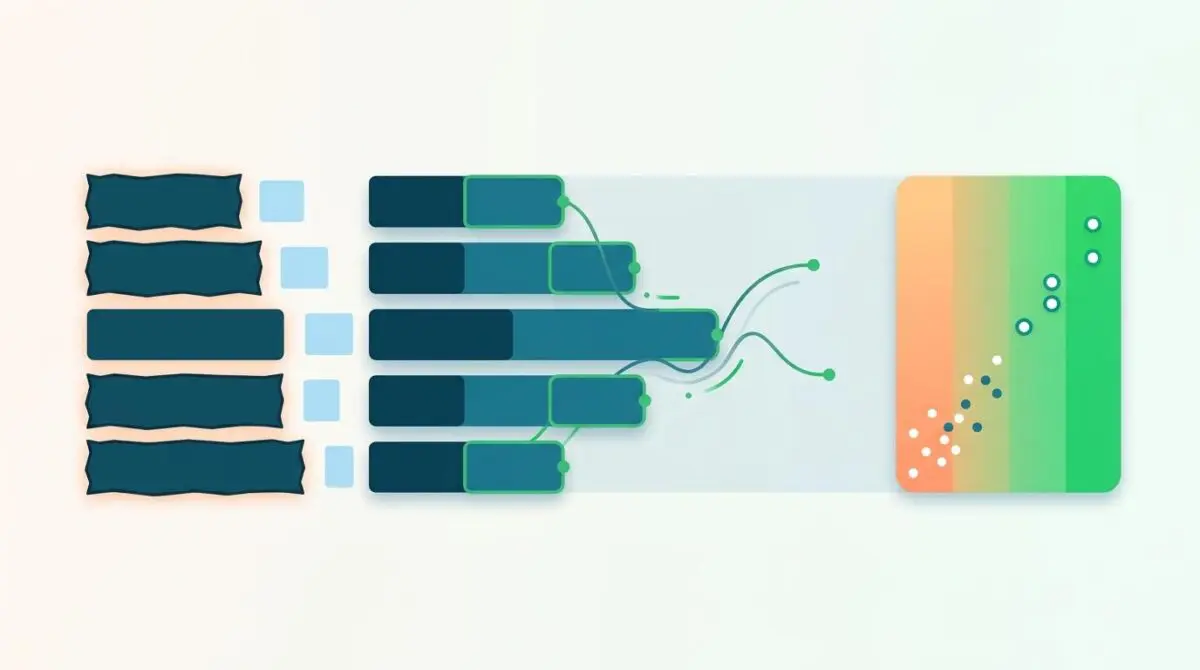
- Main Thread Congestion: Excessive state payload (__NEXT_DATA__) and monolithic JS bundles block the event loop during Next.js hydration, severely spiking Total Blocking Time (TBT).
- Asynchronous Rendering: Implementing route-based dynamic imports and React 18 Selective Hydration with Suspense boundaries allows for decoupled component rendering, freeing up critical CPU cycles.
- Performance Validation: Verifying the fix requires analyzing Chrome DevTools Long Tasks to keep them under 50ms and monitoring real-user metrics to ensure Generative Engine Optimization (GEO) compliance.
Table of Contents
The Core Conflict: Hydration Overhead and INP
According to the HTTP Archive’s 2024 Web Almanac, nearly 35% of sites using modern JavaScript frameworks fail the Interaction to Next Paint (INP) threshold on mobile devices. This widespread failure is primarily due to main-thread congestion during the hydration phase. When Total Blocking Time (TBT) spikes during the hydration of a Next.js application, the browser becomes completely unresponsive to user inputs.
Interaction to Next Paint (INP) via Client-side Hydration is a critical Core Web Vital that measures UI responsiveness. In a Next.js architecture, the client-side JavaScript must eventually take over the server-rendered HTML to make the page interactive. If the main thread is occupied executing heavy hydration logic, click, tap, and keyboard latency skyrockets.
This creates severe downstream effects for organic visibility and technical SEO. From a Crawl Budget and Generative Engine Optimization (GEO) perspective, excessive hydration overhead delays the Time to Interactive for rendering engines like Googlebot’s WRS. While Googlebot does not directly interact with pages to measure INP, high TBT causes rendering timeouts that lead to incomplete indexing.
Furthermore, Generative Engines prioritize high-performance, accessible content in their evaluation pipelines. A site that fails responsiveness benchmarks is frequently deprioritized in Retrieval-Augmented Generation (RAG) models for high-intent queries. Resolving this requires a deep architectural audit of your component tree and state transfer payloads.
Diagnostic Checkpoints for Next.js Architectures
This rendering error represents a fundamental desynchronization in your technology stack. It typically manifests in Google Search Console as a Core Web Vitals issue flagging INP longer than 200ms or 500ms. In the Chrome DevTools Performance tab, this appears as a dense block of long tasks immediately following the DOMContentLoaded event.
Diagnostic Checkpoints
Monolithic JavaScript Bundles
Large bundles block event loop during hydration.
State Transfer Payload Bloat
Oversized __NEXT_DATA__ spikes TBT and parsing.
Synchronous Third-Party Script Execution
Injected scripts compete for main thread CPU.
Excessive DOM Depth and Complexity
Recursive reconciliation of deep trees delays INP.
The root cause often spans multiple layers of the application infrastructure. At the server layer, querying exhaustive amounts of post meta from a Headless WordPress setup creates massive serialized JSON objects. The browser must parse this bloated state object before the event loop can clear.
At the frontend layer, monolithic JavaScript bundles force the browser to evaluate megabytes of script synchronously. Compounding this issue, complex DOM trees from page builders require expensive recursive checks during the React reconciliation phase. Finally, poorly implemented third-party scripts injected via the Next.js script component compete for the exact same CPU cycles needed for hydration.
The Engineering Resolution Roadmap
Fixing hydration bottlenecks requires strict resource prioritization and asynchronous execution logic. We must decouple non-critical components from the initial hydration pass to allow the browser to breathe.
Engineering Resolution Roadmap
Implement Route-Based Dynamic Imports
Replace standard imports with ‘next/dynamic’ for all components below the fold or non-critical for the initial view. Use { ssr: false } for components that rely on browser-only APIs to prevent hydration mismatches.
Optimize Global State and Props
Sanitize the data returned from WP-REST or GraphQL. Only pass the specific fields required for rendering to ‘getStaticProps’. Use ‘JSON.parse(JSON.stringify(data))’ to ensure no complex, non-serializable objects are passed.
Offload Non-Critical Tasks with requestIdleCallback
Wrap non-essential hydration logic or third-party initializations in a ‘requestIdleCallback’ or use the ‘worker’ strategy in ‘next/script’ to move execution to a Web Worker via Partytown.
Enable React Selective Hydration
Upgrade to React 18+ and use ‘Suspense’ boundaries. This allows Next.js to hydrate parts of the page independently, prioritizing the areas the user is interacting with and reducing the total blocking time of a single hydration pass.
The primary goal of this roadmap is to break up the long tasks occupying the main thread. Implementing route-based dynamic imports ensures that only the JavaScript required for the above-the-fold viewport is evaluated immediately. Everything else is deferred until the browser is idle or the user initiates a scroll event.
Upgrading to React 18 and utilizing Selective Hydration via Suspense boundaries is an equally critical architectural shift. This modern setup allows Next.js to hydrate discrete parts of the page independently. If a user interacts with a specific component before the page finishes loading, React will prioritize hydrating that boundary, effectively bypassing the TBT bottleneck.
Code Implementations for Hydration Efficiency
Fixing via Next.js Dynamic Imports
This solution forces heavy components to bypass Server-Side Rendering (SSR) and defers their loading until the main thread is clear. It prevents non-essential logic from bloating the initial hydration payload and causing main thread lockups.
import dynamic from 'next/dynamic'; const HeavyComponent = dynamic(() => import('../components/Heavy'), { ssr: false, loading: () => <p>Loading...</p> });Fixing via NGINX Compression
Large bundle sizes directly correlate with extended parsing and compilation time in the browser. Enforcing Brotli and Gzip compression at the NGINX server level drastically reduces the transfer size of the static chunks, accelerating the time to hydration.
gzip on; gzip_types text/plain text/css application/json application/javascript text/xml application/xml+rss text/javascript; brotli on; brotli_types text/plain text/css application/json application/javascript text/xml application/xml+rss text/javascript;Fixing via WP-CLI Database Optimization
In Headless WordPress environments, bloated databases slow down the WP-REST API response, which delays the initial HTML payload generation. Clearing stale transients and optimizing the database ensures a lean state transfer to the Next.js frontend.
wp transient delete --all wp db optimizeValidation Protocol & Edge Cases
Implementing the code is only half the battle; rigorous validation is required to confirm the main thread is actually clear. You must simulate low-tier mobile devices to accurately measure hydration overhead and verify that your TBT has stabilized.
Validation Protocol
- Monitor Chrome DevTools Performance tab for Long Tasks exceeding 50ms.
- Track real-time INP scores via the npx web-vitals-extension.
- Analyze PageSpeed Insights Origin Summary for field data trends.
- Verify Brotli compression and asset transfer times via curl headers.
Even with perfect component architecture, edge cases can trigger catastrophic hydration mismatches. A common, yet highly disruptive, conflict occurs at the CDN layer with tools like Cloudflare Auto Minify or custom Edge Workers modifying the DOM.
If an Edge Worker injects a script, such as a cookie consent banner, before the Next.js runtime scripts, it disrupts the strict execution order. The browser is forced to pause hydration to fetch the injected script, resulting in a Hydration Mismatch. This forces the entire page to re-render client-side, effectively doubling your Total Blocking Time.
Autonomous Monitoring & Prevention
Preventing performance regression requires moving away from manual audits and implementing continuous integration monitoring. You should integrate Lighthouse CI into your GitHub Actions pipeline to automatically fail builds if TBT exceeds a strict 300ms threshold.
Relying purely on lab data is insufficient for modern technical SEO. Deploy real-user monitoring tools like Vercel Speed Insights or Akamai mPulse to track INP fluctuations in the wild. Regularly audit your bundle composition using the bundle analyzer to catch dependency creep before it reaches production.
At the enterprise level, maintaining entity integrity and server performance requires sophisticated oversight. Advanced automation pipelines, custom API alerts, and deep log analysis can autonomously monitor these technical thresholds. This ensures your server architecture remains optimized for both human users and generative AI crawlers.
Conclusion
Resolving Next.js hydration bottlenecks is a fundamental requirement for maintaining competitive INP scores and maximizing crawl efficiency. By isolating heavy components, optimizing state payloads, and leveraging React 18 Suspense, you can eliminate main thread congestion and deliver instant interactivity.
Navigating the intersection of technical SEO, server architecture, and generative search requires a precise roadmap. If you need to future-proof your enterprise stack, resolve deep-level crawl anomalies, or implement AI-driven SEO automation, connect with Andres at Andres SEO Expert.