Key Points
- Googlebot’s Web Rendering Service disqualifies videos hidden inside collapsed accordions because they register a zero-pixel bounding box during the automated rendering scan.
- Replacing standard display rules with absolute positioning and a one-pixel CSS clip ensures structural DOM visibility without altering the user interface.
- Disabling native iframe lazy loading and injecting precise VideoObject JSON-LD guarantees the media asset is prioritized and correctly indexed.
Table of Contents
- The Core Conflict: Video Rendering in Collapsed DOM States
- Diagnostic Checkpoints: WRS and DOM Desynchronization
- The Engineering Resolution: Realigning Viewport Metrics
- The Resolution Execution: CSS and Schema Implementation
- Validation Protocol and Edge Cases
- Autonomous Monitoring and Prevention
- Conclusion
The Core Conflict: Video Rendering in Collapsed DOM States
According to Google Search Central, videos must occupy a significant portion of the viewport to be considered the main content of a page. If the video is too small or hidden, it will fail to generate a Video Rich Result. A recent study by Milestone Research suggests this failure can lead to a 20% lower Click-Through Rate compared to pages with successful video indexing.
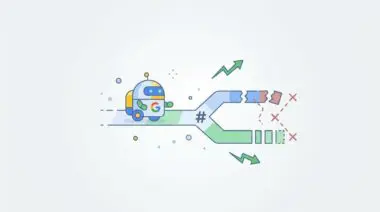
The “Video outside the viewport” error manifests when Googlebot evaluates your page layout. Google’s Web Rendering Service calculates the bounding box of all elements against an initial visible area. This viewport is typically 1280×1024 pixels for desktop crawls and 360×640 pixels for mobile crawls.
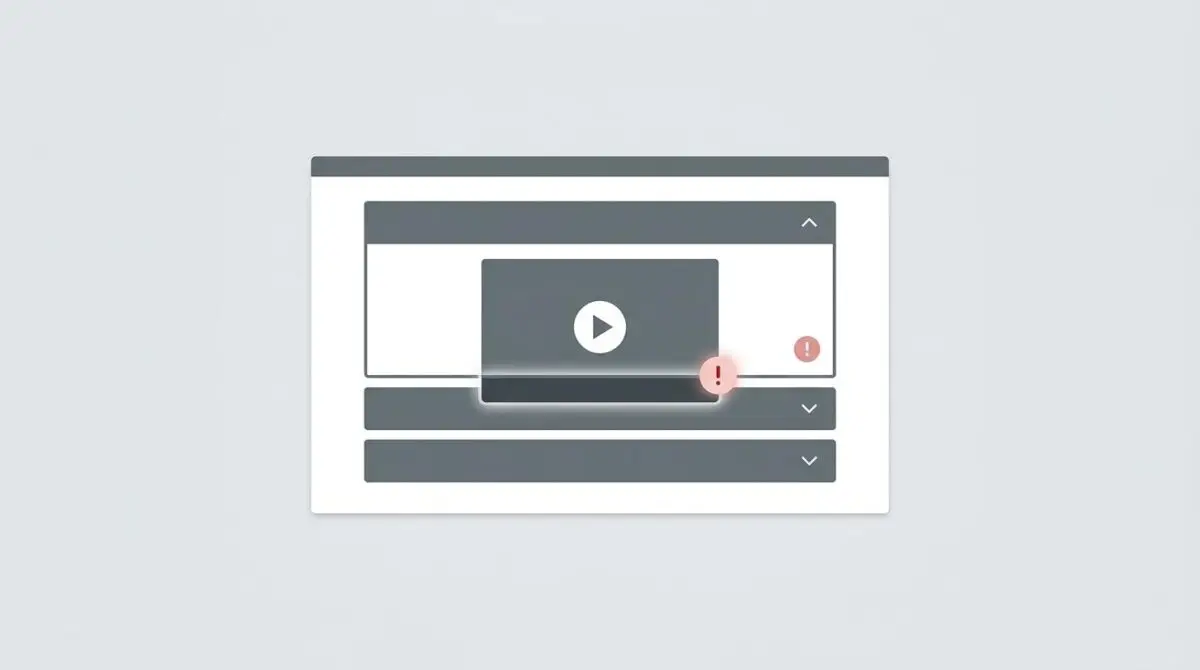
When videos are embedded within accordion components, they often render with zero height or are completely hidden via CSS. This causes Google to disqualify the video from the Search Video enhancement. The crawler perceives the asset as non-interactive or invisible to the user during the initial automated scan.
This rendering failure also actively destroys your crawl budget. Googlebot-Video wastes resources fetching the media file, returning a 200 OK status, only to discard the asset when the layout tree is calculated. Resolving this requires immediate architectural realignment.
Diagnostic Checkpoints: WRS and DOM Desynchronization
Resolving this error requires understanding the desynchronization between your server payload and the rendering engine. The issue rarely lies with the video file itself. Instead, it stems from how the Document Object Model handles collapsed structural elements.
Diagnostic Checkpoints
CSS Display: None Invisibility
‘Display: none’ hides video from Googlebot layout tree.
Native Lazy Loading on Iframes
Lazy loading prevents rendering in closed containers.
Cumulative Layout Shift (CLS) Displacement
Layout shifts push video below visibility threshold.
Intersection Observer API Failures
JS triggers fail during automated rendering scans.
Analyzing the Root Causes
Most accordion scripts toggle visibility using aggressive CSS rules. When an accordion defaults to a closed state, the video container inside is calculated as having no position in the layout tree. Googlebot does not click icons or interact with page elements to expand hidden content.
Another major culprit is the WordPress 5.7 native iframe lazy loading update. This core feature automatically defers off-screen iframes to save bandwidth. If your video is an oEmbed within a collapsed accordion, it never crosses the near-viewport threshold required to trigger the network request.
Additionally, Intersection Observer API failures occur when modern scripts require user scrolling to initialize animations. Automated rendering scans do not trigger these user-centric events. This leaves the video container at zero pixels in height within the DOM.
Finally, severe Cumulative Layout Shifts can push an initially visible accordion below the fold once heavy web fonts or hero images finish loading. Googlebot records the final rendered position. If that position falls outside the initial viewport, the error is triggered.
The Engineering Resolution: Realigning Viewport Metrics
To restore your video indexing status, you must restructure how the browser paints the hidden elements. The goal is to maintain a mathematical footprint in the DOM without compromising the user interface. This requires a multi-layered approach across CSS, JavaScript, and Schema markup.
Engineering Resolution Roadmap
Modify Accordion CSS Visibility
Replace ‘display: none’ with a method that keeps the element in the layout tree. Use ‘height: 0; overflow: hidden; opacity: 0;’ for the closed state. This ensures the video element has a DOM position that Googlebot can detect even if it is not visually ‘open’.
Disable Lazy Loading for Top-Fold Accordions
Add a filter in your functions.php to skip ‘loading=lazy’ for videos inside accordions. Use ‘wp_img_tag_add_loading_attr’ or ‘wp_iframe_tag_add_loading_attr’ filters to exclude specific classes from lazy loading.
Implement VideoObject JSON-LD
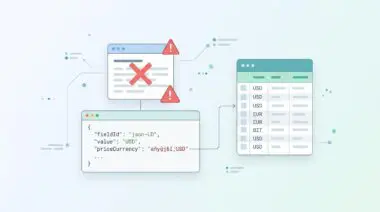
Manually inject VideoObject Schema that includes the ‘contentUrl’ and ’embedUrl’. Crucially, ensure the ‘thumbnailUrl’ is high-quality and the ‘uploadDate’ is present. This hints to Google that a video exists even if the UI rendering is complex.
Force Accordion Expansion for Bots
Use a User-Agent check in your theme’s JavaScript to detect ‘Googlebot’. If detected, add a class to your accordion containers (e.g., .is-open) that forces them to be expanded by default.
Deep Dive into the Fixes
Replacing standard display rules with absolute positioning and clipping ensures the element remains detectable. The video element maintains a DOM position that Googlebot can calculate during the rendering pass. This satisfies the visibility requirement without disrupting the visual design of the collapsed accordion.
You must also disable lazy loading for any accordions located above the fold. Adding a filter in your server-side functions prevents the browser from delaying the iframe rendering. This guarantees the video source is available immediately upon the initial HTML parse.
Furthermore, injecting precise VideoObject JSON-LD provides an explicit directive to the search engine. Following Google’s Video SEO best practices ensures you communicate the exact location and metadata of the asset. This structural hint confirms the video exists even if the UI rendering sequence is complex.
The impact of these rich results cannot be overstated. Restoring these enhancements directly influences user acquisition, as highlighted by the Milestone Research study on rich result CTR. Proper viewport alignment is the gateway to these performance metrics.
The Resolution Execution: CSS and Schema Implementation
Executing this resolution requires modifying your theme’s stylesheet. You must target the specific classes used by your accordion panels. The objective is to override the default hidden state with a visually hidden but structurally present alternative.
Fixing via CSS Architecture
Apply the following CSS snippet to your accordion’s inactive state. This forces the container to occupy exactly one pixel of space while remaining entirely clipped from the user’s view.
.accordion-panel:not(.active) { display: block !important; height: 1px !important; width: 1px !important; overflow: hidden !important; clip: rect(1px, 1px, 1px, 1px) !important; position: absolute !important; }Once applied, clear your server cache and any edge node caching. This ensures the updated stylesheet is delivered to Googlebot on the next crawl. The Web Rendering Service will now detect the one-pixel bounding box inside the initial viewport.
If your architecture uses a page builder like Elementor or Divi, you may need to inject this via a custom CSS module. Ensure the specificity of your selectors overrides the core builder stylesheets. Always verify the styling on mobile viewports to prevent unintended horizontal scrolling.
Validation Protocol and Edge Cases
Implementing the fix is only the first phase of the engineering lifecycle. You must strictly validate the DOM output to ensure the crawler interprets the new CSS correctly. Failing to validate can result in prolonged indexing delays.
Validation Protocol
- Run the GSC URL Inspection Tool Live Test.
- Confirm video visibility in the rendered Screenshot tab.
- Verify Page Resources for successful video source loading.
- Use curl -A Googlebot to check raw HTML structure.
Bypassing Edge Layer Conflicts
Advanced optimization layers often introduce complex edge cases. A common conflict occurs when a Cloudflare Edge Worker or a caching plugin like NitroPack strips out what it deems unused CSS. These tools may identify the accordion’s open state CSS as unused because it relies on user interaction.
Consequently, the optimization layer purges the critical styling before it reaches the crawler. The bot only sees the closed state, leaving the video permanently hidden despite your structural modifications. You must explicitly exclude your accordion CSS classes from these unused CSS removal features.
Additionally, Varnish cache can occasionally hold stale sitemaps or outdated HTML payloads. If the Live Test fails after implementing the CSS fix, purge your entire reverse proxy cache. Ensure the headers delivered to Googlebot reflect the most recent deployment.
Autonomous Monitoring and Prevention
Preventing future rendering anomalies requires integrating a headless testing phase into your SEO audit pipeline. Relying on manual Search Console checks is inefficient for enterprise-scale architectures. You need proactive systems that detect DOM regressions before Googlebot processes them.
Utilize custom Puppeteer scripts or Lighthouse CI to verify that VideoObject elements maintain a non-zero bounding box on page load. Server-side rendering for accordion content ensures the structural HTML exists before any JavaScript execution. This guarantees the payload is immediately digestible by search engines.
At Andres SEO Expert, we engineer automated entity integrity monitors using Make.com pipelines and advanced log analysis. These autonomous systems alert our architects the moment a server configuration or plugin update threatens your video indexing status. Proactive server architecture is the foundation of resilient organic visibility.
Conclusion
Resolving the video outside the viewport error requires a precise alignment of CSS architecture, server-side rendering, and automated validation. By maintaining the structural integrity of collapsed DOM elements, you ensure Googlebot can accurately calculate your media assets. This technical discipline restores your rich results and protects your organic click-through rates.
Navigating the intersection of technical SEO, server architecture, and generative search requires a precise roadmap. If you need to future-proof your enterprise stack, resolve deep-level crawl anomalies, or implement AI-driven SEO automation, connect with Andres at Andres SEO Expert.
Frequently Asked Questions
Why does Google Search Console report my video is outside the viewport?
This error occurs when Google’s Web Rendering Service (WRS) determines a video occupies no space or is hidden during the initial render. This usually happens because the video is inside a collapsed accordion or hidden via CSS properties like ‘display: none’, making it invisible to the crawler’s viewport scan.
How do accordions affect video indexing and rich results?
Accordions typically use CSS to hide content in a closed state. Because Googlebot does not interact with or click elements to expand them, any video inside a closed accordion is perceived as having zero height or being non-existent in the layout tree, leading to a failure in generating Video Rich Results.
What is the best way to hide content from users but keep it visible to Googlebot?
Instead of using ‘display: none’, use CSS that maintains the element’s position in the DOM. Applying ‘height: 0; overflow: hidden; opacity: 0;’ or ‘clip: rect(1px, 1px, 1px, 1px); position: absolute;’ ensures the video has a detectable bounding box for Googlebot while remaining hidden from users.
Does lazy loading cause ‘Video outside the viewport’ errors?
Yes. Native lazy loading on iframes can prevent a video from loading if it remains in a collapsed container that never crosses the viewport threshold. Disabling lazy loading for videos in top-fold accordions ensures the asset is fetched and rendered during Google’s automated scan.
Can Schema markup fix video indexing errors?
While Schema markup like VideoObject JSON-LD provides essential metadata (contentUrl, thumbnailUrl), it does not override viewport requirements. You must combine valid Schema with a rendered DOM where the video is technically ‘visible’ to Googlebot’s rendering engine.
How can I verify if my video is visible to Googlebot?
Use the Google Search Console URL Inspection Tool and run a ‘Live Test’. Examine the rendered screenshot and the HTML tab to confirm the video container has a non-zero height and that all video resources loaded successfully without being blocked or deferred.